
Zit Workflow - ComfyUI Workflow Library
Discover professional zit workflow templates for ComfyUI. Download free ComfyUI workflows for AI image generation and creative projects.

Z-Image-From-Description - v1.0 | ZImageTurbo Workflows
This workflow is a customized extension of the default setup. It begins by feeding the input image into the Qwen-VL node, which processes the image to generate a detailed description. This description is then used to generate a new image, creating a seamless loop of image-to-text-to-image transformation. The workflow leverages advanced AI models to ensure high-quality results, making it suitable for creative and professional use cases where detailed image generation based on textual descriptions is required.
![Ultimate Z-Image [UZI] upscale - v1.0](https://image.civitai.com/xG1nkqKTMzGDvpLrqFT7WA/2acb9373-c48c-418b-9ed5-eb5860602f8b/original=true/115113967.jpeg, https://image.civitai.com/xG1nkqKTMzGDvpLrqFT7WA/17a36f3c-3eb5-47de-9f0c-0a6687592668/original=true/115114131.jpeg, https://image.civitai.com/xG1nkqKTMzGDvpLrqFT7WA/3b6c753c-3373-41f1-b0cc-a7a94d0a555a/original=true/115113854.jpeg, https://image.civitai.com/xG1nkqKTMzGDvpLrqFT7WA/105c8e37-7ad4-4b56-8b0b-0d7d3ba2082c/original=true/115113855.jpeg, https://image.civitai.com/xG1nkqKTMzGDvpLrqFT7WA/9ea9cf8b-7beb-4363-9a0a-3c80878faedd/original=true/115113827.jpeg, https://image.civitai.com/xG1nkqKTMzGDvpLrqFT7WA/f4c5ba61-ee94-4f74-a9ca-0cb2e60b2993/original=true/115113851.jpeg, https://image.civitai.com/xG1nkqKTMzGDvpLrqFT7WA/8610b0b6-85d7-47ae-a885-f7cb7a2e670e/original=true/115113828.jpeg, https://image.civitai.com/xG1nkqKTMzGDvpLrqFT7WA/1ec8b0db-6be4-4941-aee1-9a08bc86fb01/original=true/115113850.jpeg)
Ultimate Z-Image [UZI] upscale - v1.0
This workflow is designed to provide a high-quality upscale of images using the Z-Image Turbo model. It supports both Text-to-Image (T2I) and Image-to-Image (I2I) modes, allowing users to enhance the resolution and detail of their images. If the final result appears oversharpened, users can adjust the 'blur_str' parameter to achieve a more natural look. The workflow is part of the ZImageTurbo Workflows collection on Civitai.

Amazing Z-Photo Workflow - v3.0
This workflow is designed for Z-Image-Turbo and focuses on producing high-quality photographic styles with ease of use. It includes a Style Selector that allows users to choose from fifteen customizable image styles, enhancing the versatility and quality of the generated images. The workflow is optimized for both professional and casual users, providing a seamless experience for creating stunning photographic outputs.

Z_Image_turbo - Face detailer - Upscaler - Workflow - v2.0
This workflow is designed to enhance images by adding face details and upscaling them. It utilizes a model from Hugging Face (Comfy-Org/z_image_turbo) and a text encoder to process and improve image quality. The workflow is part of the ZImageTurbo Workflows collection on Civitai, aimed at providing advanced image processing capabilities for users looking to refine their images with enhanced facial features and higher resolution.

Z-Image Turbo UltraReal workflow
This workflow is designed to produce ultrarealistic image results using Z-Image Turbo technology. While it was initially created with the 'NiceGirls LoRA' in mind, it also works effectively without people, making it versatile for various types of image generation. The workflow leverages advanced techniques to enhance realism and detail in the generated images, providing high-quality outputs that meet professional standards.
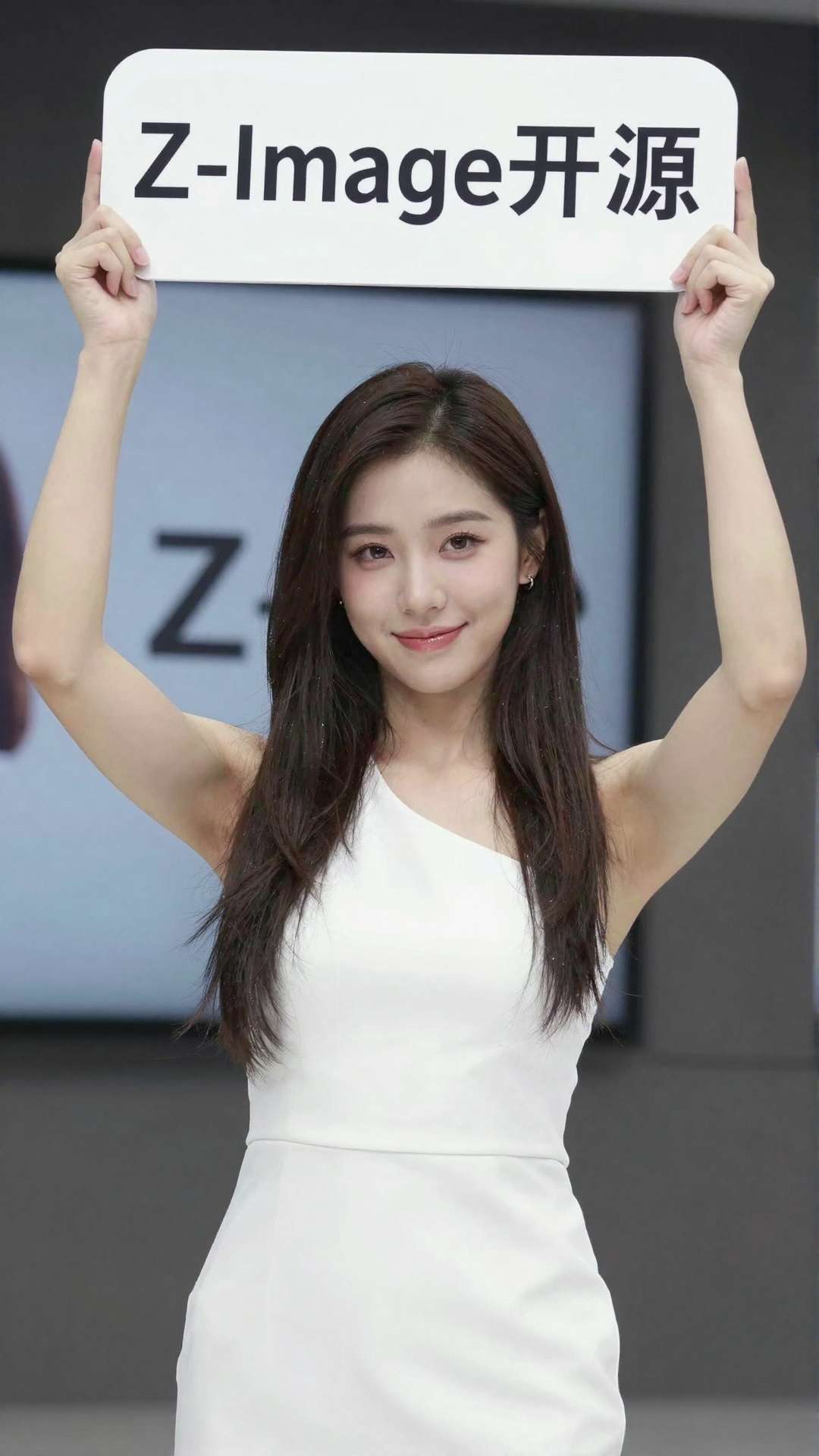
Z-IMAGE text to image - v1.0
This workflow, part of the ZImageTurbo Workflows collection on Civitai, allows users to convert text prompts into images. It's designed for those who want to experience the effect before downloading the model or if their local computer cannot run the model. The workflow leverages advanced AI technology to generate images based on textual descriptions, offering a convenient way to visualize concepts and ideas through AI-generated imagery.

nunchaku-Z-image_to_SDXL - v1.0 | ZImageTurbo Workflows
This workflow aims to integrate the excellent prompt tracking and high image quality capabilities of ZIT (ZImageTurbo) with the artistic strengths of illustrious-SDXL. It allows users to leverage the advanced features of ZIT for precise prompt management and superior image output, combined with the creative and visually rich aspects of illustrious-SDXL's vast capabilities. The workflow is designed to enhance the image generation process by merging these two powerful tools, resulting in high-quality, detailed, and visually appealing outputs.

Amazing Z-Image Workflow - v4.0
This workflow is designed for Z-Image-Turbo and focuses on delivering high-quality image styles with ease of use. It includes a Style Selector feature that allows users to choose from eighteen (x2) customizable image styles, enhancing the creative process and output quality. The workflow aims to streamline the image generation process, making it accessible and efficient for users.

Z_image_I2I_controlnet2.1_inpaint - v1.0
This workflow, part of ZImageTurbo Workflows on Civitai, seamlessly integrates LORA and ControlNet technologies to deliver commercial-grade image quality. It's capable of scaling up to 8K rendering, making it suitable for high-resolution, professional-grade image outputs. The workflow focuses on inpainting capabilities, allowing users to refine and enhance existing images with advanced AI techniques. The integration of LORA and ControlNet ensures high precision and quality in the image generation and manipulation process.

Z-Image All-in-One Creator
This workflow is a comprehensive tool for image generation and manipulation in ComfyUI. It offers multiple functionalities including Text-to-Image generation (Txt2Img), Image-to-Image transformation (Img2Img), Inpainting for targeted image editing, Upscaling to enhance image resolution, ControlNet for precise image control, Image Variation for creating different versions of an image, and Face Detailer for improving facial features in portraits. The workflow is designed to be versatile, allowing users to switch between different modes based on their specific needs. It provides a streamlined interface for users to create, edit, and enhance images with various AI-powered features.
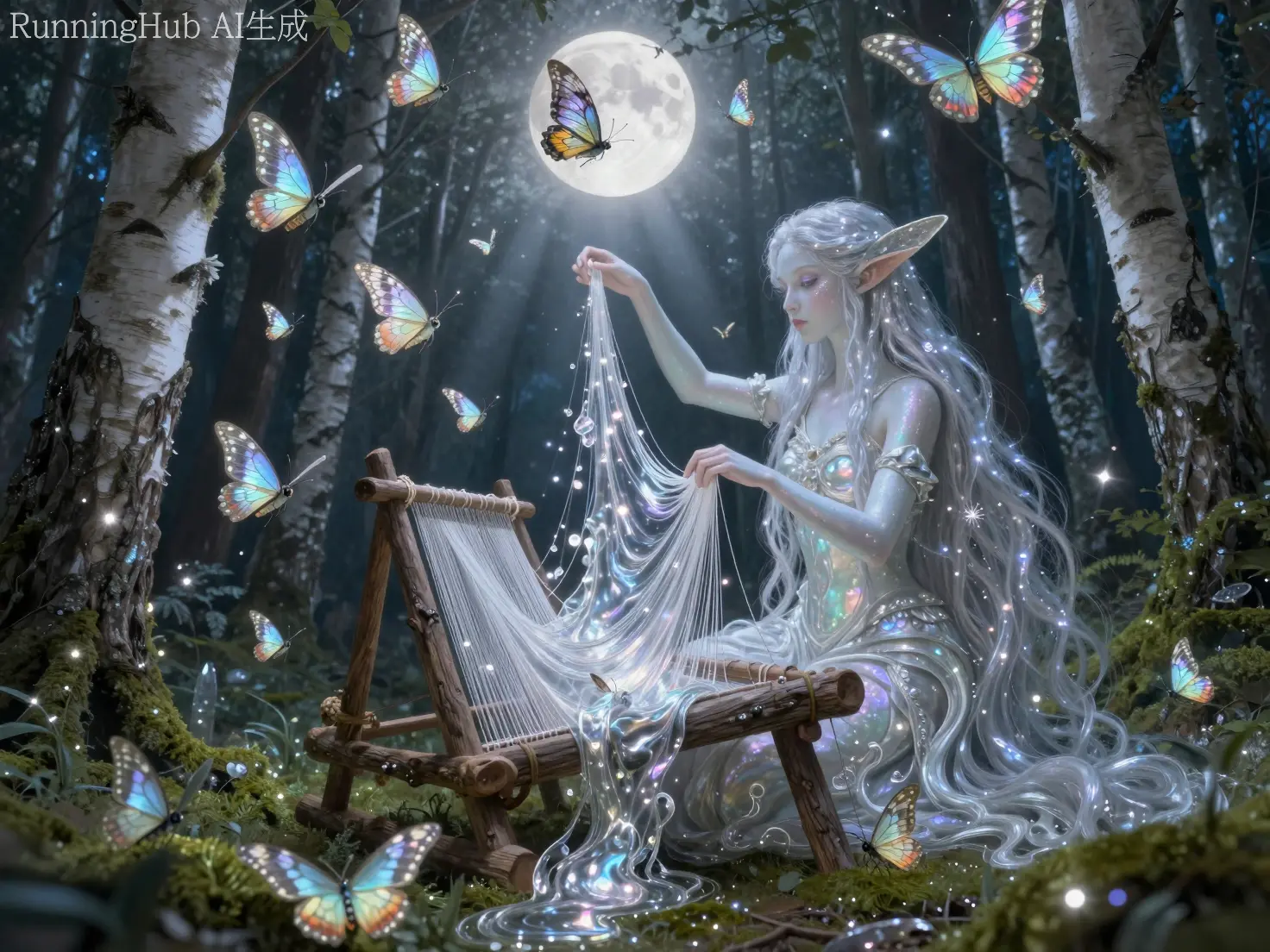
Z-Image Text-to-Image - v1.0
This workflow is a Z-Image Turbo text-to-image pipeline that's set up as a clean "one-shot" generator. It loads the Z-Image Turbo UNet (z_image_) and provides a streamlined process for converting text descriptions into high-quality images. The workflow is designed for efficiency and ease of use, making it accessible for users to quickly generate visual content from text prompts.

Z Image Turbo GGUF - Variety - v2.0
This workflow is designed to enhance and customize image generation using the Z Image Turbo GGUF model. It offers a variety of options and settings to fine-tune the output, making it a versatile tool for users looking to experiment with different styles and parameters. The workflow includes custom nodes that allow for more control over the image generation process, enabling users to achieve unique and personalized results. It is particularly useful for those who have been experimenting with Z Image and want a structured approach to leveraging its capabilities.

Luneva Infinite Details Z Image Workflow
This workflow unlocks the full potential of ZImageTurbo for creating images with infinite details. It is designed to enhance the quality and intricacy of generated images, providing users with a powerful tool for cinematic realism. The workflow likely incorporates advanced techniques and settings to optimize the image generation process, resulting in highly detailed and visually stunning outputs. It may include features such as fine-tuning parameters, advanced noise reduction, and enhanced detail amplification to achieve the desired level of realism and detail in the final images.

GonzaLomo Z-Image Refiner Workflow - CZXL | ZImageTurbo Workflows
This workflow is designed to be used with the Z-Image Turbo model to generate an image and then refine the image using the GonzaLomo V6.0 Photo XL. It is a powerful tool for enhancing and refining images, leveraging advanced AI models to achieve high-quality results. The workflow is part of the ZImageTurbo Workflows collection on Civitai, indicating its integration with a broader suite of image processing tools.

ZiT Studio - v1.0
This workflow, developed by the creator since the release of Z-Image Turbo, is designed to be versatile and not overly complex, maximizing output quality while addressing technical limitations. It includes features such as image generation, inpainting using Alibaba-PAI's ControlnetUnion-2.1, latent and tile upscaling, and the ability to use negative prompts with NAG (Noise Attention Guidance). The workflow also supports different samplers and schedulers, seed variance nodes for variety, and the use of LoRAs with ModelMerge nodes. It is organized into groups for easy toggling of image generation, inpainting, and upscaling methods. Optional features include the ZStudio LLM Prompt Enhancer and optimizations using Triton and FlashAttention.

zyd232's Workflow for Z-Image - Including SAM2 & SAM3 Inpainting Fix - v1.0
This workflow is designed to address the issue of multiple LoRAs interfering with each other and altering the character's appearance. It utilizes SAM (Segment Anything Model) and LanPaint to provide a robust solution for inpainting. The workflow is part of the ZImageTurbo Workflows collection on Civitai, offering a comprehensive approach to image generation and editing with advanced features like SAM2 and SAM3 inpainting fixes. It aims to maintain character consistency and enhance image quality in complex scenarios.
iGEN II for FLUX | SD | HiDream | Qwen | Z-Image (STD | GGUF | Nunchaku) - v2.51
This ComfyUI workflow is designed for image generation, supporting multiple models including FLUX, SD (Stable Diffusion), HiDream, Qwen, and Z-Image (available in STD, GGUF, and Nunchaku versions). The workflow requires custom nodes from GitHub: ComfyUI_Eclipse (1.4.1) and Comfy Reg.: ComfyUI_Eclipse (1.4.1). It allows users to generate high-quality images with various AI models, offering flexibility in model selection and customization. The workflow is part of the ZImageTurbo Workflows collection on Civitai.
Capitan-ConditioningEnhancer
This ComfyUI workflow is a post-encode refiner for CLIP/Qwen3-4B conditioning. It enhances the conditioning process by performing normalization, attention, and MLP (Multi-Layer Perceptron) operations. The workflow aims to improve the quality and effectiveness of conditioning in ComfyUI, making it particularly useful for advanced AI and machine learning applications. It normalizes the input data, applies attention mechanisms to focus on relevant features, and uses MLP layers to refine the conditioning further.

Z-image Turbo Controlnet Workflow (Pose, Depth, Canny) - v1.0
This workflow is designed around Z-Image Turbo generation, offering a fun and efficient way to create images using ControlNet techniques. It supports multiple ControlNet methods including Pose, Depth, and Canny edge detection. The workflow likely integrates these techniques to enhance image generation quality and control over the output. It may require specific models and settings for optimal performance, providing users with a structured approach to leveraging ControlNet for image synthesis.

Z-Image Turbo FP8 Hires Workflow (Low VRAM Optimized)
This is a high-efficiency ComfyUI workflow designed specifically for Low VRAM users. By utilizing FP8 Quantized Models and Latent Upscale technology, it generates high-resolution images (1024x1792) rapidly while maintaining minimal resource usage. 📂 Models Required & Downloads To ensure the workflow functions correctly, please download the following models and place them in your respective ComfyUI folders: 1. UNet Model (Place in models/unet/) File Name: z-image-turbo-fp8-e4m3fn.safetensors Download: HuggingFace - Z-Image-Turbo-FP8 2. CLIP / Text Encoder (Place in models/clip/) File Name: qwen3-4b-fp8-scaled.safetensors Download: HuggingFace - Qwen3-4B-FP8 ⚙️ Key Settings & Configuration This workflow operates on a 2-Pass system. Please adhere to the following settings for the best results: 🔹 Phase 1: Base Generation Latent Size: Generates at a lower initial resolution (e.g., 512x896) to save compute resources. 🔹 Phase 2: Latent Upscale Upscale Method: Uses LatentUpscaleBy. Scale Factor: Default is 2 (resulting in a final output of 1024x1792). 🔹 Phase 3: Hires Fix (Refiner) This step is crucial for image clarity and detail: Sampler: res_multistep (Highly Recommended). Denoise: Recommended range 0.5 - 0.6. < 0.5: Changes are minimal; the image may remain slightly blurry. > 0.6: Adds more detail, but setting this too high may alter the image structure or cause hallucinations. 📊 Performance Benchmark Data based on actual testing: GPUOutput ResolutionTimeNVIDIA RTX 5070 Ti1024 x 17928 ~ 9 sec 📝 Usage Tips Memory Management: If you are extremely limited on VRAM, ensure no other large models are loaded in the background. Prompting: Since this uses the Qwen text encoder, it has strong natural language understanding. Detailed, sentence-based prompts work very well. Troubleshooting: If you notice the image details breaking or looking "burnt," try slightly lowering the denoise value in the second KSampler.