
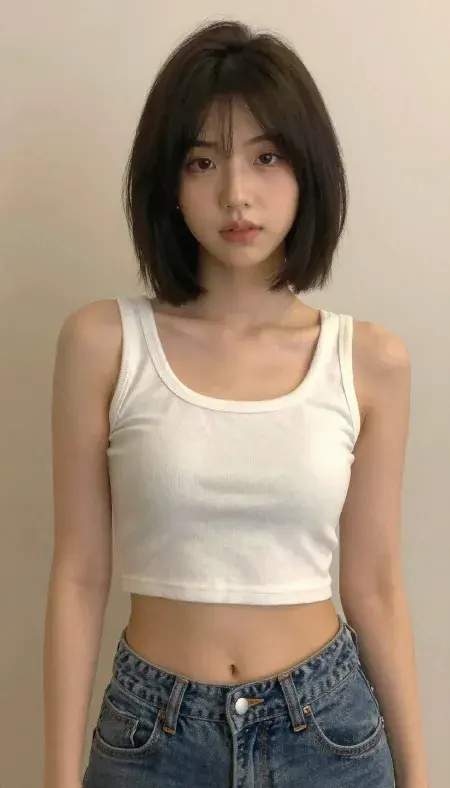
Z-Image Turbo FP8 Hires Workflow (Low VRAM Optimized)
This is a high-efficiency ComfyUI workflow designed specifically for Low VRAM users. By utilizing FP8 Quantized Models and Latent Upscale technology, it generates high-resolution images (1024x1792) rapidly while maintaining minimal resource usage. 📂 Models Required & Downloads To ensure the workflow functions correctly, please download the following models and place them in your respective ComfyUI folders: 1. UNet Model (Place in models/unet/) File Name: z-image-turbo-fp8-e4m3fn.safetensors Download: HuggingFace - Z-Image-Turbo-FP8 2. CLIP / Text Encoder (Place in models/clip/) File Name: qwen3-4b-fp8-scaled.safetensors Download: HuggingFace - Qwen3-4B-FP8 ⚙️ Key Settings & Configuration This workflow operates on a 2-Pass system. Please adhere to the following settings for the best results: 🔹 Phase 1: Base Generation Latent Size: Generates at a lower initial resolution (e.g., 512x896) to save compute resources. 🔹 Phase 2: Latent Upscale Upscale Method: Uses LatentUpscaleBy. Scale Factor: Default is 2 (resulting in a final output of 1024x1792). 🔹 Phase 3: Hires Fix (Refiner) This step is crucial for image clarity and detail: Sampler: res_multistep (Highly Recommended). Denoise: Recommended range 0.5 - 0.6. < 0.5: Changes are minimal; the image may remain slightly blurry. > 0.6: Adds more detail, but setting this too high may alter the image structure or cause hallucinations. 📊 Performance Benchmark Data based on actual testing: GPUOutput ResolutionTimeNVIDIA RTX 5070 Ti1024 x 17928 ~ 9 sec 📝 Usage Tips Memory Management: If you are extremely limited on VRAM, ensure no other large models are loaded in the background. Prompting: Since this uses the Qwen text encoder, it has strong natural language understanding. Detailed, sentence-based prompts work very well. Troubleshooting: If you notice the image details breaking or looking "burnt," try slightly lowering the denoise value in the second KSampler.
Features & Nodes
✨ Key Features Extreme Low VRAM Usage: Full FP8 pipeline (Model & Text Encoder) to drastically reduce memory footprint. Lightning Fast: Optimized for Turbo models and efficient sampling steps. Hires Fix Pipeline: Utilizes Latent Upscale + 2nd Pass KSampler to ensure crisp details without heavy VRAM cost. AuraFlow Architecture: Optimized using the ModelSamplingAuraFlow node.
Popular Tools
Explore our most popular creative tools
Z-Image Edit
Upload image, transform with one sentence
Creative Engine
One sentence, AI provides infinite prompt creativity.
Image Parse
Upload image, retrieve prompt instantly.
Prompt Library
Discover thousands of high-quality AI prompts.
Z-Image LoRA
Combine multiple LoRA models to create unique AI artwork
Z-Video
Generate creative videos from text or images with AI.
AI Image Generator
Turn your text into stunning images instantly.
Style Library
Explore curated artistic styles for your creations.
Remove Background
Instantly remove backgrounds from images with precision.
Image Upscaler
Enhance image resolution up to 4K/8K.
Image Reframe
Expand images to any aspect ratio with outpainting.
Camera Angle
Create a new view with continuous 3D camera control.
Image Layers
Split an image into editable transparent layers.
Image Parallax
Turn one image into interactive parallax animation.
Image to ASCII
Convert images into customizable ASCII art locally in your browser.
GIF to ASCII
Turn animated GIFs into downloadable ASCII animations.
Video to ASCII
Convert MP4, WebM or MOV clips into downloadable ASCII videos.
Depth Map Video
Create a private depth map video locally in your browser.