
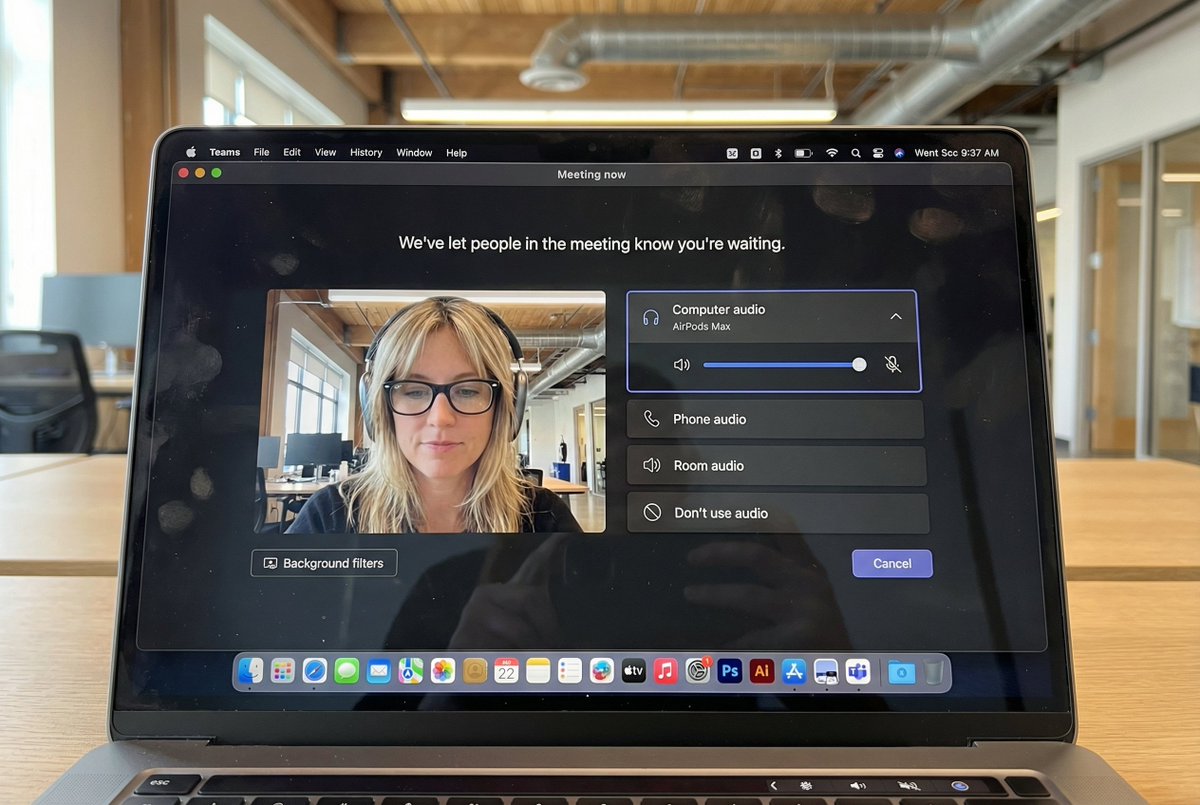
Prompt-Bibliothek / Hyper-Realistic MacBook Screen Photography: Microsoft Teams Waiting Room UI
Hyper-Realistic MacBook Screen Photography: Microsoft Teams Waiting Room UI

Hyper-Realistic MacBook Screen Photography: Microsoft Teams Waiting Room UI

124700
Text-zu-Bild
nano banana
nano banana pro
qwen image edit
z-image-turbo
{ "task": "hyper_realistic_macbook_screen_photography", "reference_logic": "exact_microsoft_teams_waiting_room_ui_macos", "output": { "type": "single_image", "resolution": "ultra_high_resolution_8k", "realism": "indistinguishable_from_real_laptop_photo", "capture_style": "iphone_photo_of_macbook_screen", "post_processing": "none" }, "scene": { "application": "Microsoft Teams", "platform": "macOS", "ui_state": "meeting_waiting_room", "top_status_text": "Meeting now", "center_message": "We've let people in the meeting know you're waiting.", "background": "pure_black_dark_mode" }, "ui_layout": { "left_panel": { "video_preview": { "position": "bottom_left", "aspect_ratio": "landscape", "camera_toggle": "on", "background_filters_button": "visible_below_preview" } }, "right_panel": { "audio_section": { "title": "Computer audio", "selected_device": "AirPods Max", "volume_slider": "horizontal_blue_indicator", "mute_toggle": "off" }, "audio_options": [ "Phone audio", "Room audio", "Don't use audio" ], "cancel_button": { "label": "Cancel", "position": "bottom_right", "style": "rounded_rectangle" } } }, "subject": { "gender": "female", "hair": { "color": "natural_blonde", "style": "soft_bangs_with_loose_layers", "texture": "individual_strands_visible" }, "face": { "skin": "true_human_skin_texture", "details": "visible_pores_micro_imperfections", "retouching": "none" }, "eyewear": { "brand": "Ray-Ban", "model": "Wayfarer", "type": "prescription_glasses", "frame_color": "black", "lens_reflection": "subtle_real_world_glare" }, "headphones": { "model": "AirPods Max", "color": "space_gray", "fit": "natural_over_ear_position" }, "clothing": { "top": "neutral_crop_top", "style": "casual_minimal" }, "expression": "calm_focused_waiting", "gaze": "slightly_downward" }, "environment": { "background": "modern_open_office", "ceiling": "exposed_industrial_ducts", "lighting": { "type": "soft_natural_daylight", "mixed_with": "indoor_office_lighting", "temperature": "5200K" } }, "screen_reflection": { "enabled": true, "source": "same_subject_as_video_preview", "reflection_type": "soft_glass_reflection", "intensity": "very_subtle", "opacity": 0.05, "sharpness": "low", "distortion": "slight_glass_warp", "positioning": "offset_not_centered", "visibility_rules": { "ui_text": "fully_readable", "icons": "unobstructed", "reflection_never_overpowers_ui": true }, "realism_notes": [ "not_mirror_like", "not_double_face", "no_symmetry", "appears_only_on_dark_areas" ] }, "macos_elements": { "dock": { "visible": true, "style": "macos_default_big_sur_or_later", "reflection": "subtle", "indicator_dot": "visible_under_active_apps", "icons": [ "Finder", "Mail", "Calendar", "Microsoft Teams", "Adobe Illustrator", "Adobe InDesign", "Adobe After Effects", "Adobe Lightroom", "Adobe Photoshop", "Adobe Premiere Pro", "App Store", "System Settings" ] }, "menu_bar": { "visibility": "partial_top_edge", "elements": [ "WiFi", "Battery", "Time", "macOS_control_icons" ] } }, "camera": { "device": "iPhone", "angle": "slightly_off_axis", "handheld": true, "screen_artifacts": [ "soft_glass_reflection", "minor_glare", "fingerprint_smudges", "dust_particles", "moire_pattern" ] }, "color_profile": { "contrast": "natural_display_contrast", "saturation": "neutral_realistic", "white_balance": "accurate_screen_calibrated" }, "negative_prompt": [ "generic_video_call_ui", "zoom_interface", "google_meet_ui", "fake_buttons", "wrong_fonts", "misaligned_panels", "ai_generated_ui", "blurred_text", "plastic_skin", "over_sharpening", "mirror_reflection", "double_face", "incorrect_dock_icons" ] }

Beschreibung

z-image generates hyper-realistic MacBook screen photography showing Microsoft Teams waiting room UI with macOS dark mode background. Features left-side video preview and right-side audio controls. The subject is a natural blonde female wearing Ray-Ban glasses and AirPods Max headphones, with a calm focused expression. Set in a modern open office with soft natural daylight. Subtle screen reflections and visible macOS Dock icons. Shot with an iPhone, the image captures realistic details and natural colors.
Tags
# hyperrealistic
# office environment
# dark mode
# UI design
# Microsoft Teams
# MacBook screen

Verwandte Prompts

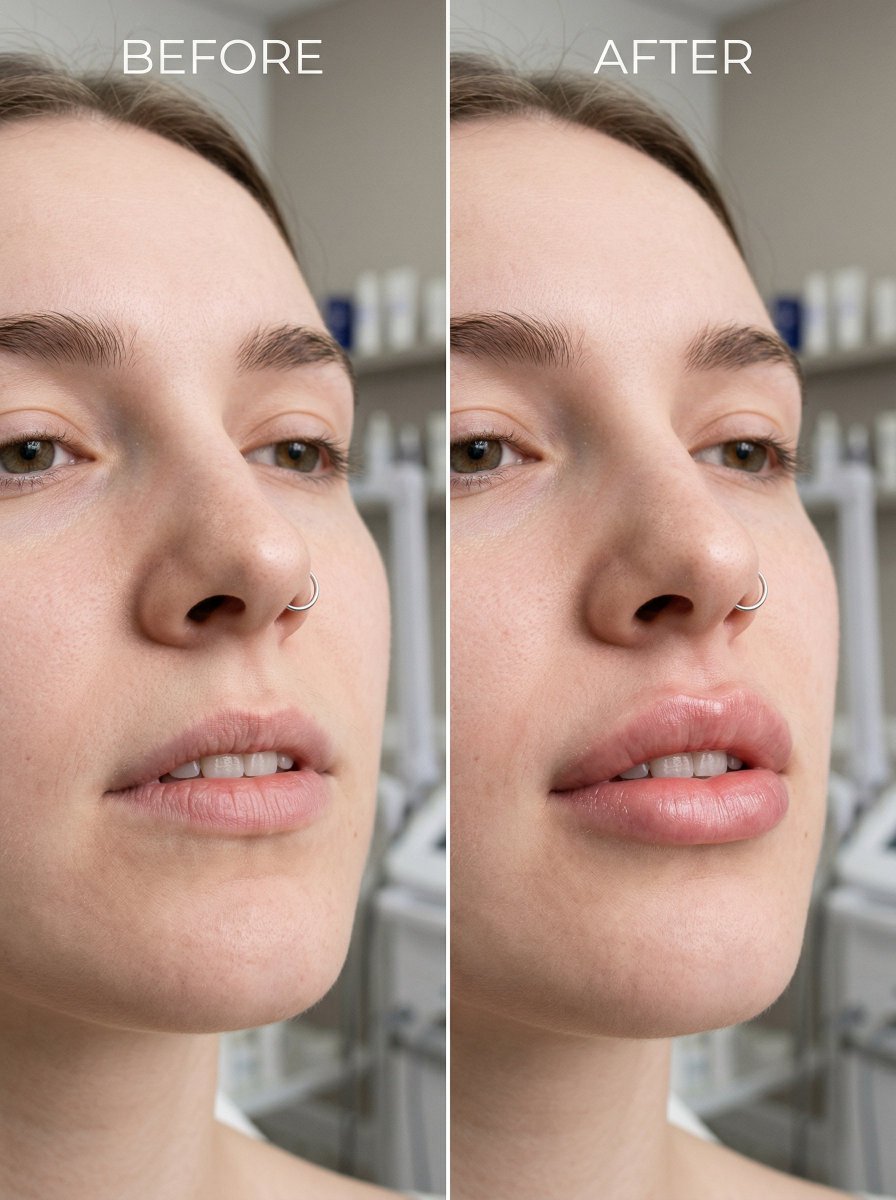
Hyper Realistic MacBook Screen Photography
Hyper Realistic MacBook Screen Photography

Before and After Lip Filler Comparison

Before and After Lip Filler Comparison

Hyperrealistic Portrait with 3D Cartoon Miniature

Hyperrealistic Portrait with 3D Cartoon Miniature

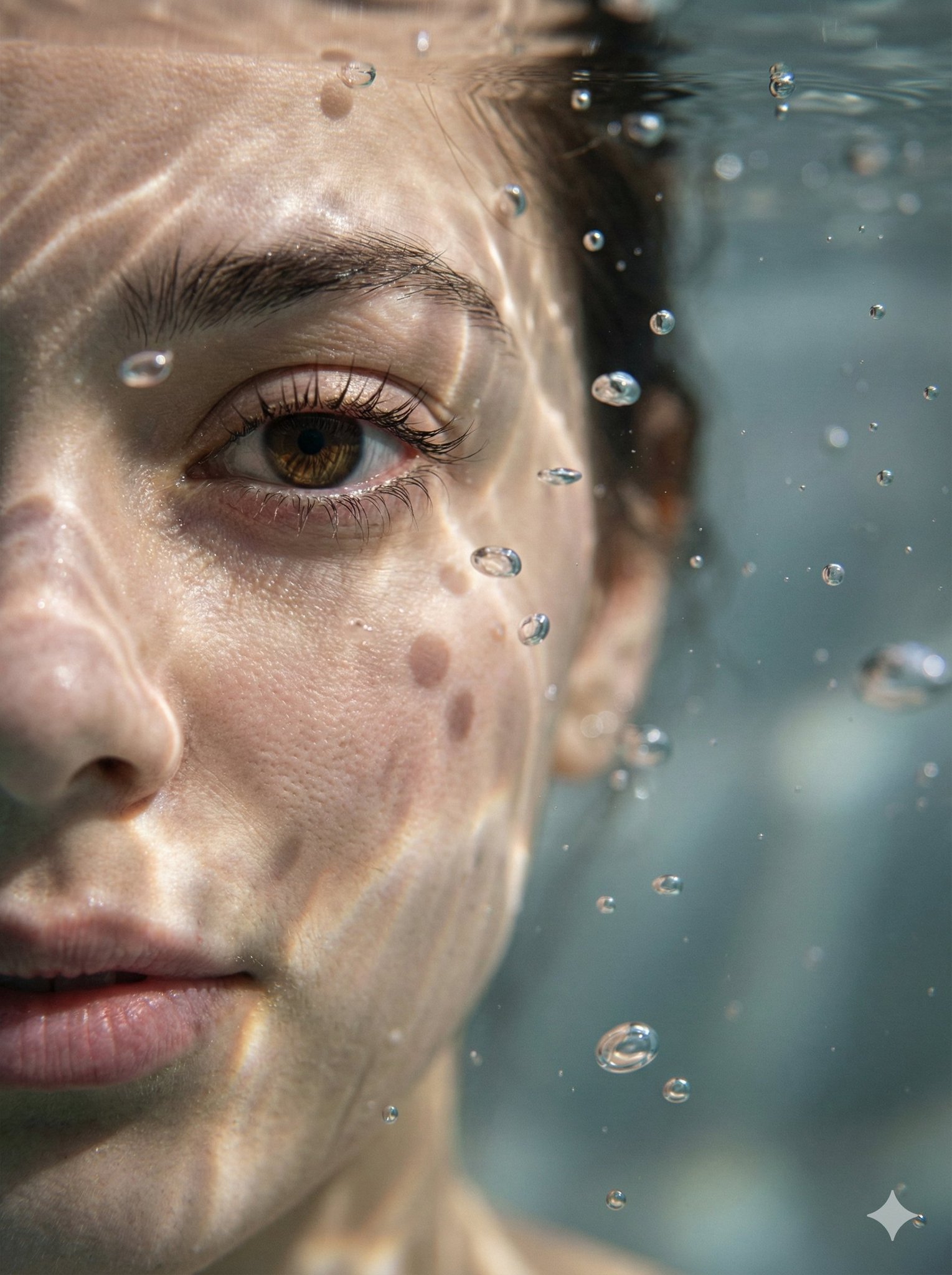
Ultra Realistic Cinematic Street Fashion of a Confident Female Walking
Ultra Realistic Cinematic Street Fashion of a Confident Female Walking

Hyper-Realistic Underwater Macro Portrait

Hyper-Realistic Underwater Macro Portrait

Minimalist Still Life in High-End Product Photography Style

Minimalist Still Life in High-End Product Photography Style

Beliebte Tools

Entdecken Sie unsere beliebtesten Kreativ-Tools

Z-Image Bearbeitung

Bild hochladen, mit einem Satz transformieren

Jetzt ausprobieren

Kreativ-Engine

Ein Satz, KI bietet unendliche Prompt-Kreativität.

Jetzt ausprobieren

Bild-Analyse

Bild hochladen, Prompt sofort erhalten.

Jetzt ausprobieren

Z-Image LoRA

Kombinieren Sie mehrere LoRA-Modelle, um einzigartige KI-Kunstwerke zu erstellen

Jetzt ausprobieren

Z-Video

Generate creative videos from text or images with AI.

Jetzt ausprobieren

KI-Bildgenerator

Verwandeln Sie Ihren Text sofort in atemberaubende Bilder.

Jetzt ausprobieren

Stil-Bibliothek

Entdecken Sie kuratierte Kunststile für Ihre Kreationen.

Jetzt ausprobieren

Hintergrund entfernen

Entfernen Sie Hintergründe sofort mit KI-Präzision.

Jetzt ausprobieren

Bild-Upscaler

Verbessern Sie die Bildauflösung auf bis zu 4K/8K.

Jetzt ausprobieren

Bild-Reframe

Erweitern Sie Bilder mit Outpainting auf jedes Seitenverhältnis.

Jetzt ausprobieren

Camera Angle

Create a new view with continuous 3D camera control.

Jetzt ausprobieren

Image Layers

Split an image into editable transparent layers.

Jetzt ausprobieren

Image Parallax

Turn one image into interactive parallax animation.

Jetzt ausprobieren

Bild zu ASCII

Wandeln Sie Bilder lokal im Browser in anpassbare ASCII-Kunst um.

Jetzt ausprobieren

GIF zu ASCII

Verwandeln Sie animierte GIFs in herunterladbare ASCII-Animationen.

Jetzt ausprobieren

Video zu ASCII

Konvertiere MP4-, WebM- oder MOV-Clips in herunterladbare ASCII-Videos.

Jetzt ausprobieren

Video zur Tiefenkarte

Erstellen Sie lokal im Browser ein privates Tiefenkarten-Video.

Jetzt ausprobieren