
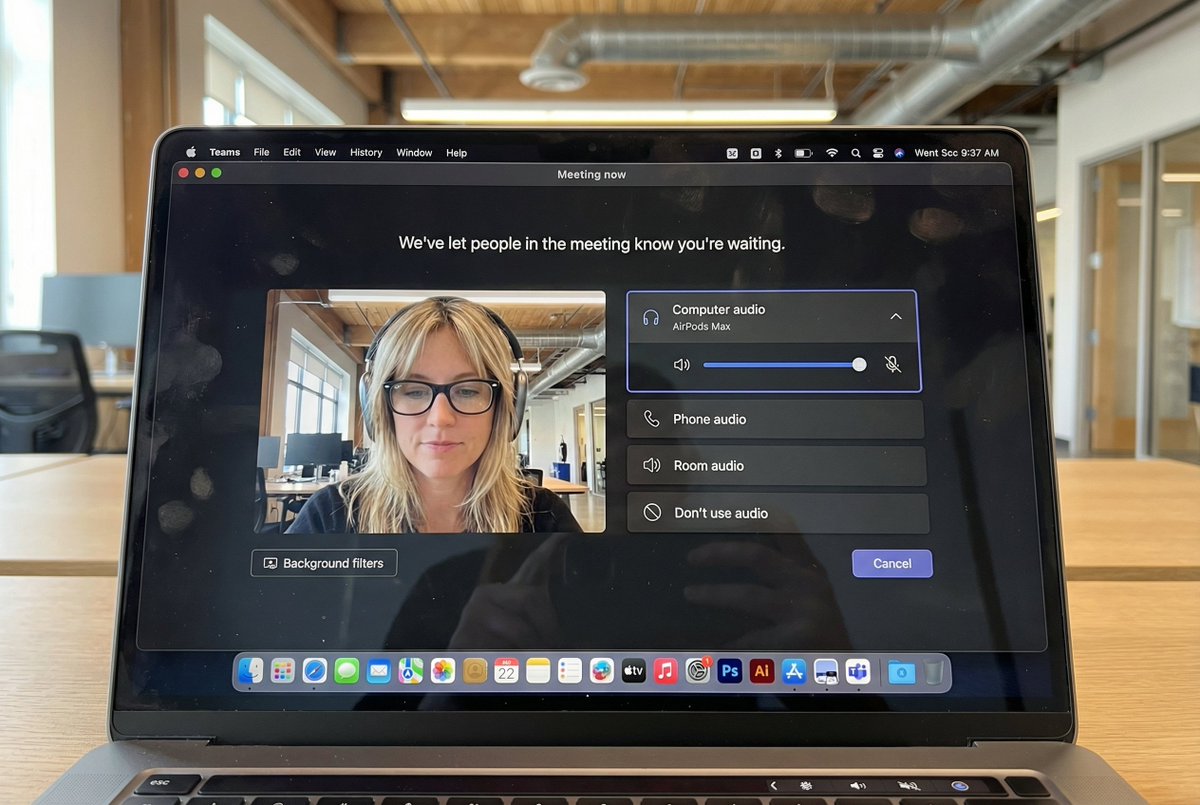
مكتبة الأوامر / Hyper-Realistic MacBook Screen Photography: Microsoft Teams Waiting Room UI
Hyper-Realistic MacBook Screen Photography: Microsoft Teams Waiting Room UI

Hyper-Realistic MacBook Screen Photography: Microsoft Teams Waiting Room UI

المؤلف:@egeberkina
124700
نص إلى صورة
nano banana
nano banana pro
qwen image edit
z-image-turbo
{ "task": "hyper_realistic_macbook_screen_photography", "reference_logic": "exact_microsoft_teams_waiting_room_ui_macos", "output": { "type": "single_image", "resolution": "ultra_high_resolution_8k", "realism": "indistinguishable_from_real_laptop_photo", "capture_style": "iphone_photo_of_macbook_screen", "post_processing": "none" }, "scene": { "application": "Microsoft Teams", "platform": "macOS", "ui_state": "meeting_waiting_room", "top_status_text": "Meeting now", "center_message": "We've let people in the meeting know you're waiting.", "background": "pure_black_dark_mode" }, "ui_layout": { "left_panel": { "video_preview": { "position": "bottom_left", "aspect_ratio": "landscape", "camera_toggle": "on", "background_filters_button": "visible_below_preview" } }, "right_panel": { "audio_section": { "title": "Computer audio", "selected_device": "AirPods Max", "volume_slider": "horizontal_blue_indicator", "mute_toggle": "off" }, "audio_options": [ "Phone audio", "Room audio", "Don't use audio" ], "cancel_button": { "label": "Cancel", "position": "bottom_right", "style": "rounded_rectangle" } } }, "subject": { "gender": "female", "hair": { "color": "natural_blonde", "style": "soft_bangs_with_loose_layers", "texture": "individual_strands_visible" }, "face": { "skin": "true_human_skin_texture", "details": "visible_pores_micro_imperfections", "retouching": "none" }, "eyewear": { "brand": "Ray-Ban", "model": "Wayfarer", "type": "prescription_glasses", "frame_color": "black", "lens_reflection": "subtle_real_world_glare" }, "headphones": { "model": "AirPods Max", "color": "space_gray", "fit": "natural_over_ear_position" }, "clothing": { "top": "neutral_crop_top", "style": "casual_minimal" }, "expression": "calm_focused_waiting", "gaze": "slightly_downward" }, "environment": { "background": "modern_open_office", "ceiling": "exposed_industrial_ducts", "lighting": { "type": "soft_natural_daylight", "mixed_with": "indoor_office_lighting", "temperature": "5200K" } }, "screen_reflection": { "enabled": true, "source": "same_subject_as_video_preview", "reflection_type": "soft_glass_reflection", "intensity": "very_subtle", "opacity": 0.05, "sharpness": "low", "distortion": "slight_glass_warp", "positioning": "offset_not_centered", "visibility_rules": { "ui_text": "fully_readable", "icons": "unobstructed", "reflection_never_overpowers_ui": true }, "realism_notes": [ "not_mirror_like", "not_double_face", "no_symmetry", "appears_only_on_dark_areas" ] }, "macos_elements": { "dock": { "visible": true, "style": "macos_default_big_sur_or_later", "reflection": "subtle", "indicator_dot": "visible_under_active_apps", "icons": [ "Finder", "Mail", "Calendar", "Microsoft Teams", "Adobe Illustrator", "Adobe InDesign", "Adobe After Effects", "Adobe Lightroom", "Adobe Photoshop", "Adobe Premiere Pro", "App Store", "System Settings" ] }, "menu_bar": { "visibility": "partial_top_edge", "elements": [ "WiFi", "Battery", "Time", "macOS_control_icons" ] } }, "camera": { "device": "iPhone", "angle": "slightly_off_axis", "handheld": true, "screen_artifacts": [ "soft_glass_reflection", "minor_glare", "fingerprint_smudges", "dust_particles", "moire_pattern" ] }, "color_profile": { "contrast": "natural_display_contrast", "saturation": "neutral_realistic", "white_balance": "accurate_screen_calibrated" }, "negative_prompt": [ "generic_video_call_ui", "zoom_interface", "google_meet_ui", "fake_buttons", "wrong_fonts", "misaligned_panels", "ai_generated_ui", "blurred_text", "plastic_skin", "over_sharpening", "mirror_reflection", "double_face", "incorrect_dock_icons" ] }

الوصف

z-image generates hyper-realistic MacBook screen photography showing Microsoft Teams waiting room UI with macOS dark mode background. Features left-side video preview and right-side audio controls. The subject is a natural blonde female wearing Ray-Ban glasses and AirPods Max headphones, with a calm focused expression. Set in a modern open office with soft natural daylight. Subtle screen reflections and visible macOS Dock icons. Shot with an iPhone, the image captures realistic details and natural colors.
الوسوم
# hyperrealistic
# office environment
# dark mode
# UI design
# Microsoft Teams
# MacBook screen

أوامر ذات صلة

Hyper Realistic MacBook Screen Photography
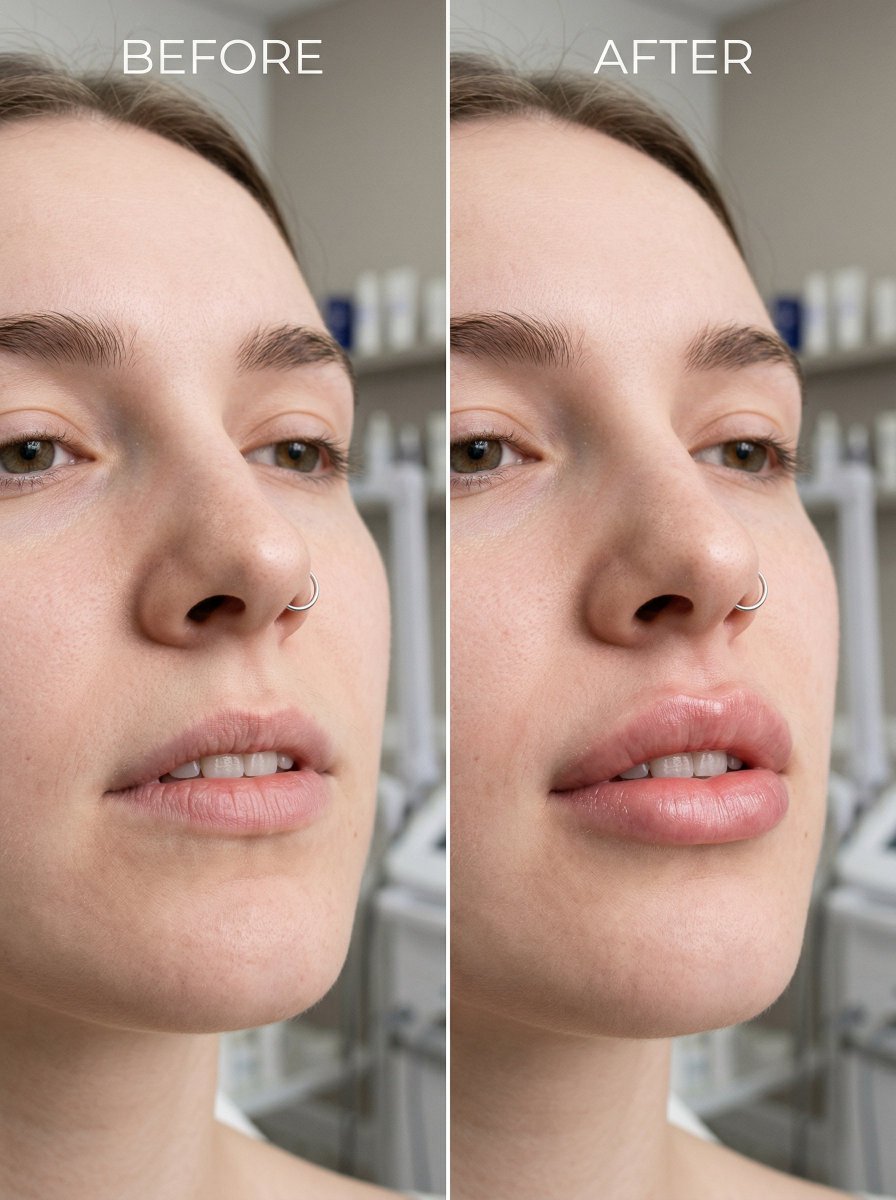
Hyper Realistic MacBook Screen Photography

Before and After Lip Filler Comparison

Before and After Lip Filler Comparison

Hyperrealistic Portrait with 3D Cartoon Miniature
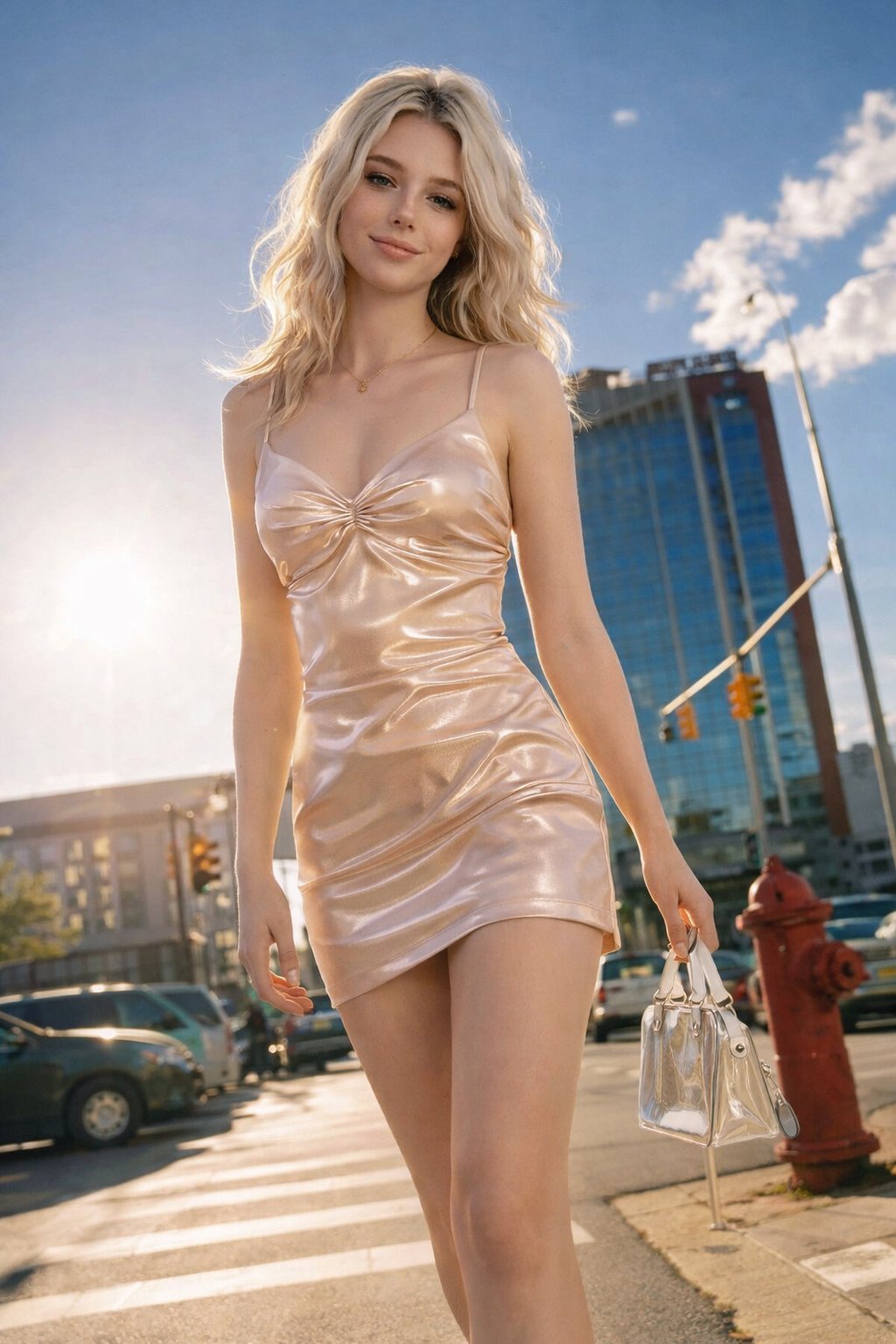
Hyperrealistic Portrait with 3D Cartoon Miniature

Ultra Realistic Cinematic Street Fashion of a Confident Female Walking
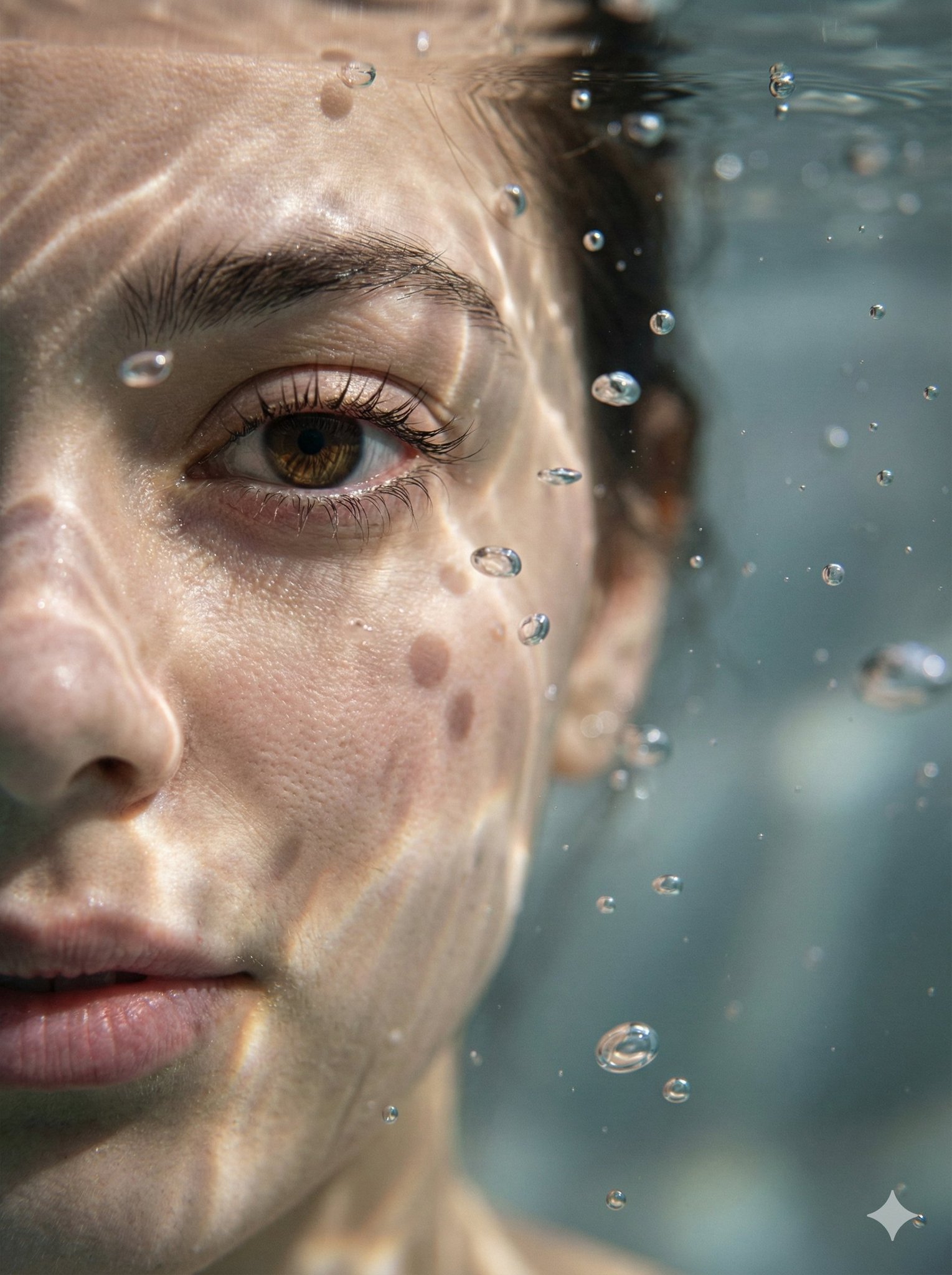
Ultra Realistic Cinematic Street Fashion of a Confident Female Walking

Hyper-Realistic Underwater Macro Portrait

Hyper-Realistic Underwater Macro Portrait

Minimalist Still Life in High-End Product Photography Style

Minimalist Still Life in High-End Product Photography Style

الأدوات الشائعة

اكتشف أدواتنا الإبداعية الأكثر شهرة

Z-Image Edit

ارفع صورة وقم بتحويلها بجملة واحدة

جربها الآن

المحرك الإبداعي

جملة واحدة، والذكاء الاصطناعي يوفر لك إبداعاً لا نهائياً للأوامر.

جربها الآن

تحليل الصور

ارفع صورة واحصل على الأمر فوراً.

جربها الآن

Z-Image LoRA

اجمع بين نماذج LoRA المتعددة لإنشاء أعمال فنية فريدة من نوعها بالذكاء الاصطناعي

جربها الآن

Z-Video

Generate creative videos from text or images with AI.

جربها الآن

مولد صور الذكاء الاصطناعي

حول نصك إلى صور مذهلة فوراً.

جربها الآن

مكتبة الأنماط

اكتشف أنماطاً فنية مختارة لإبداعاتك.

جربها الآن

إزالة الخلفية

أزل خلفيات الصور فوراً بدقة تامة باستخدام الذكاء الاصطناعي.

جربها الآن

تحسين الصورة

قم بزيادة دقة الصورة حتى 4K/8K مع استعادة التفاصيل.

جربها الآن

إعادة التأطير

وسع الصور إلى أي نسبة عرض إلى ارتفاع باستخدام الذكاء الاصطناعي.

جربها الآن

Camera Angle

Create a new view with continuous 3D camera control.

جربها الآن

Image Layers

Split an image into editable transparent layers.

جربها الآن

Image Parallax

Turn one image into interactive parallax animation.

جربها الآن

تحويل الصورة إلى ASCII

حوّل الصور إلى فن ASCII قابل للتخصيص محليًا في المتصفح.

جربها الآن

تحويل GIF إلى ASCII

حوّل ملفات GIF المتحركة إلى رسوم ASCII قابلة للتنزيل.

جربها الآن

تحويل الفيديو إلى ASCII

حوّل مقاطع MP4 وWebM وMOV إلى فيديوهات ASCII قابلة للتنزيل.

جربها الآن

الفيديو إلى خريطة عمق

أنشئ فيديو خريطة عمق محليًا وبخصوصية داخل المتصفح.

جربها الآن