
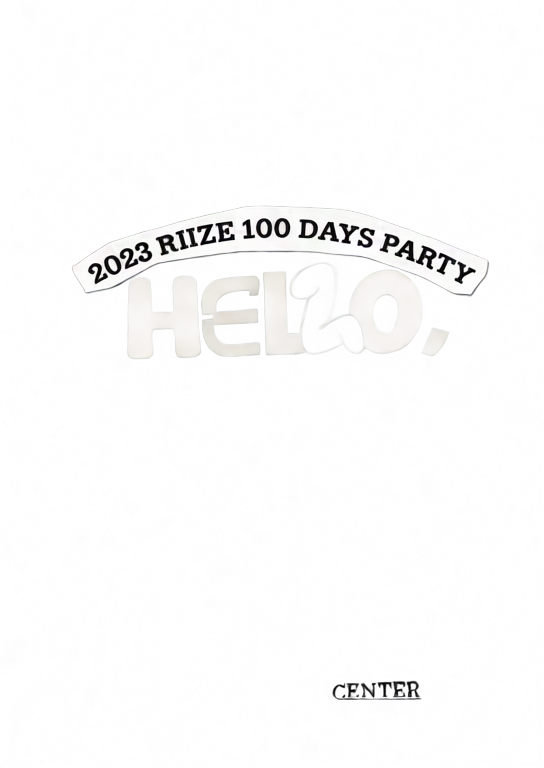
Figure-eight depth
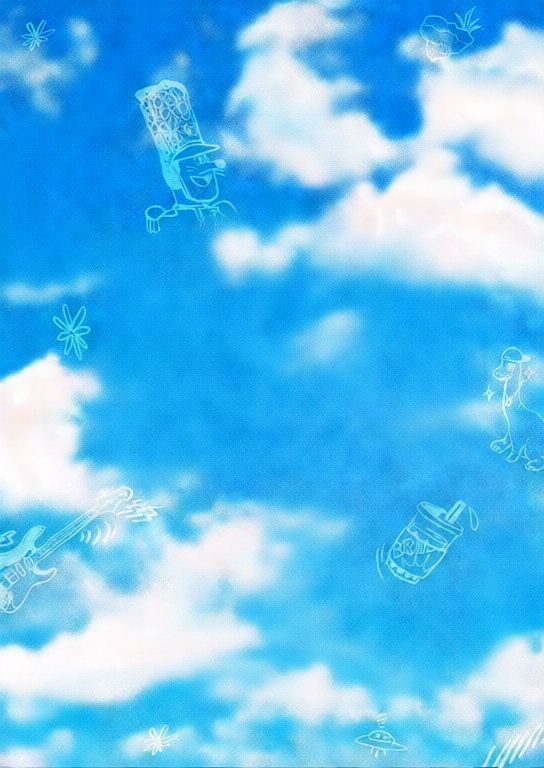
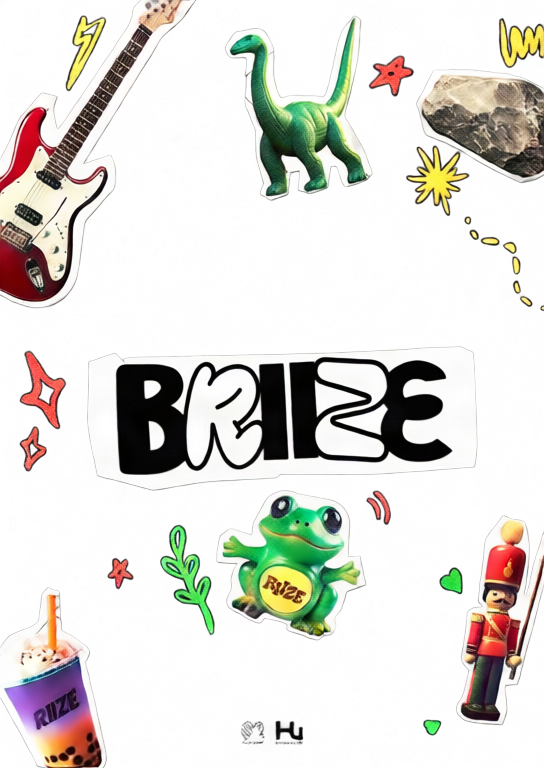
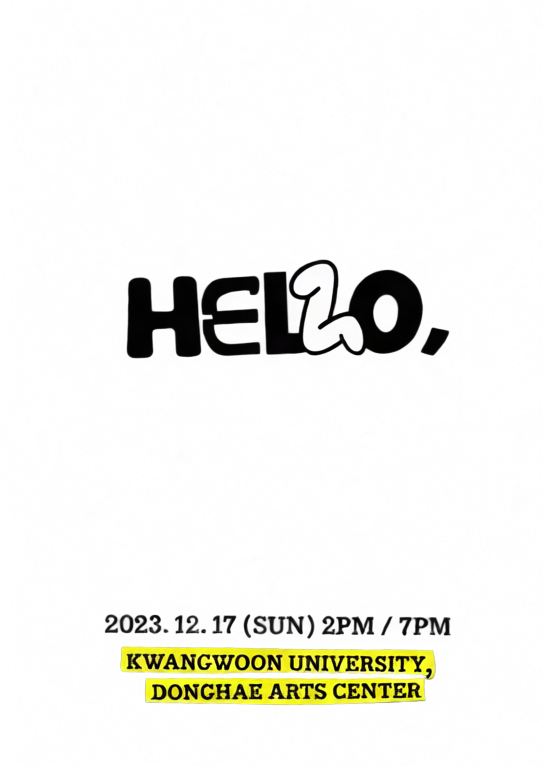
A layered poster using a smooth figure-eight motion path.
Upload one image, separate it into depth layers, and create an interactive 2.5D parallax scene.
Move or drag across each image to feel the depth effect.
A layered poster using a smooth figure-eight motion path.

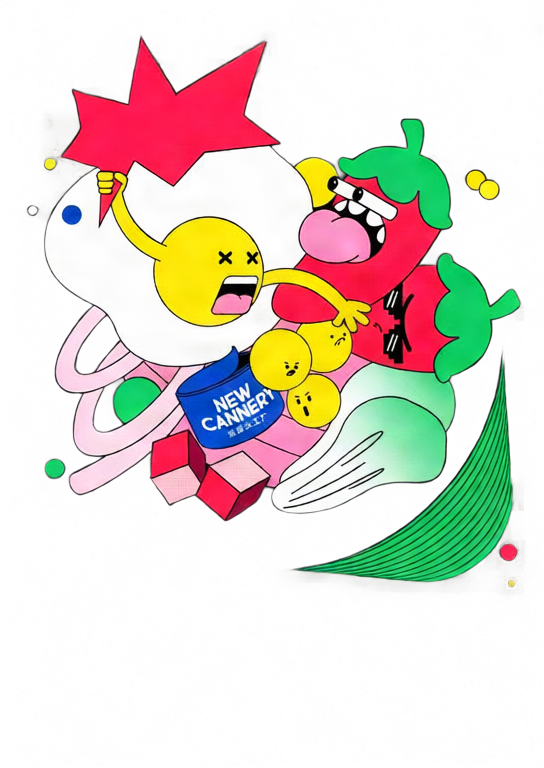
A stronger orbit preset with dynamic tilt and deeper separation.
Move your pointer or drag on touch screens.
Choose a JPG, PNG, or WebP image and select 2–10 layers.
Qwen Image Layered separates the image into transparent depth layers.
Tune depth and motion, then export GIF, MP4, or interactive HTML.
Move the pointer or drag to explore a responsive 2.5D scene.
Adjust each layer's depth, position, scale, visibility, and order.
Create looping GIF and MP4 files or a standalone interactive HTML file.
Your image is uploaded only after you sign in and start generation. It is sent to fal.ai for AI layer separation, and the generated layers are stored on Z-Image R2. GIF, MP4, and HTML exports are rendered in your browser.
No. Upload one image and the tool automatically runs Qwen Image Layered before opening the parallax editor.
Each new parallax scene costs 50 credits. Editing and repeated GIF, MP4, or HTML exports do not consume extra credits.
GIF and MP4 are fixed looping animations. HTML keeps pointer and touch interaction and embeds the layers into one standalone file.
MP4 encoding uses your browser's WebCodecs support. If H.264 encoding is unavailable, use a current Chrome, Edge, or Safari browser.
اكتشف أدواتنا الإبداعية الأكثر شهرة
ارفع صورة وقم بتحويلها بجملة واحدة
جملة واحدة، والذكاء الاصطناعي يوفر لك إبداعاً لا نهائياً للأوامر.
ارفع صورة واحصل على الأمر فوراً.
اكتشف آلاف الأوامر عالية الجودة للذكاء الاصطناعي.
اجمع بين نماذج LoRA المتعددة لإنشاء أعمال فنية فريدة من نوعها بالذكاء الاصطناعي
Generate creative videos from text or images with AI.
حول نصك إلى صور مذهلة فوراً.
اكتشف أنماطاً فنية مختارة لإبداعاتك.
أزل خلفيات الصور فوراً بدقة تامة باستخدام الذكاء الاصطناعي.
قم بزيادة دقة الصورة حتى 4K/8K مع استعادة التفاصيل.
وسع الصور إلى أي نسبة عرض إلى ارتفاع باستخدام الذكاء الاصطناعي.
Create a new view with continuous 3D camera control.
Split an image into editable transparent layers.
حوّل الصور إلى فن ASCII قابل للتخصيص محليًا في المتصفح.
حوّل ملفات GIF المتحركة إلى رسوم ASCII قابلة للتنزيل.
حوّل مقاطع MP4 وWebM وMOV إلى فيديوهات ASCII قابلة للتنزيل.
أنشئ فيديو خريطة عمق محليًا وبخصوصية داخل المتصفح.