
Figure-eight depth
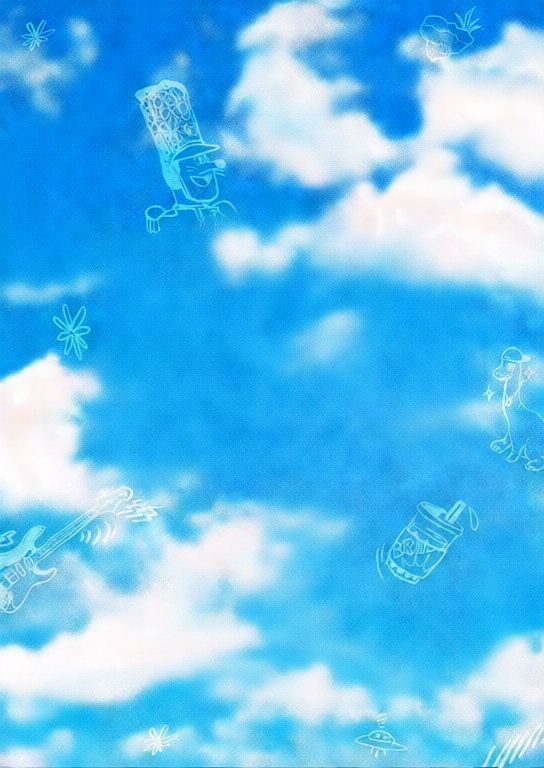
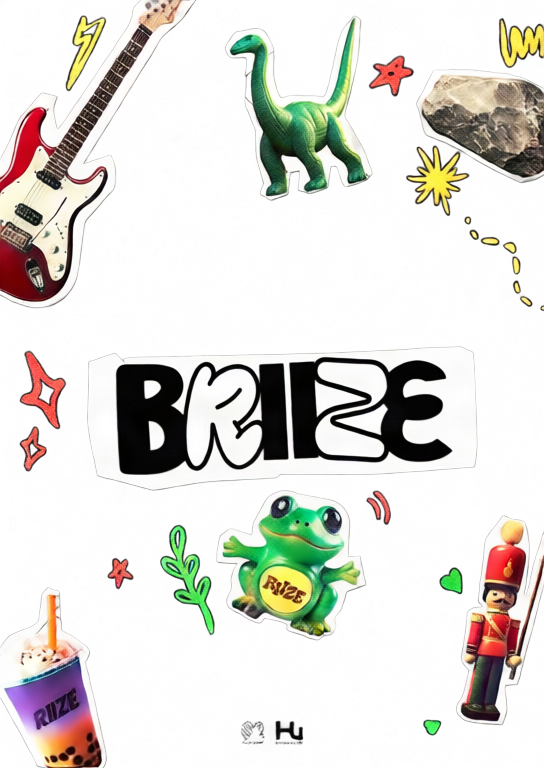
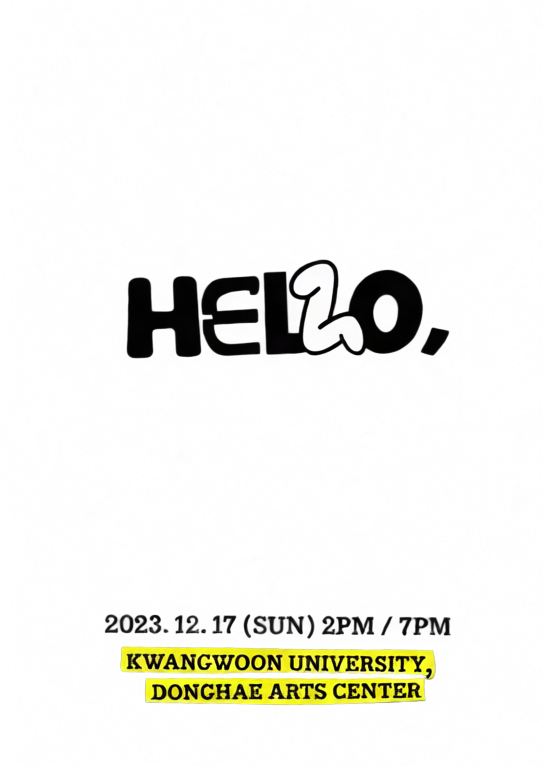
A layered poster using a smooth figure-eight motion path.
Upload one image, separate it into depth layers, and create an interactive 2.5D parallax scene.
Move or drag across each image to feel the depth effect.
A layered poster using a smooth figure-eight motion path.

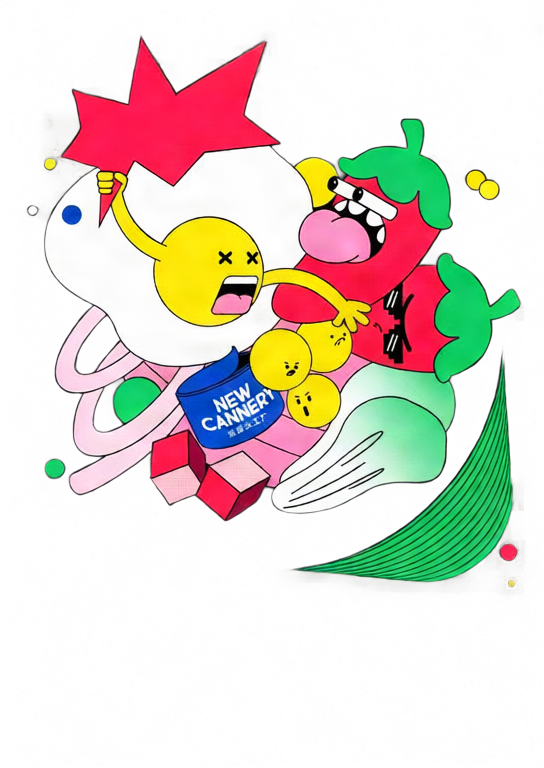
A stronger orbit preset with dynamic tilt and deeper separation.
Move your pointer or drag on touch screens.
Choose a JPG, PNG, or WebP image and select 2–10 layers.
Qwen Image Layered separates the image into transparent depth layers.
Tune depth and motion, then export GIF, MP4, or interactive HTML.
Move the pointer or drag to explore a responsive 2.5D scene.
Adjust each layer's depth, position, scale, visibility, and order.
Create looping GIF and MP4 files or a standalone interactive HTML file.
Your image is uploaded only after you sign in and start generation. It is sent to fal.ai for AI layer separation, and the generated layers are stored on Z-Image R2. GIF, MP4, and HTML exports are rendered in your browser.
No. Upload one image and the tool automatically runs Qwen Image Layered before opening the parallax editor.
Each new parallax scene costs 50 credits. Editing and repeated GIF, MP4, or HTML exports do not consume extra credits.
GIF and MP4 are fixed looping animations. HTML keeps pointer and touch interaction and embeds the layers into one standalone file.
MP4 encoding uses your browser's WebCodecs support. If H.264 encoding is unavailable, use a current Chrome, Edge, or Safari browser.
Explorez nos outils créatifs les plus populaires
Téléchargez une image et changez-la avec une seule phrase.
Une phrase, l'IA fournit une créativité de prompt infinie.
Téléchargez une image, obtenez le prompt instantanément.
Découvrez des milliers de prompts IA de haute qualité.
Combinez plusieurs modèles LoRA pour créer des œuvres d'art IA uniques
Generate creative videos from text or images with AI.
Transformez votre texte en images époustouflantes instantanément.
Explorez des styles artistiques sélectionnés pour vos créations.
Supprimez instantanément les arrière-plans avec la précision de l'IA.
Améliorez la résolution des images jusqu'à 4K/8K.
Étendez les images à n'importe quel ratio avec l'outpainting.
Create a new view with continuous 3D camera control.
Split an image into editable transparent layers.
Convertissez vos images en art ASCII personnalisable dans votre navigateur.
Transformez les GIF animés en animations ASCII téléchargeables.
Convertissez les vidéos MP4, WebM ou MOV en vidéos ASCII téléchargeables.
Créez localement une vidéo de profondeur privée dans le navigateur.