
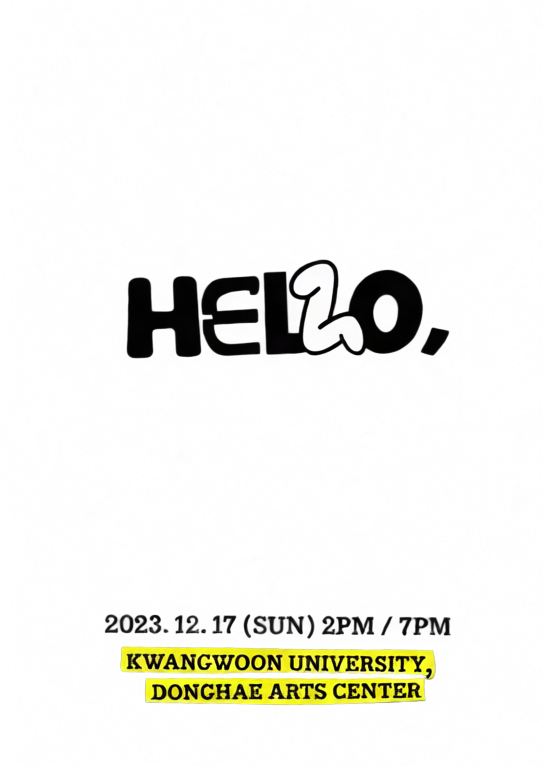
Figure-eight depth
A layered poster using a smooth figure-eight motion path.
Upload one image, separate it into depth layers, and create an interactive 2.5D parallax scene.
Move or drag across each image to feel the depth effect.
A layered poster using a smooth figure-eight motion path.

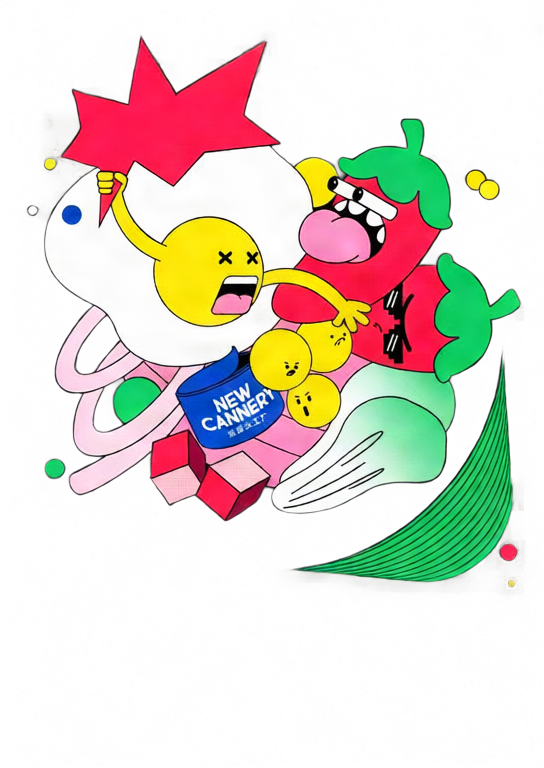
A stronger orbit preset with dynamic tilt and deeper separation.
Move your pointer or drag on touch screens.
Choose a JPG, PNG, or WebP image and select 2–10 layers.
Qwen Image Layered separates the image into transparent depth layers.
Tune depth and motion, then export GIF, MP4, or interactive HTML.
Move the pointer or drag to explore a responsive 2.5D scene.
Adjust each layer's depth, position, scale, visibility, and order.
Create looping GIF and MP4 files or a standalone interactive HTML file.
Your image is uploaded only after you sign in and start generation. It is sent to fal.ai for AI layer separation, and the generated layers are stored on Z-Image R2. GIF, MP4, and HTML exports are rendered in your browser.
No. Upload one image and the tool automatically runs Qwen Image Layered before opening the parallax editor.
Each new parallax scene costs 50 credits. Editing and repeated GIF, MP4, or HTML exports do not consume extra credits.
GIF and MP4 are fixed looping animations. HTML keeps pointer and touch interaction and embeds the layers into one standalone file.
MP4 encoding uses your browser's WebCodecs support. If H.264 encoding is unavailable, use a current Chrome, Edge, or Safari browser.
가장 인기 있는 크리에이티브 도구 살펴보기
이미지를 업로드하고 한 문장으로 변화를 주세요.
한 문장으로 AI가 무한한 프롬프트 창의성을 제공합니다.
이미지를 업로드하고 즉시 프롬프트를 받으세요.
수천 개의 고품질 AI 프롬프트를 발견하세요.
여러 LoRA 모델을 결합하여 고유한 AI 예술 작품을 만듭니다
Generate creative videos from text or images with AI.
텍스트를 즉시 멋진 이미지로 변환하세요.
창작물을 위해 엄선된 예술적 스타일을 탐색하세요.
AI를 사용하여 배경을 즉시 제거하고 정밀한 누끼 작업을 수행합니다.
이미지를 4K/8K로 업스케일링하여 선명한 디테일을 복원합니다.
AI 아웃페인팅 기술을 사용하여 이미지를 모든 비율로 확장합니다.
Create a new view with continuous 3D camera control.
Split an image into editable transparent layers.
브라우저에서 이미지를 사용자 지정 ASCII 아트로 변환하세요.
움직이는 GIF를 다운로드 가능한 ASCII 애니메이션으로 변환하세요.
MP4, WebM 또는 MOV 영상을 다운로드 가능한 ASCII 비디오로 변환합니다.
브라우저에서 비공개 깊이 맵 비디오를 로컬로 만드세요.