
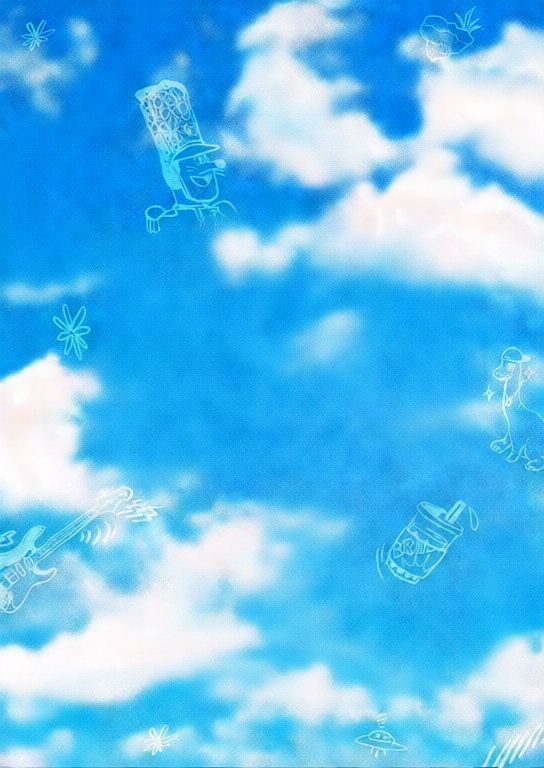
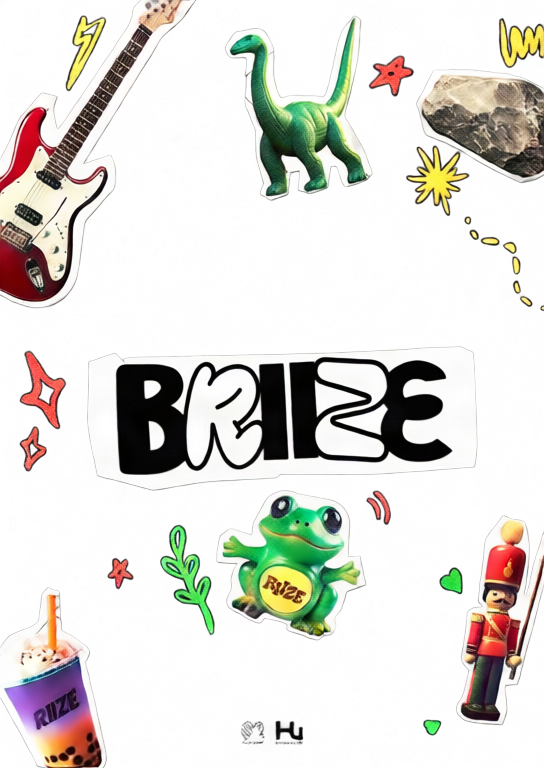
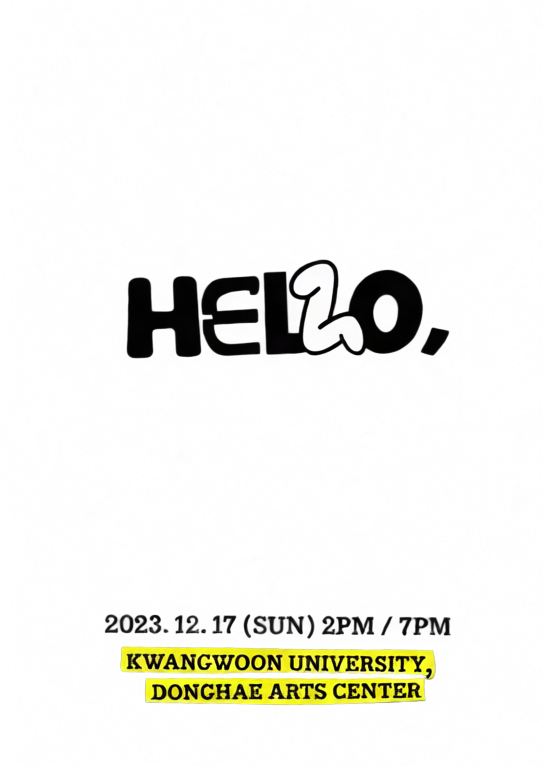
Figure-eight depth
A layered poster using a smooth figure-eight motion path.
Upload one image, separate it into depth layers, and create an interactive 2.5D parallax scene.
Move or drag across each image to feel the depth effect.
A layered poster using a smooth figure-eight motion path.

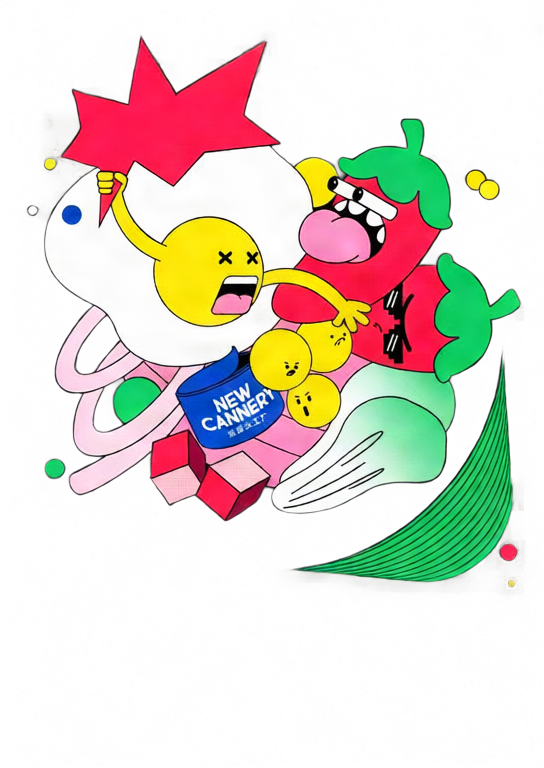
A stronger orbit preset with dynamic tilt and deeper separation.
Move your pointer or drag on touch screens.
Choose a JPG, PNG, or WebP image and select 2–10 layers.
Qwen Image Layered separates the image into transparent depth layers.
Tune depth and motion, then export GIF, MP4, or interactive HTML.
Move the pointer or drag to explore a responsive 2.5D scene.
Adjust each layer's depth, position, scale, visibility, and order.
Create looping GIF and MP4 files or a standalone interactive HTML file.
Your image is uploaded only after you sign in and start generation. It is sent to fal.ai for AI layer separation, and the generated layers are stored on Z-Image R2. GIF, MP4, and HTML exports are rendered in your browser.
No. Upload one image and the tool automatically runs Qwen Image Layered before opening the parallax editor.
Each new parallax scene costs 50 credits. Editing and repeated GIF, MP4, or HTML exports do not consume extra credits.
GIF and MP4 are fixed looping animations. HTML keeps pointer and touch interaction and embeds the layers into one standalone file.
MP4 encoding uses your browser's WebCodecs support. If H.264 encoding is unavailable, use a current Chrome, Edge, or Safari browser.
Explore nuestras herramientas creativas más populares
Cargue una imagen, transfórmela con una frase
Una frase, la IA proporciona creatividad infinita para sus mensajes.
Cargue una imagen, obtenga el mensaje al instante.
Descubra miles de mensajes de IA de alta calidad.
Combina múltiples modelos LoRA para crear obras de arte de IA únicas
Generate creative videos from text or images with AI.
Convierta su texto en imágenes impresionantes al instante.
Explora estilos artísticos seleccionados para tus creaciones.
Elimina fondos de imágenes al instante con precisión de IA.
Mejora la resolución de la imagen hasta 4K/8K.
Expande imágenes a cualquier relación de aspecto con outpainting.
Create a new view with continuous 3D camera control.
Split an image into editable transparent layers.
Convierte imágenes en arte ASCII personalizable directamente en el navegador.
Convierte GIF animados en animaciones ASCII descargables.
Convierte vídeos MP4, WebM o MOV en vídeos ASCII descargables.
Crea un vídeo de mapa de profundidad privado y local en el navegador.