
Figure-eight depth
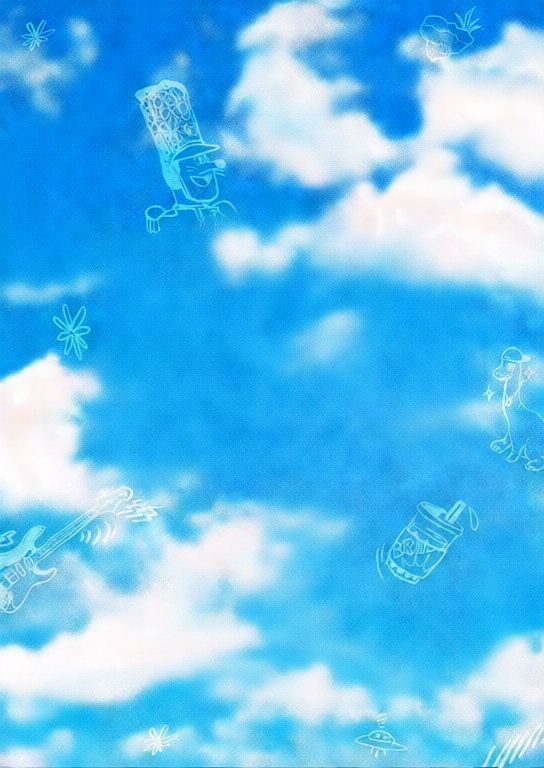
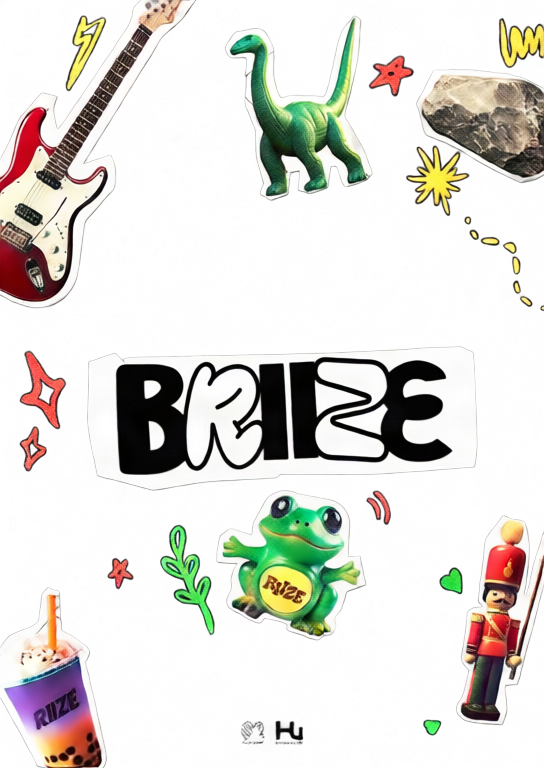
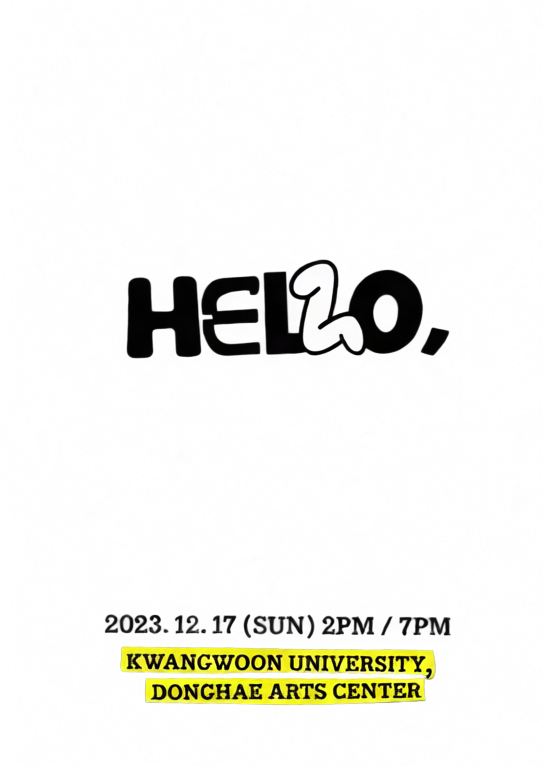
A layered poster using a smooth figure-eight motion path.
Upload one image, separate it into depth layers, and create an interactive 2.5D parallax scene.
Move or drag across each image to feel the depth effect.
A layered poster using a smooth figure-eight motion path.

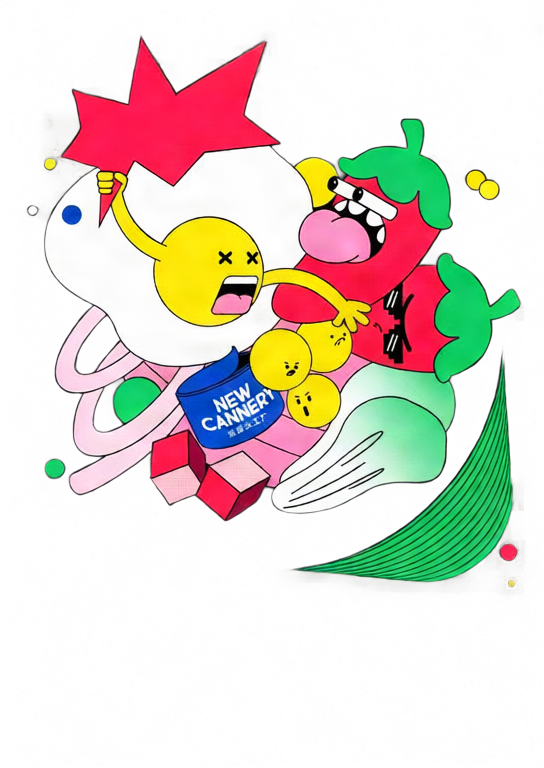
A stronger orbit preset with dynamic tilt and deeper separation.
Move your pointer or drag on touch screens.
Choose a JPG, PNG, or WebP image and select 2–10 layers.
Qwen Image Layered separates the image into transparent depth layers.
Tune depth and motion, then export GIF, MP4, or interactive HTML.
Move the pointer or drag to explore a responsive 2.5D scene.
Adjust each layer's depth, position, scale, visibility, and order.
Create looping GIF and MP4 files or a standalone interactive HTML file.
Your image is uploaded only after you sign in and start generation. It is sent to fal.ai for AI layer separation, and the generated layers are stored on Z-Image R2. GIF, MP4, and HTML exports are rendered in your browser.
No. Upload one image and the tool automatically runs Qwen Image Layered before opening the parallax editor.
Each new parallax scene costs 50 credits. Editing and repeated GIF, MP4, or HTML exports do not consume extra credits.
GIF and MP4 are fixed looping animations. HTML keeps pointer and touch interaction and embeds the layers into one standalone file.
MP4 encoding uses your browser's WebCodecs support. If H.264 encoding is unavailable, use a current Chrome, Edge, or Safari browser.
Исследуйте наши самые популярные творческие инструменты
Загрузите изображение, трансформируйте одной фразой
Одно предложение, ИИ обеспечивает бесконечное творчество подсказок.
Загрузите изображение, получите промпт мгновенно.
Откройте для себя тысячи высококачественных промптов ИИ.
Комбинируйте несколько моделей LoRA для создания уникальных произведений искусства ИИ
Generate creative videos from text or images with AI.
Мгновенно превращайте текст в потрясающие изображения.
Исследуйте кураторские художественные стили для вашего творчества.
Мгновенно удаляйте фон с изображений с помощью ИИ.
Улучшите разрешение изображений до 4K/8K.
Расширяйте изображения до любого формата с помощью ИИ.
Create a new view with continuous 3D camera control.
Split an image into editable transparent layers.
Преобразуйте изображения в настраиваемую ASCII-графику прямо в браузере.
Преобразуйте анимированные GIF в скачиваемые ASCII-анимации.
Преобразуйте MP4, WebM или MOV в скачиваемое ASCII-видео.
Создавайте приватное видео карты глубины локально в браузере.