
Z-Image Turbo ComfyUI Tutorial
Official ComfyUI Z-Image Turbo tutorial with complete workflow setup, model download guide and parameter configuration for optimal performance
Aperçu
Official ComfyUI Z-Image Turbo documentation with complete workflow templates, detailed model download instructions, and low-VRAM device optimization settings. Ideal for users needing local deployment and full control over the generation process.
Caractéristiques
- Official workflow templates for quick setup
- Comprehensive model file download guide with step-by-step instructions
- Low-VRAM optimization configuration supporting 6GB+ GPUs
- 8-step inference parameter settings for speed optimization
- Excellent Chinese text rendering capabilities
- ControlNet integration support for advanced control
- Custom workflow creation and modification guide
- Common troubleshooting and optimization tips
Images
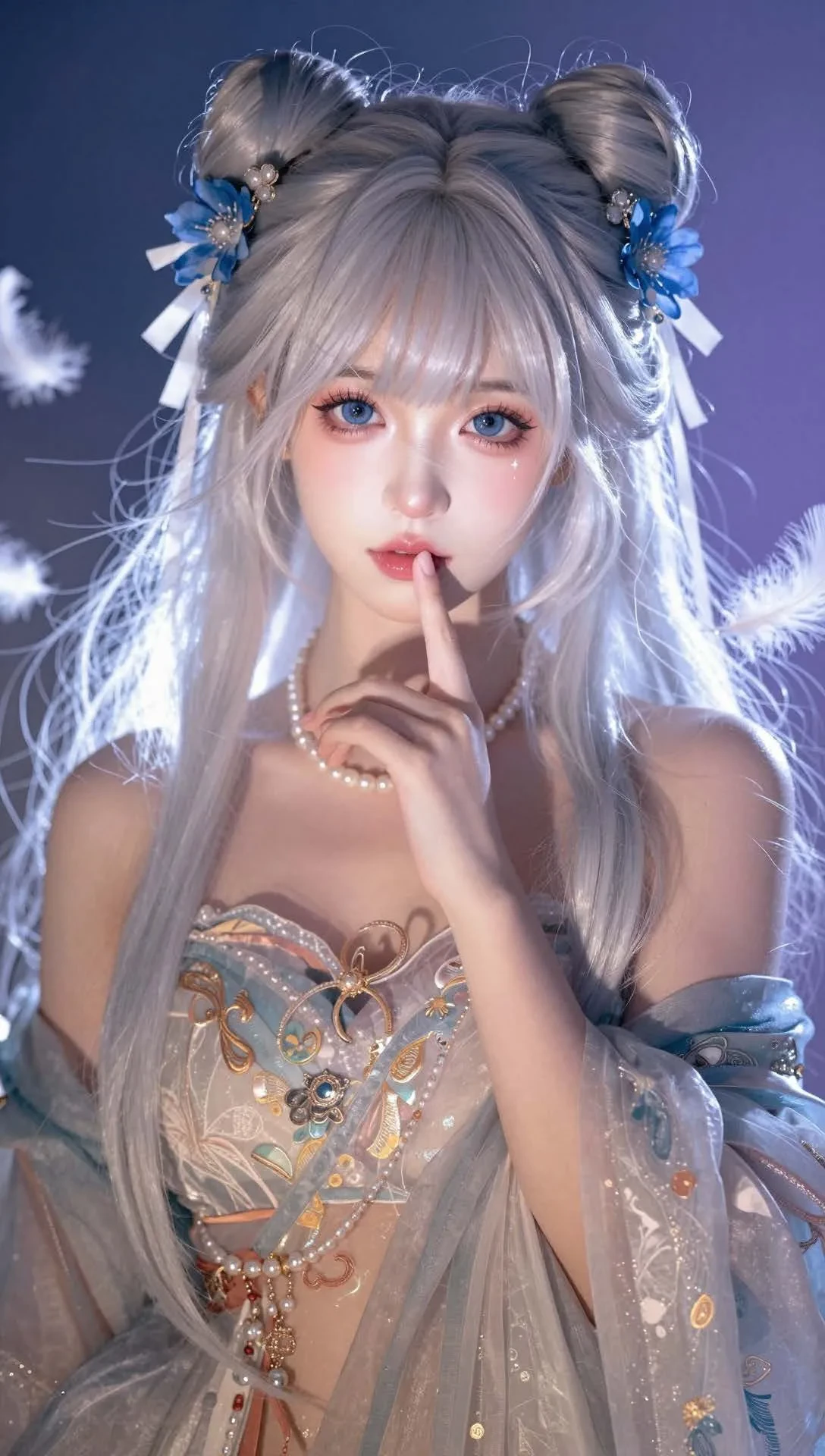
Installation
Download ComfyUI from GitHub, install dependencies, and place model files in appropriate directories (text_encoders/, diffusion_models/, vae/)
Utilisation
Import the official JSON workflow, customize prompts and parameters, then generate images using the Queue Prompt button
Exigences
- Python 3.8+
- CUDA-compatible NVIDIA GPU
- 6GB+ VRAM (8GB+ recommended)
- 15GB+ disk space for models
- ComfyUI installation
Liens Connexes
Outils Populaires
Explorez nos outils créatifs les plus populaires
Z-Image Édition
Téléchargez une image et changez-la avec une seule phrase.
Moteur Créatif
Une phrase, l'IA fournit une créativité de prompt infinie.
Analyse d'Image
Téléchargez une image, obtenez le prompt instantanément.
Bibliothèque de Prompts
Découvrez des milliers de prompts IA de haute qualité.
Z-Image LoRA
Combinez plusieurs modèles LoRA pour créer des œuvres d'art IA uniques
Z-Video
Generate creative videos from text or images with AI.
Générateur d'Image IA
Transformez votre texte en images époustouflantes instantanément.
Bibliothèque de Styles
Explorez des styles artistiques sélectionnés pour vos créations.
Supprimer le fond
Supprimez instantanément les arrière-plans avec la précision de l'IA.
Agrandisseur d'image
Améliorez la résolution des images jusqu'à 4K/8K.
Recadrage d'image
Étendez les images à n'importe quel ratio avec l'outpainting.
Camera Angle
Create a new view with continuous 3D camera control.
Image Layers
Split an image into editable transparent layers.
Image Parallax
Turn one image into interactive parallax animation.
Image en ASCII
Convertissez vos images en art ASCII personnalisable dans votre navigateur.
GIF en ASCII
Transformez les GIF animés en animations ASCII téléchargeables.
Vidéo en ASCII
Convertissez les vidéos MP4, WebM ou MOV en vidéos ASCII téléchargeables.
Vidéo en profondeur
Créez localement une vidéo de profondeur privée dans le navigateur.