
提示詞庫 / Infographic / Edu Visual - Retro Editorial Illustration Split Poster
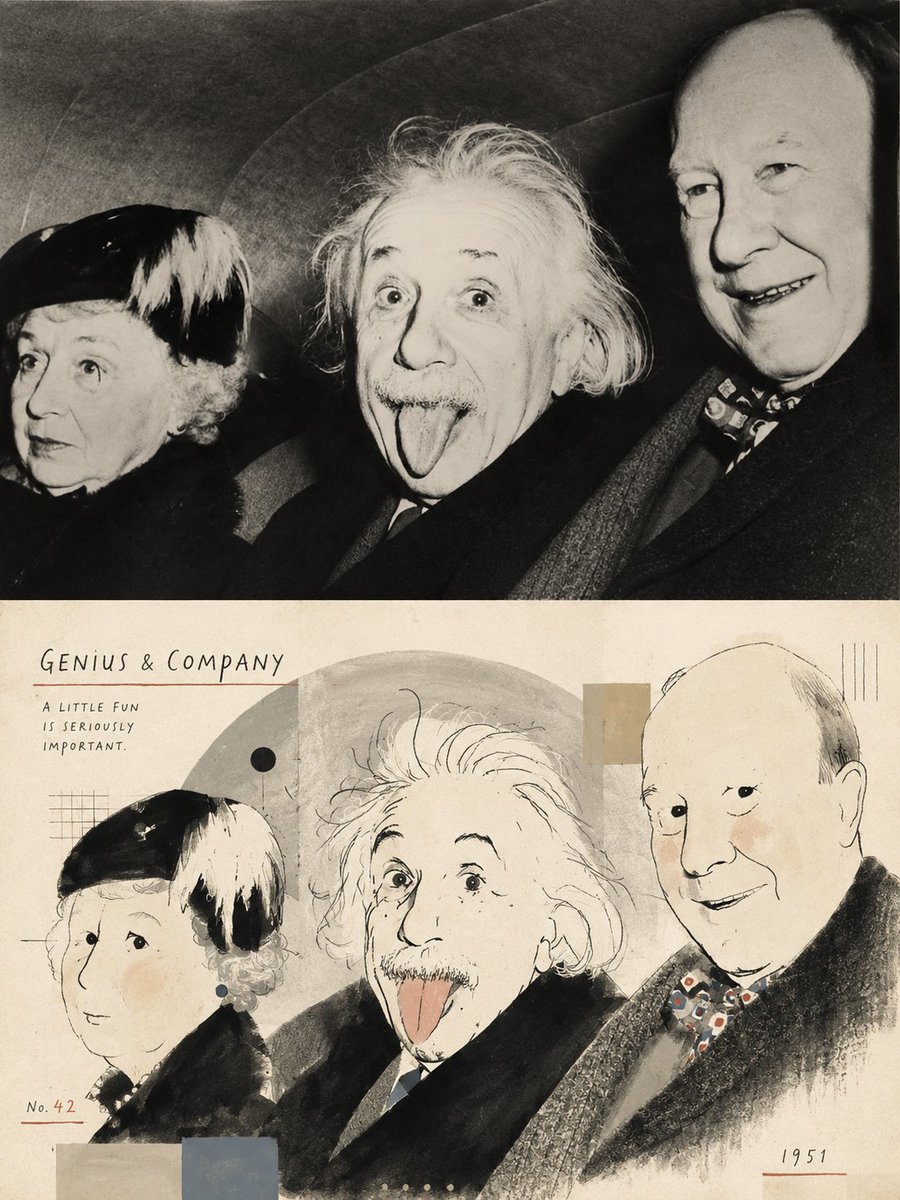
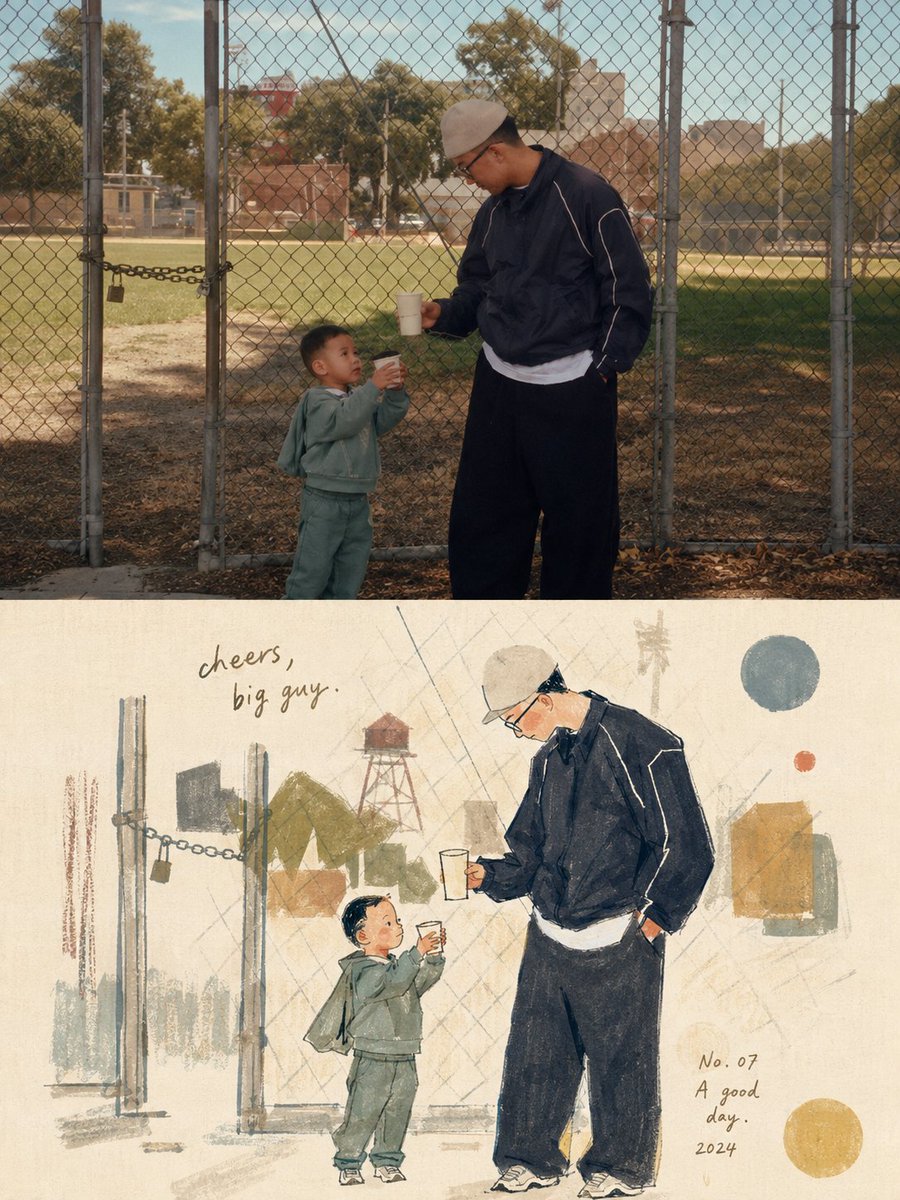
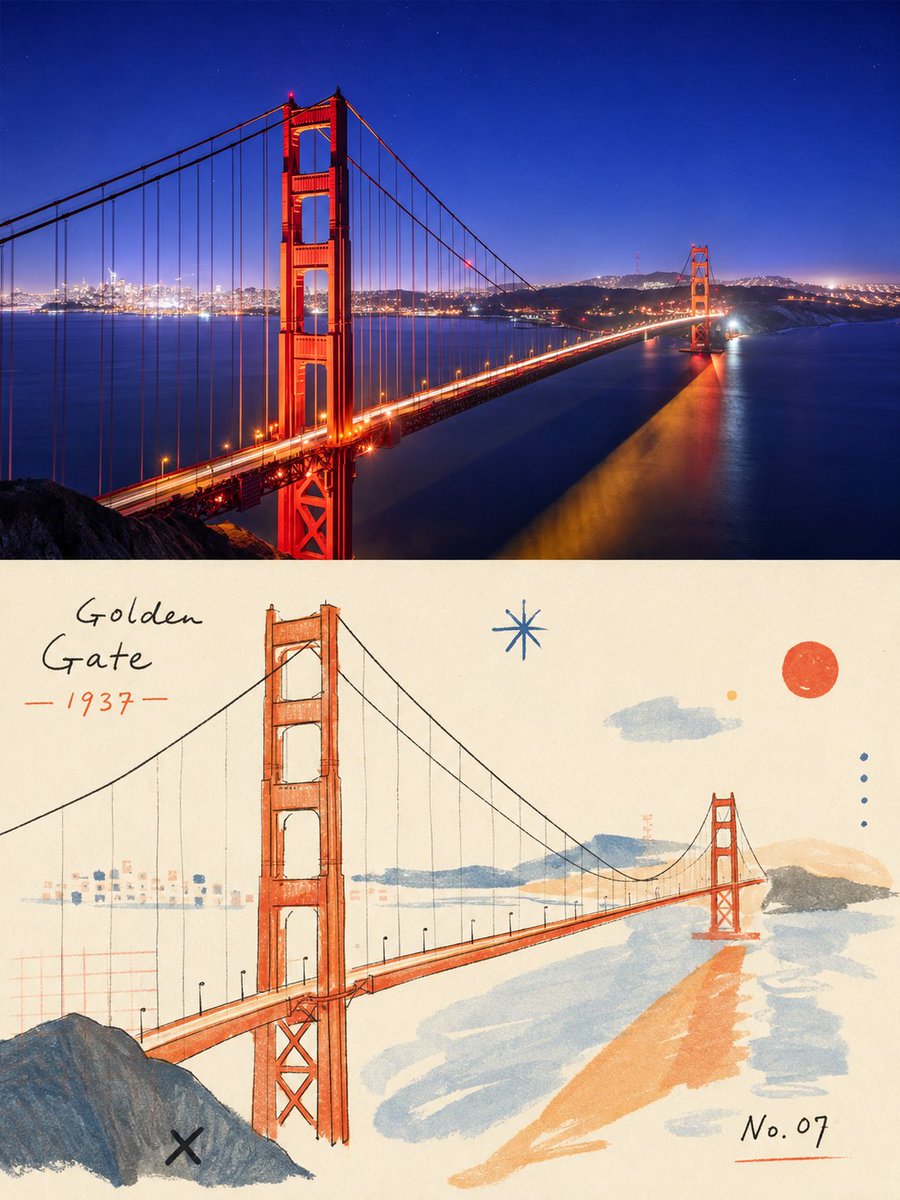
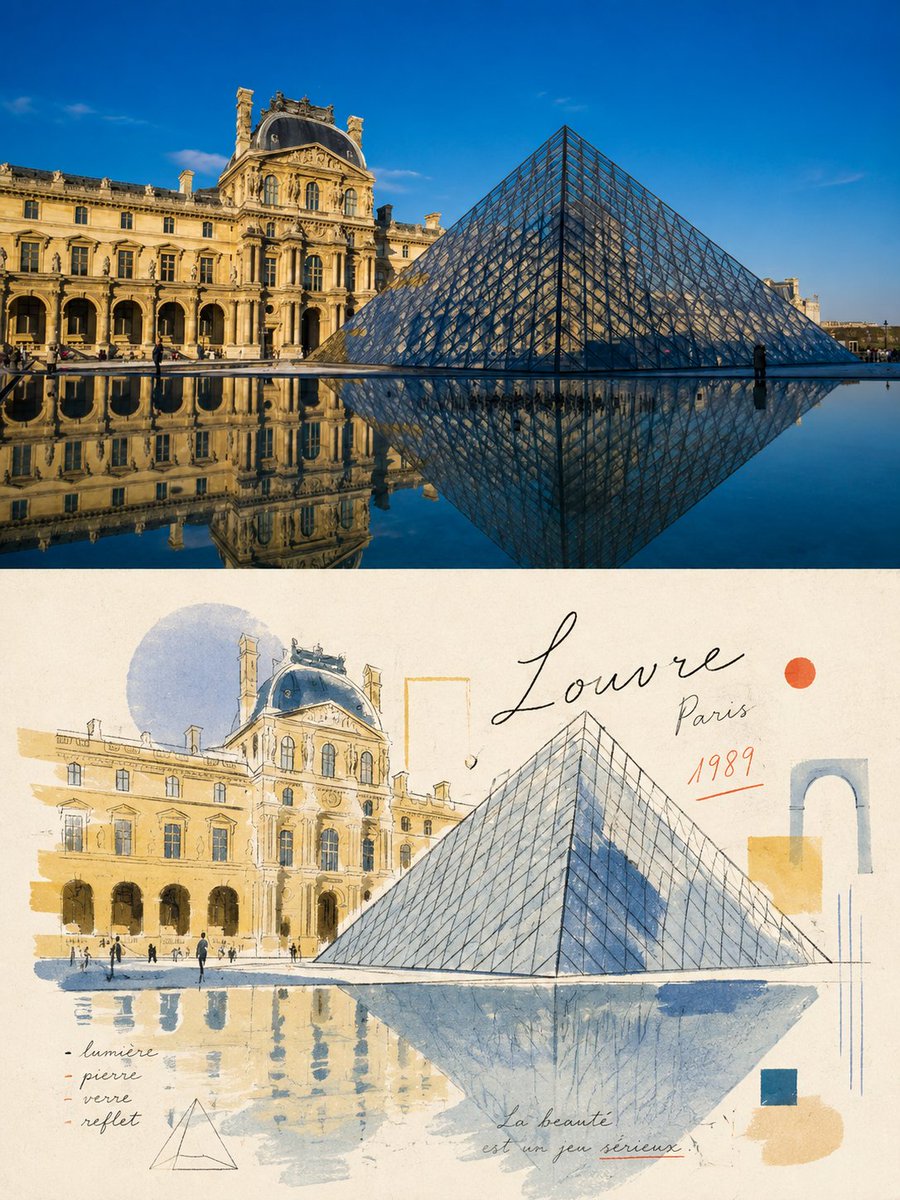
Infographic / Edu Visual - Retro Editorial Illustration Split Poster
作者:小小东
000
文生圖
gpt-image-2
Please turn each photo I upload into a separate, high-end design poster. Do not combine multiple photos into a collage; output one poster per photo. Use an overall {argument name="composition ratio" default="3:4 vertical composition"}, strictly divided into two equal sections, with the top and bottom each occupying exactly 50% of the canvas height.
For the top half, preserve the original photograph, maintaining the subject’s structure, realistic texture, natural lighting, and original color atmosphere. Apply only subtle, refined photographic color grading to give it the quality of editorial magazine photography and fine-art exhibition imagery.
For the bottom half, extract the most recognizable subject, silhouette, pose, and narrative relationships from the photograph, then reinterpret them as a light, naïve, retro hand-drawn editorial illustration. Do not mechanically trace or reproduce every detail. Instead, reinterpret the subject through simplified forms, slightly exaggerated proportions, symbolic features, and humorous visual metaphors. Blend the aesthetics of modernist editorial illustration, Bauhaus composition, children’s picture books, and fashion sketching. Keep the forms concise and the lines thin, delicate, and slightly imperfect by hand.
Derive the color palette from the photograph above, using a limited palette with high lightness and low-to-medium saturation. Leave generous areas of off-white or pale negative space. Use a mixed-media texture inspired by watercolor, gouache, colored pencil, oil pastel, and dry-brush techniques. Preserve visible paper grain, rough edges, and slight misregistration. Keep the overall composition balanced, airy, and spacious.
描述
A sophisticated prompt that transforms an uploaded photo into a 50/50 split design: the top half is a refined version of the photo, and the bottom half is a hand-drawn editorial illustration.
標籤
# YouMind
# gpt-image-2
# image prompt
熱門工具
探索最受歡迎的創意工具
Z-Image Edit
上傳圖片,一句話即可改變一切。
立即體驗
創意引擎
一句話讓 AI 為你提供無限提示詞創意
立即體驗
圖像解析
上傳圖片,立即讀取提示詞
立即體驗
Z-Image LoRA
結合多個 LoRA 模型,創作獨特的 AI 藝術品
立即體驗
Z-Video
Generate creative videos from text or images with AI.
立即體驗
AI 繪圖生成器
輸入文字,瞬間轉化為精美的 AI 繪圖作品。
立即體驗
樣式庫
探索精心挑選的藝術風格,為您的創作增色。
立即體驗
智能去背
一鍵移除圖片背景,實現專業級高精度去背。
立即體驗
畫質增強
將圖片無損放大至 4K/8K,恢復清晰細節。
立即體驗
圖片重構
使用 AI 外繪技術將圖片擴展至任意比例背景。
立即體驗
鏡頭控制
使用連續 3D 鏡頭控制生成自由視角。
立即體驗
圖片分層
將圖片拆分為可編輯透明圖層。
立即體驗
圖片視差
將一張圖片變成可互動的視差動畫。
立即體驗
圖片轉 ASCII
在瀏覽器本機將圖片轉換為可自訂的 ASCII 字元畫。
立即體驗
GIF 轉 ASCII
將動態 GIF 轉換成可下載的 ASCII 字元動畫。
立即體驗
影片轉 ASCII
將 MP4、WebM 或 MOV 轉換為可下載的 ASCII 影片。
立即體驗
影片轉深度圖
在瀏覽器本機生成私密的深度圖影片。
立即體驗