
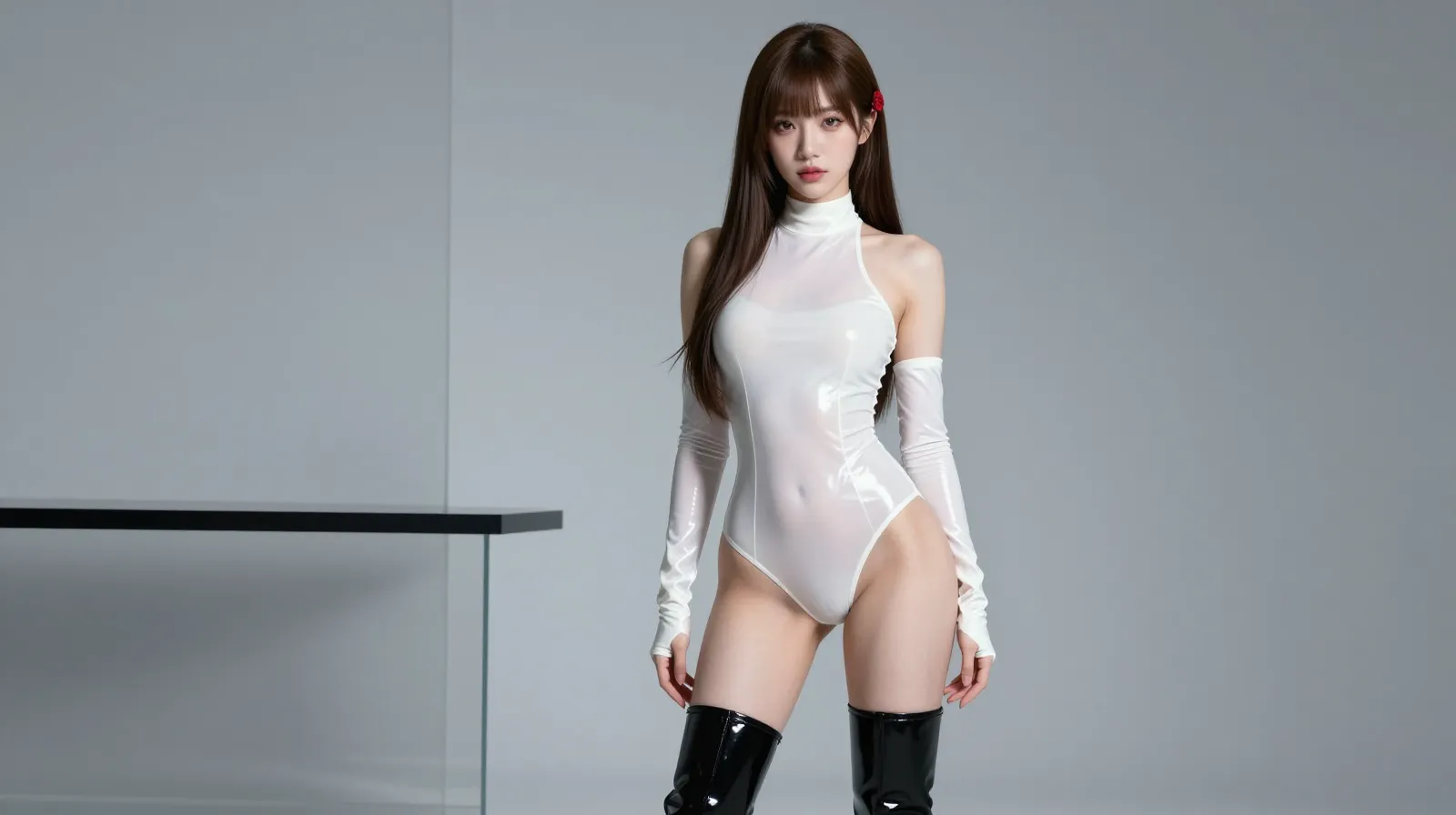
How to Use Z-Image for Free: Unlimited Experience Guide on z-image.me
How to Use Z-Image for Free: Unlimited Experience Guide on z-image.me
Whether you're designing creative illustrations, creating e-commerce product images, or completing homework graphics, you can use Z-Image's AI image generation capabilities completely free, unlimited, and without review on z-image.me. The entire process is zero-threshold, requires no registration or deployment, supports bilingual instructions, and offers a truly "ready-to-use" AI image generation experience.
1. Visit the Official Website: Zero Threshold Access, No Preparation Needed
- Access Method: Open any browser such as Chrome, Edge, or Firefox, and directly enter the URL z-image.me. No account registration or login verification is required—you'll enter the image generation interface immediately after the page loads, truly "ready-to-use".
- Device Requirements: Ordinary laptops, desktops, and mobile browsers are all supported. The minimum requirement is just an RTX 3060 6G graphics card (covering 90% of consumer devices), and devices without independent graphics cards can also work normally via CPU.
2. Core Functions: 3 Free & Unlimited Modules
2.1 Text-to-Image: Turn Words into Images, Supporting Bilingual Prompts
- How to Use: In the default "Text-to-Image" input box on the page, enter a clear description (both Chinese and English are supported), e.g., "Chinese trend cherry blossom poster, pink cherry trees + red lanterns, with text 'Spring Limited'". Click the "Generate" button, and the image will be ready in 2.3 seconds (RTX 4090) - 10 seconds (entry-level graphics card). You can regenerate unlimited times if unsatisfied.
- Special Advantage: Accurate Chinese text rendering with no garbled characters or typos, supporting small fonts and complex layouts, suitable for posters, promotional images, etc.
2.2 Image-to-Image: Secondary Creation from Original Images, Free Style Conversion
- How to Use: Switch to the "Image-to-Image" module, upload a local image (JPG/PNG format, no size limit), add a prompt like "Convert this landscape photo to ink wash style", click "Generate". The system will retain the main subject of the original image, overlay the target style, and display the result in real time.
- Usage Scenarios: Image optimization, style transfer, draft refinement—all operations are free and unlimited.
2.3 Image Editing: Natural Language Retouching, Precise & Effortless
- How to Use: Upload the image to be modified, enter a prompt like "Change the blue skirt in the image to white and the background to the seaside". No manual selection is needed—Z-Image will automatically identify the target and adjust, maintaining image consistency.
- Core Support: Image inpainting, object replacement, style conversion—all with no review waiting, delivering results instantly.
3. Advanced Tips: Make Image Generation More Accurate
- Prompt Structure: Structure prompts as "Subject + Scene + Style + Details", e.g., "Children's picture book style, little boy flying a kite in a wheat field, bright colors, rounded lines"—the effect is 80% better than vague descriptions.
- Commercial Use: The copyright of generated content belongs to the user, supporting commercial use (e.g., e-commerce images, self-media covers) with no copyright risks.
4. Summary: z-image.me, the Top Choice for Free & Unlimited Image Generation
z-image.me truly achieves a "free, unlimited, and review-free" Z-Image experience. No professional skills or additional costs are needed—you can turn your creativity into reality just by opening a browser.
This guide is designed with simplified formatting, with English content following clear headings, and all operations specifically pointing to z-image.me for more intuitive implementation. If you need to adjust fonts, supplement detailed steps for specific features, or optimize English expressions, feel free to let me know!