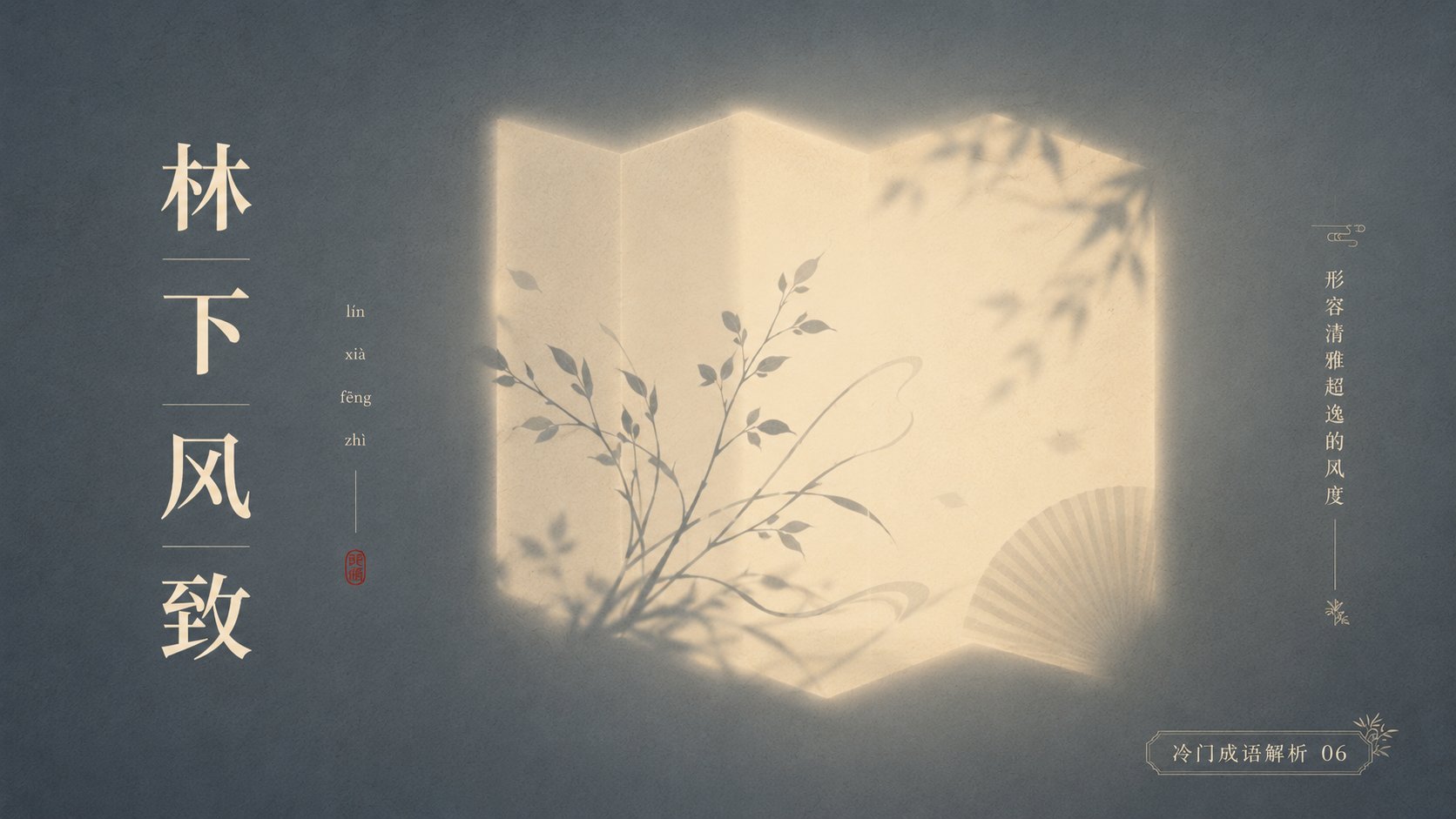
Prompt Library / Minimalist Poetic Light Shadow Poster for Chinese Idioms


Minimalist Poetic Light Shadow Poster for Chinese Idioms
Author:@xiaoxiaodong01
000
Text-to-Image
ChatGPT
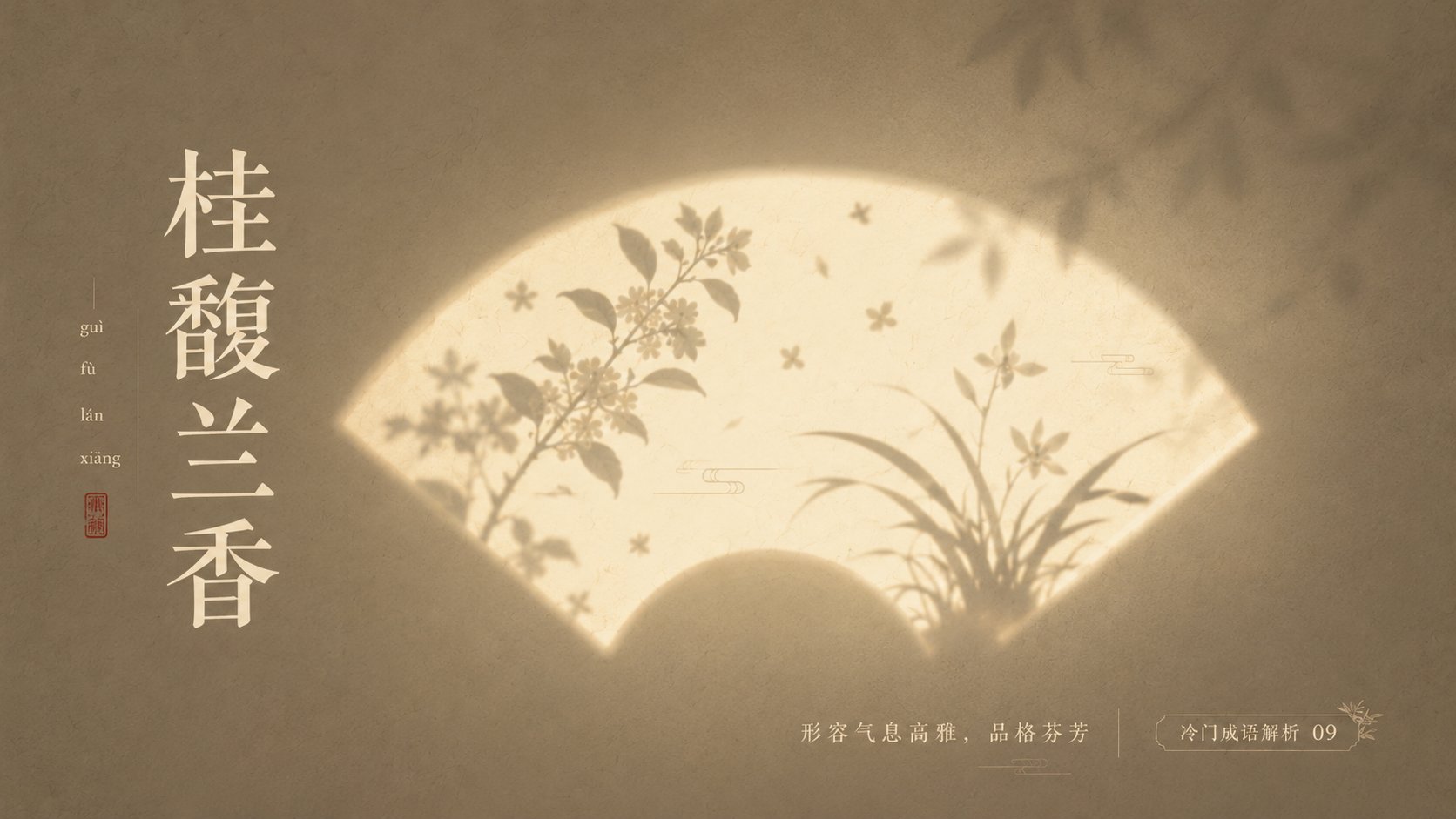
With '{Theme}' as the core, create a minimalist, high-end, poetic, and quiet light and shadow poster. The image should not directly depict the theme, but instead transform the theme into 'silhouette imagery illuminated by light.' In the center of the frame, set a recognizable glowing shape container: {Fan-shaped window / Moon gate / Rectangular window light / Arched niche / Circular light window / Screen projection / Rounded glowing panel}. This shape is like a beam of light cast on a textured wall or paper surface, with soft glowing edges and slight atomized diffusion.
Inside the glowing container, use silhouettes and soft-focus projections to represent theme-related elements: {Main element}, {Symbolic element}, {Environmental element}. The main silhouette is slightly clear, while auxiliary elements are more blurred, like shadows of trees, flowers, smoke, branches, lines, or object outlines projected through a paper window. All elements remain restrained, without realistic details, keeping only the most recognizable outlines. The image should have a large amount of white space, a centered composition, and clear visual hierarchy: the background is the quietest, the light area is the most eye-catching, and the silhouette has the most sense of story.
The background uses low-saturation {Background color}, with fine paper texture, wall particles, weak noise, slight gradients, and soft vignettes. The light area uses {Light color}, such as cream white, ivory white, pale gold, moonlight yellow, or cool white glimmer. The silhouette uses {Silhouette color}, such as ink gray, blue-gray, dark brown, charcoal black, or dark colors within the same series. The overall color is controlled within three to four types, forming a quiet, restrained, and high-end color relationship.
Overall style: Eastern aesthetics, modern minimalism, poetic poster, art exhibition visuals, magazine cover level composition, soft light, negative space, silhouette, white space, airiness, fine grain, low-saturation color matching, quiet emotional tension. Avoid complex backgrounds, avoid strongly saturated colors, avoid hard-edged light effects, avoid over-realism, avoid cluttered elements, avoid cheap decorations. The final image should be like 'a poem left by light on a wall.'
——————
This time's obscure idiom analysis:
Obscure and breathtakingly beautiful Chinese idioms
Use: PPT slides
Color scheme: Each picture is different, dynamic layout changes, each has clever design, no fewer than 10 pictures.
Ratio 16:9
Description
Use z-image to create a minimalist poetic light shadow poster for obscure Chinese idioms, featuring Eastern aesthetics, negative space, and a 16:9 ratio for PPT slides.
Tags
# Negative Space
# Minimalism
# Eastern Aesthetics
# Light Shadow
# Chinese Idioms
# PPT Design
Related Prompts

Minimal Poetic Character Illustration

Minimalist Fashion Illustration: Sophisticated Grey Background and Elite Image
Minimalist Song Dynasty Wide-Angle Painting with Ethereal Jade Green Dancers

Highly Detailed Photorealistic Image of Young Asian Woman

Portrait and Figure Generation Based on Reference Image

Realistic Smartphone Mirror Selfie in a Bedroom
Popular Tools
Explore our most popular creative tools
Z-Image Edit
Upload image, transform with one sentence
Try it now
Creative Engine
One sentence, AI provides infinite prompt creativity.
Try it now
Image Parse
Upload image, retrieve prompt instantly.
Try it now
Z-Image LoRA
Combine multiple LoRA models to create unique AI artwork
Try it now
Z-Video
Generate creative videos from text or images with AI.
Try it now
AI Image Generator
Turn your text into stunning images instantly.
Try it now
Style Library
Explore curated artistic styles for your creations.
Try it now
Remove Background
Instantly remove backgrounds from images with precision.
Try it now
Image Upscaler
Enhance image resolution up to 4K/8K.
Try it now
Image Reframe
Expand images to any aspect ratio with outpainting.
Try it now