
提示詞庫 / Ultra-clean top-down infographic with calorie bubble focus
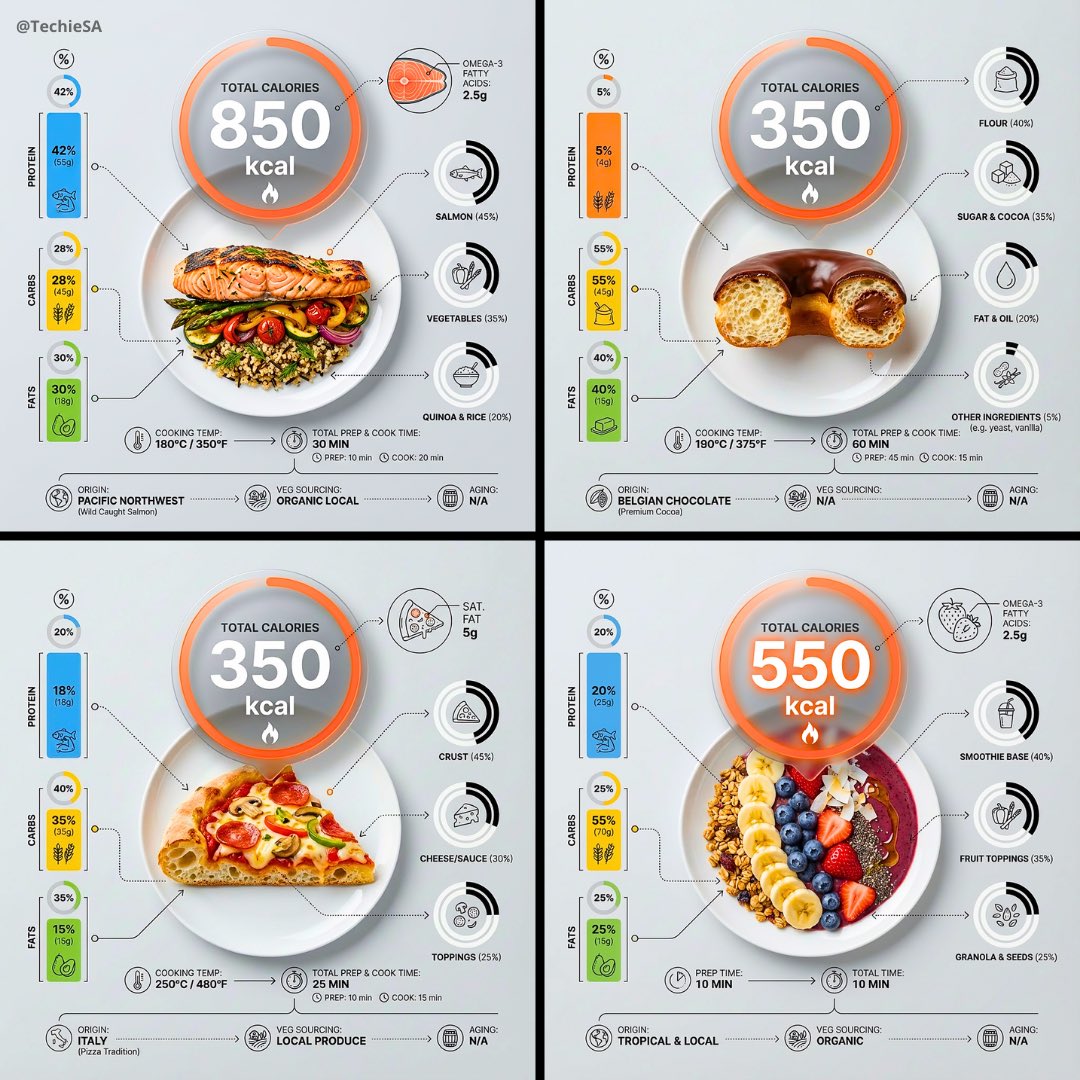
Ultra-clean top-down infographic with calorie bubble focus
作者:@TechieBySA
111811
文生圖
z-image-turbo
nano banana
nano banana pro
qwen image edit
Ultra-clean top-down (90° flat lay) infographic composition. A perfectly centered white ceramic plate sits on a seamless light background. On the plate: [FOOD], shown in a precise cross-section or layered cutaway, revealing internal ingredients, textures, and structure with extreme clarity. PRIMARY FOCAL POINT (HERO ELEMENT): Above the plate, occupying a large portion of the upper canvas, place an oversized floating infographic bubble displaying: TOTAL CALORIES [XXXX kcal] The calorie bubble is significantly larger than any other element, instantly readable at thumbnail size. Design it with strong visual contrast: bold sans-serif typography, thick outline or semi-transparent glassmorphism, subtle glow or drop shadow, and clean UI styling. This is the first thing the eye sees. SECONDARY ELEMENTS: Surrounding the plate, fill the remaining space with a dense, high-information infographic system: – Nutritional breakdown charts (protein, carbs, fats) – Ingredient percentage bars and rings – Cooking or preparation temperatures and times – Origin, aging, or production icons – Measurement scales, micro-diagrams, data badges Use thin vector connectors, dotted lines, arrows, pictograms, and radial charts clearly linking data to specific food components. Visual hierarchy rules: Calorie bubble = dominant Plate + food = secondary anchor Surrounding data = tertiary but dense and readable Design language: premium editorial infographic, Apple UI × National Geographic food science, extremely clean, structured, and modern. Color palette: natural food colors, monochrome infographic UI, one accent color reserved exclusively for the calorie bubble. Lighting: soft studio lighting, zero clutter, flat background for maximum contrast. Output: 1080×1080, ultra-crisp, social-feed optimized, no watermark.
描述
Create an ultra-clean top-down infographic with z-image, featuring a prominent calorie bubble and detailed cross-section of food. The design combines premium editorial style with Apple UI and National Geographic food science aesthetics, making complex nutritional data easily digestible. Perfect for health and food science content.
標籤
# healthy eating
# infographic design
# food visualization
# calorie display
# nutrition data
# flat lay
相關推薦
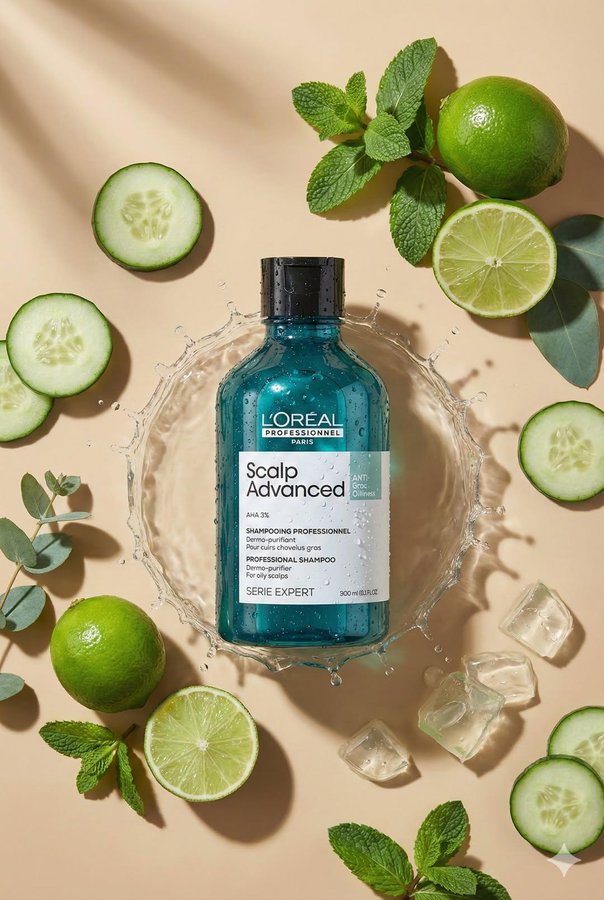
Top-Down Flat Lay Product Photography

1983 Product Photography: Professional Flat Lay Symmetry
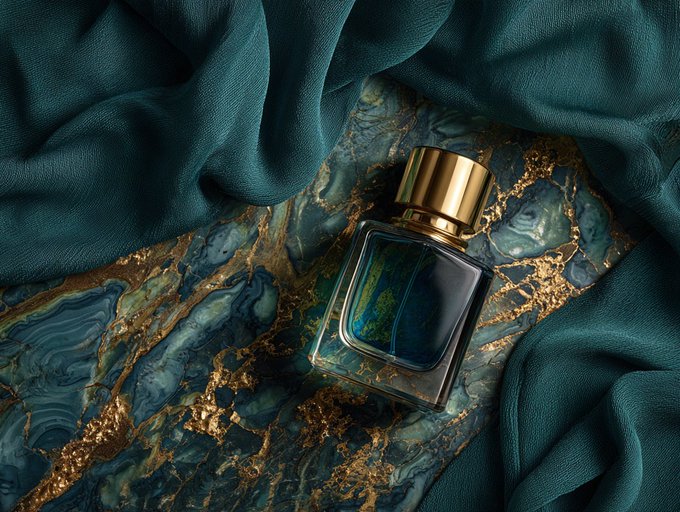
Product Flat Lay Composition
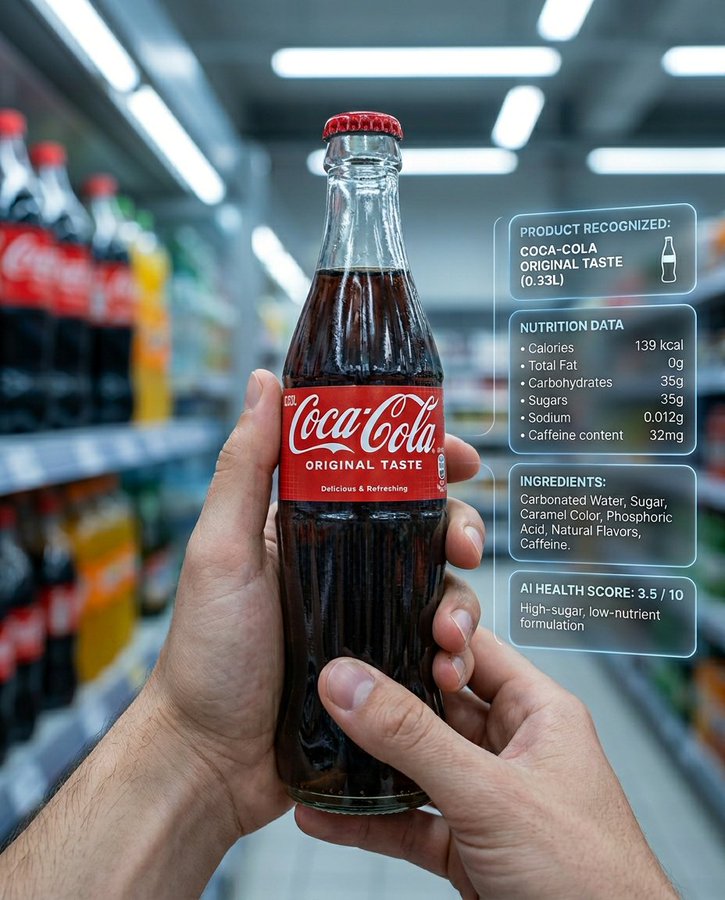
Ultra-realistic supermarket product AI recognition
![Create an infographic image of [OBJECT], combining a realistic photograph or photoreal render of the object with technical annotation overlays placed directly on top.](https://cdn.z-image.me/prompts/opennana1769250684234-1188.jpg)
Create an infographic image of [OBJECT], combining a realistic photograph or photoreal render of the object with technical annotation overlays placed directly on top.
![Hyper-realistic 3D Render of a Plush Toy Animal Head [EMOJI🐱]](https://cdn.z-image.me/prompts/opennana/1766283320270-vt8btw.webp)
Hyper-realistic 3D Render of a Plush Toy Animal Head [EMOJI🐱]
熱門工具
探索最受歡迎的創意工具
Z-Image Edit
上傳圖片,一句話即可改變一切。
立即體驗
創意引擎
一句話讓 AI 為你提供無限提示詞創意
立即體驗
圖像解析
上傳圖片,立即讀取提示詞
立即體驗
Z-Image LoRA
結合多個 LoRA 模型,創作獨特的 AI 藝術品
立即體驗
Z-Video
Generate creative videos from text or images with AI.
立即體驗
AI 繪圖生成器
輸入文字,瞬間轉化為精美的 AI 繪圖作品。
立即體驗
樣式庫
探索精心挑選的藝術風格,為您的創作增色。
立即體驗
智能去背
一鍵移除圖片背景,實現專業級高精度去背。
立即體驗
畫質增強
將圖片無損放大至 4K/8K,恢復清晰細節。
立即體驗
圖片重構
使用 AI 外繪技術將圖片擴展至任意比例背景。
立即體驗
鏡頭控制
使用連續 3D 鏡頭控制生成自由視角。
立即體驗
圖片分層
將圖片拆分為可編輯透明圖層。
立即體驗
圖片視差
將一張圖片變成可互動的視差動畫。
立即體驗
圖片轉 ASCII
在瀏覽器本機將圖片轉換為可自訂的 ASCII 字元畫。
立即體驗
GIF 轉 ASCII
將動態 GIF 轉換成可下載的 ASCII 字元動畫。
立即體驗
影片轉 ASCII
將 MP4、WebM 或 MOV 轉換為可下載的 ASCII 影片。
立即體驗
影片轉深度圖
在瀏覽器本機生成私密的深度圖影片。
立即體驗