
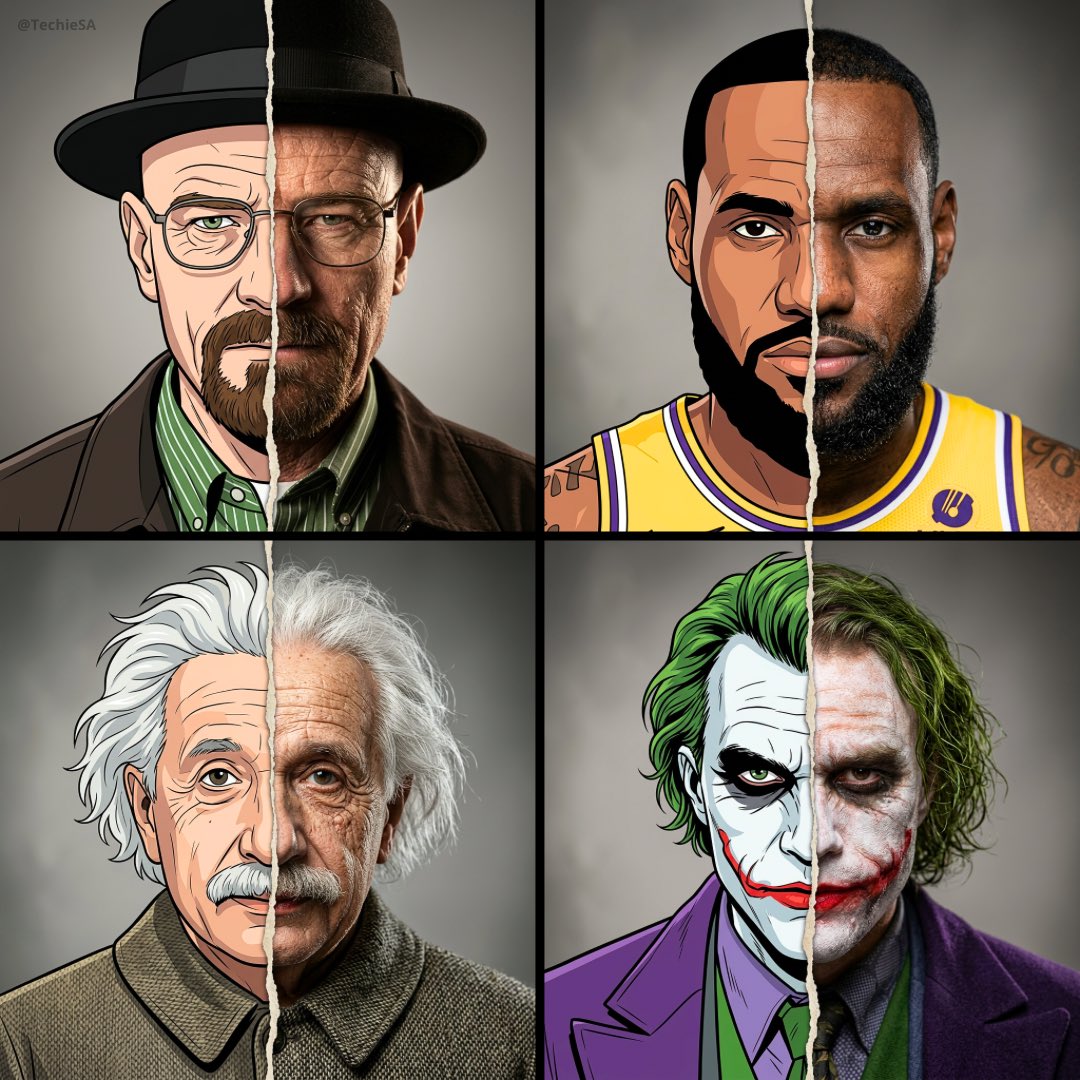
Split Portrait: 2D Cartoon vs Hyper-Realistic
Descrição
Comandos Relacionados
![Hyper-realistic 3D Render of a Plush Toy Animal Head [EMOJI🐱]](https://cdn.z-image.me/prompts/opennana/1766283320270-vt8btw.webp)
Hyper-realistic 3D Render of a Plush Toy Animal Head [EMOJI🐱]
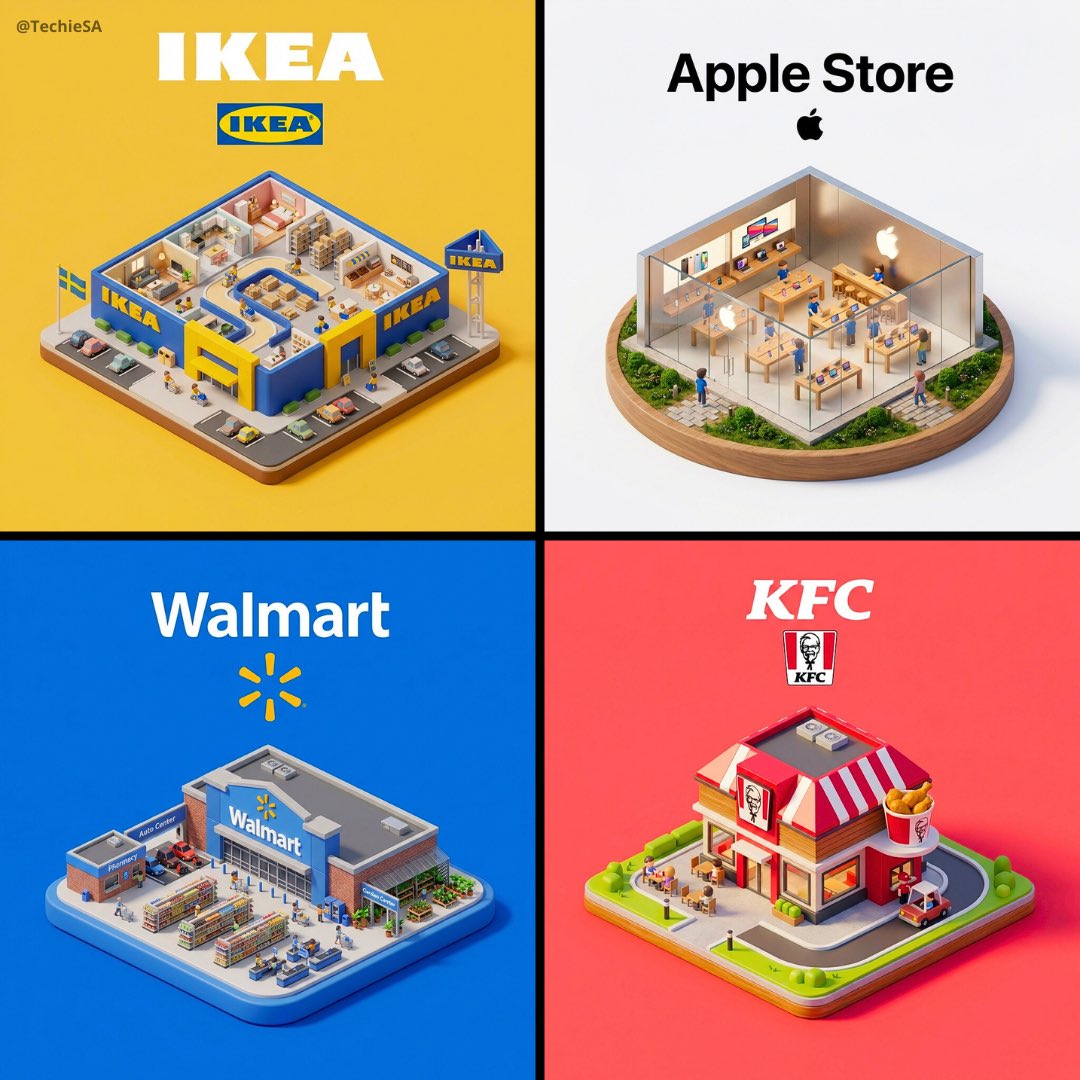
Brand Cartoon Miniature 3D Diorama
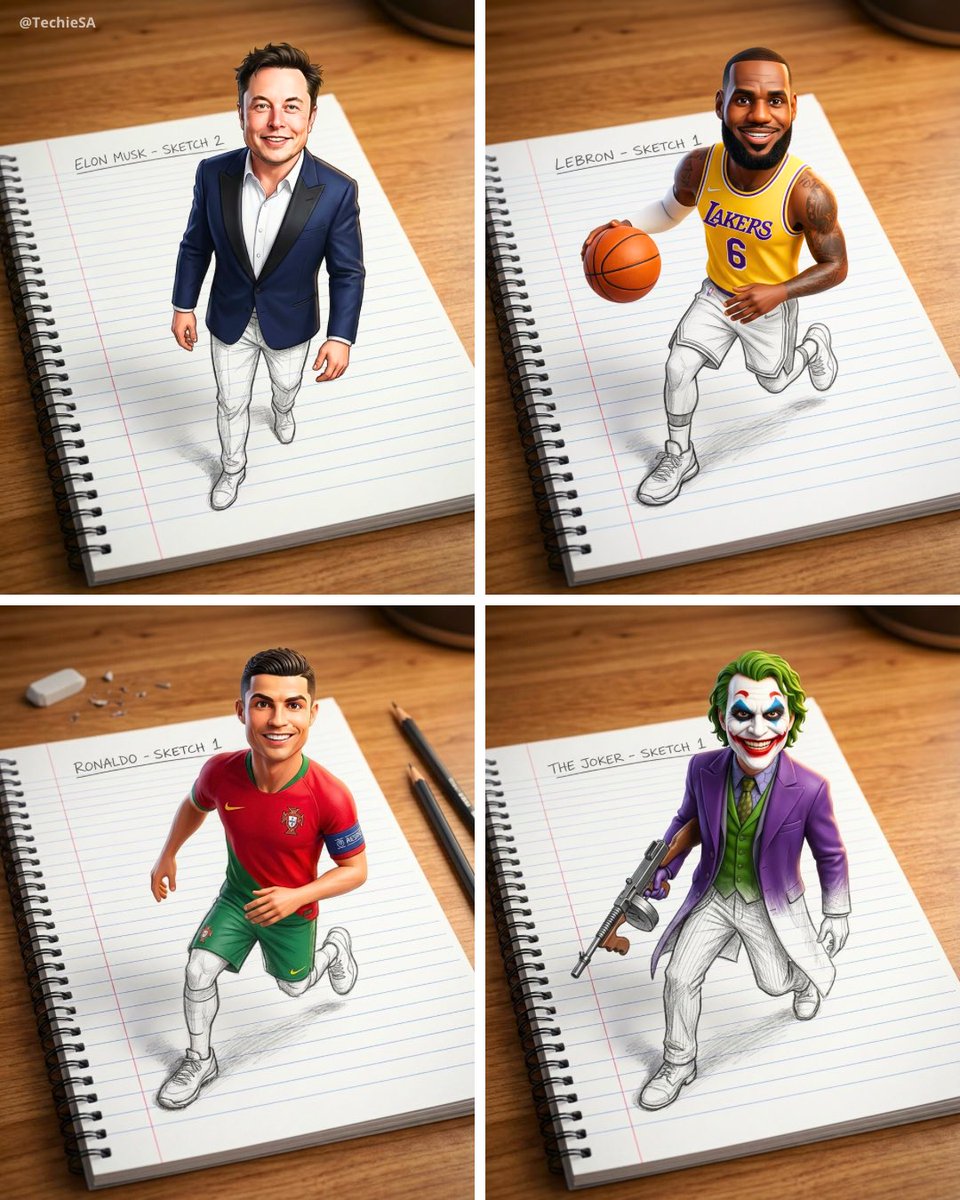
Creative 3D Illusion Artwork
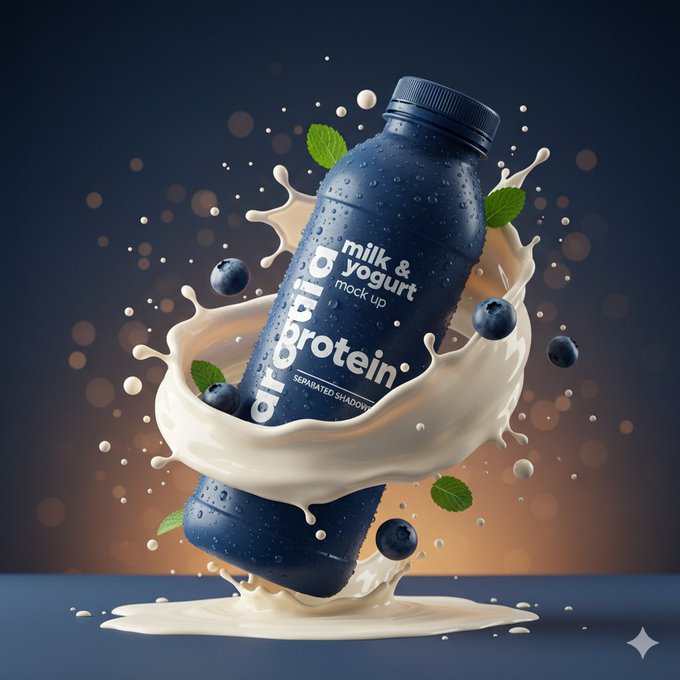
Hyper-Realistic Product Photography Prompt

Hyper-realistic Optical-Illusion Photograph

Ultra-realistic cinematic studio scene of a woman carefully painting a miniature figurine
Ferramentas Populares
Explore nossas ferramentas criativas mais populares
Z-Image Edit
Faça upload da imagem, transforme com uma frase
Motor Criativo
Uma frase, a IA fornece criatividade infinita de comandos.
Análise de Imagem
Faça upload da imagem, obtenha o comando instantaneamente.
Z-Image LoRA
Combine vários modelos LoRA para criar obras de arte de IA exclusivas
Z-Video
Generate creative videos from text or images with AI.
Gerador de Imagens por IA
Transforme seu texto em imagens impressionantes instantaneamente.
Biblioteca de Estilos
Explore estilos artísticos curados para suas criações.
Remover fundo
Remova fundos de imagens instantaneamente com precisão de IA.
Aumentador de imagem
Melhore a resolução da imagem para até 4K/8K.
Reenquadre de imagem
Estenda imagens para qualquer proporção com outpainting.
Camera Angle
Create a new view with continuous 3D camera control.
Image Layers
Split an image into editable transparent layers.
Image Parallax
Turn one image into interactive parallax animation.
Imagem para ASCII
Converta imagens em arte ASCII personalizável diretamente no navegador.
GIF para ASCII
Transforme GIFs animados em animações ASCII para baixar.
Vídeo para ASCII
Converta vídeos MP4, WebM ou MOV em vídeos ASCII para baixar.
Vídeo para profundidade
Crie localmente um vídeo privado de mapa de profundidade no navegador.