
Biblioteca de Comandos / Photorealistic Edit with Strict Identity Reference

Photorealistic Edit with Strict Identity Reference
Autor:@MANISH1027512
2342719
Imagem para Imagem
nano banana
nano banana pro
qwen image edit
Photorealistic edit using the input person photo as strict identity reference: keep the same face, facial features, skin tone, hairstyle (color/bangs/length/volume), outfit and accessories unchanged (no face swap, no new person, no hair/outfit change). Only modify expression, subtle head angle/gaze, light body language, and background.
Expression must be light tsundere: her boyfriend just complimented her / wants to film her; she acts annoyed like “stop it / don’t film me,” but it’s actually soft and sweet underneath. Facial actions: slightly averted gaze (side glance), a tiny eyebrow raise, lips gently pressed or a small pout, a barely-there restrained smirk (almost smiling but resisting), with a hint of shy pride; not real anger, not hostile, no big toothy grin.
Body language: torso slightly turned away as if avoiding the camera, shoulders subtly rotated out; eyes glance back with a side-eye; one hand makes a gentle “stop / don’t film” block near the chest (light, half-hearted, not grabbing the phone).
Clean soft studio realism, face in sharp focus. Replace background with a solid pink seamless studio backdrop (subtle gradient ok).
Avoid identity changes, hair/outfit changes, exaggerated kawaii deformation, rage/aggressive vibe, text/watermarks/frames, extra fingers/deformed limbs.
Descrição
Enhance your photos with z-image's professional editing tool. Maintain strict identity while subtly adjusting expressions and backgrounds. Perfect for creating nuanced emotional effects.
Tags
# Portrait
# Photorealistic Edit
# Identity Reference
# Expression Adjustment
# Background Replacement
Comandos Relacionados
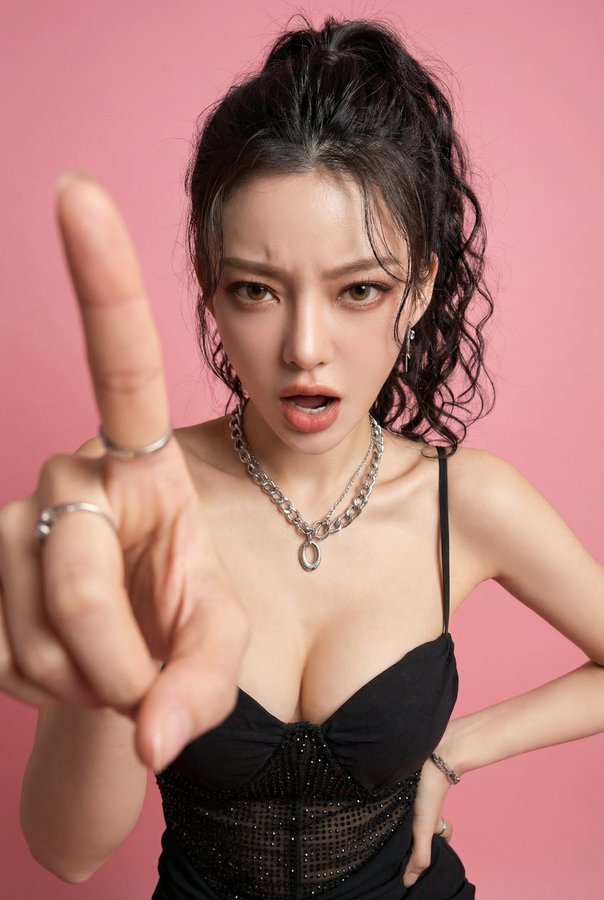
Photorealistic Edit: Hot-Tempered Girlfriend Pointing with Countdown

Photorealistic Edit with Strict Identity Reference

High-quality cute portrait photo of a young girl sitting in a cozy café, captured in a bright soft-flash lighting style.

Photorealistic Hong Kong Retro Portrait with Authentic 1990s Film Look
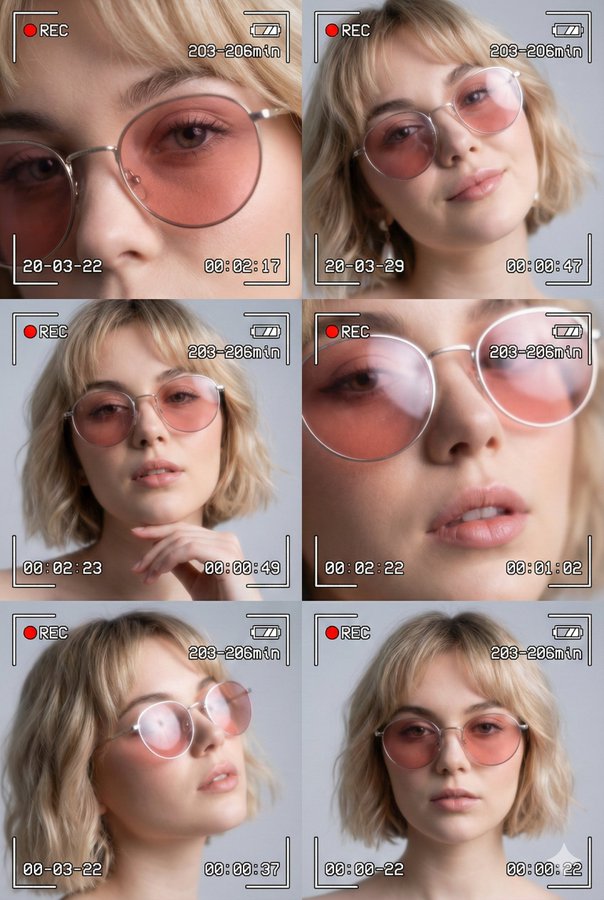
Cinematic Collage of Six Portraits of a Young Woman

Hyper-realistic 8K Surreal Winter Fantasy Portrait of a Young Ethereal Woman with a Majestic Deer in a Snowy Forest
Ferramentas Populares
Explore nossas ferramentas criativas mais populares
Z-Image Edit
Faça upload da imagem, transforme com uma frase
Experimente agora
Motor Criativo
Uma frase, a IA fornece criatividade infinita de comandos.
Experimente agora
Análise de Imagem
Faça upload da imagem, obtenha o comando instantaneamente.
Experimente agora
Z-Image LoRA
Combine vários modelos LoRA para criar obras de arte de IA exclusivas
Experimente agora
Z-Video
Generate creative videos from text or images with AI.
Experimente agora
Gerador de Imagens por IA
Transforme seu texto em imagens impressionantes instantaneamente.
Experimente agora
Biblioteca de Estilos
Explore estilos artísticos curados para suas criações.
Experimente agora
Remover fundo
Remova fundos de imagens instantaneamente com precisão de IA.
Experimente agora
Aumentador de imagem
Melhore a resolução da imagem para até 4K/8K.
Experimente agora
Reenquadre de imagem
Estenda imagens para qualquer proporção com outpainting.
Experimente agora