
프롬프트 라이브러리 / Transparent Studio Render Retexturing


Transparent Studio Render Retexturing
작성자:@egeberkina
101416
이미지-이미지
nano banana
nano banana pro
qwen image edit
retexture the image attached based on the JSON below:
{
"style_name": "Transparent Studio Render",
"visual_rules": {
"form": {
"shape": "preserve original object shape",
"outline": "no outlines, use smooth geometry transitions and bevels"
},
"lighting": {
"style": "studio-style 3-point lighting or soft HDRI setup",
"highlight": "subtle specular highlights for semi-matte plastic or coated surfaces",
"shadow": "soft drop shadow directly beneath the object, cast on a translucent floor plane"
},
"texture": {
"surface": "smooth or lightly textured based on object, clean shader setup with minimal noise",
"branding": "bold and high-contrast, treated as printed decals or sticker-style labels"
},
"material": {
"finish": "semi-matte or satin shader, mimicking printed plastic or coated materials"
},
"color_handling": {
"strategy": "make the object's primary color the focal point",
"enhancement": "slightly boosted saturation and contrast for clean product visualization"
},
"background": {
"type": "fully transparent (alpha channel)",
"shadow": "optional soft drop shadow directly beneath the object to ground it visually"
}
},
"rendering": {
"camera_angle": "centered front view or slightly elevated for dimensional clarity",
"depth_of_field": "neutral or slightly shallow to keep object fully sharp",
"background_blur": "none, background remains transparent"
}
}
설명
Retexture your image with z-image in Transparent Studio Render style, preserving original shape with smooth geometry transitions and bevels. Features studio 3-point lighting or soft HDRI setup, semi-matte plastic or coated surfaces, bold high-contrast branding, fully transparent background for clean product visualization.
태그
# high contrast
# retexture
# studio render
# transparent background
# product visualization
관련 프롬프트

Retexture Image Based on JSON

Retro Pixel UI Icon Retexturing

Holographic Rainbow Gradient Effect
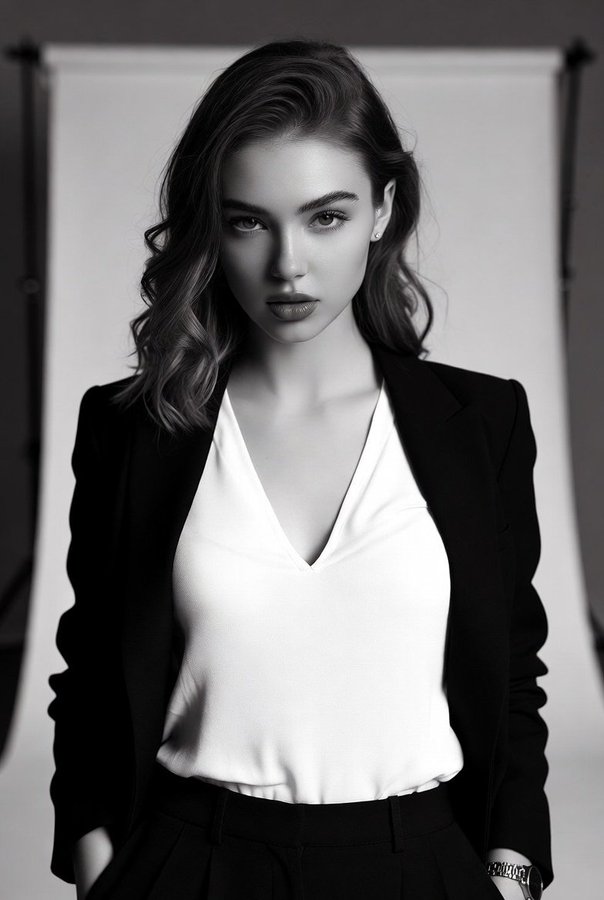
High-Contrast Black-and-White Fashion Portrait of a Stylish Young Woman

Full-body portrait with simulated mobile browser interface overlay

Character sheet sketch with multiple angles and expressive faces
인기 도구
가장 인기 있는 크리에이티브 도구 살펴보기
Z-Image 편집
이미지를 업로드하고 한 문장으로 변화를 주세요.
지금 시도하기
크리에이티브 엔진
한 문장으로 AI가 무한한 프롬프트 창의성을 제공합니다.
지금 시도하기
이미지 파싱
이미지를 업로드하고 즉시 프롬프트를 받으세요.
지금 시도하기
Z-Image LoRA
여러 LoRA 모델을 결합하여 고유한 AI 예술 작품을 만듭니다
지금 시도하기
Z-Video
Generate creative videos from text or images with AI.
지금 시도하기
AI 이미지 생성기
텍스트를 즉시 멋진 이미지로 변환하세요.
지금 시도하기
스타일 라이브러리
창작물을 위해 엄선된 예술적 스타일을 탐색하세요.
지금 시도하기
배경 제거
AI를 사용하여 배경을 즉시 제거하고 정밀한 누끼 작업을 수행합니다.
지금 시도하기
화질 개선
이미지를 4K/8K로 업스케일링하여 선명한 디테일을 복원합니다.
지금 시도하기
리프레임
AI 아웃페인팅 기술을 사용하여 이미지를 모든 비율로 확장합니다.
지금 시도하기
Camera Angle
Create a new view with continuous 3D camera control.
지금 시도하기
Image Layers
Split an image into editable transparent layers.
지금 시도하기
Image Parallax
Turn one image into interactive parallax animation.
지금 시도하기
이미지 ASCII 변환
브라우저에서 이미지를 사용자 지정 ASCII 아트로 변환하세요.
지금 시도하기
GIF ASCII 변환
움직이는 GIF를 다운로드 가능한 ASCII 애니메이션으로 변환하세요.
지금 시도하기
비디오를 ASCII로
MP4, WebM 또는 MOV 영상을 다운로드 가능한 ASCII 비디오로 변환합니다.
지금 시도하기
비디오 깊이 맵 변환
브라우저에서 비공개 깊이 맵 비디오를 로컬로 만드세요.
지금 시도하기