
프롬프트 라이브러리 / Realistic Winter Street Photo iPhone Style

Realistic Winter Street Photo iPhone Style
작성자:@harboriis
70000
텍스트-이미지
Nano banana pro
Generate a realistic street photo of a guy on your iPhone in the casual street photography style. Use the face from the uploaded photo as the only and precise appearance standard: preserve facial features, face and body proportions, age, hair color and length at a 1:1 ratio, without even 1% change. The guy is standing on a city street in winter, leaning his shoulder slightly against a black street lamp on the sidewalk. His pose is relaxed, one hand in his pocket, the other hanging loosely. In the background are an intersection, bare winter trees, tall buildings, and a few people in the distance; the asphalt is wet after snow, creating a cool city atmosphere. Clothing: an oversized dark olive hoodie without a hood, a voluminous beige-cream scarf partially covers his head and hangs down slightly; the fabric is wool, the fibers are visible. Light: natural winter daylight, soft shadows, cool white balance, no flash. Realism: ultra-realistic photo, natural skin texture, pores, subtle imperfections, realistic fabric textures (scarf wool, thick cotton hoodie), no neural network effects. Quality: photo from the iPhone's main camera, RAW iPhone look, slight digital noise, natural sharpness. Aspect ratio 3:4.
설명
Generate ultra-realistic winter street photos with z-image. Features a guy in a hoodie and scarf, iPhone camera style, cool city atmosphere, and natural textures.
태그
# Urban Scene
# Street Photography
# Winter Style
# iPhone Camera
# Realistic Portrait
관련 프롬프트

Street Summer Girl Melting Ice Cream Laugh

Neon Sweets-Monster Pop-Art Street Photography with a Cute Young Woman
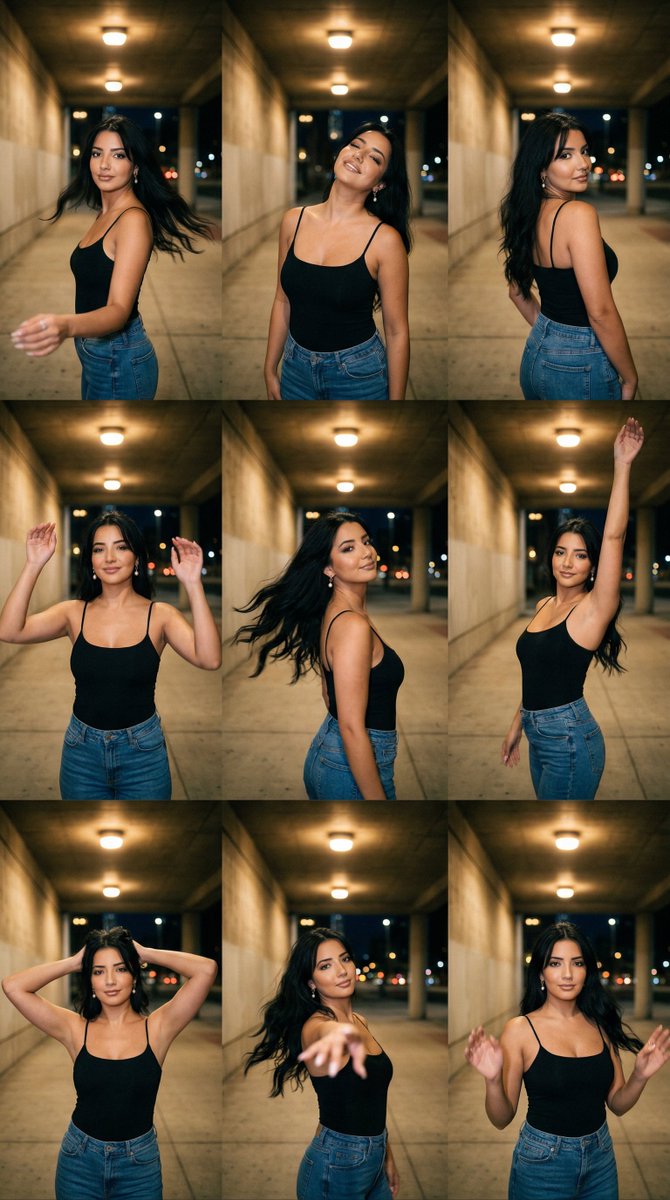
Night Underpass Motion Portrait Series
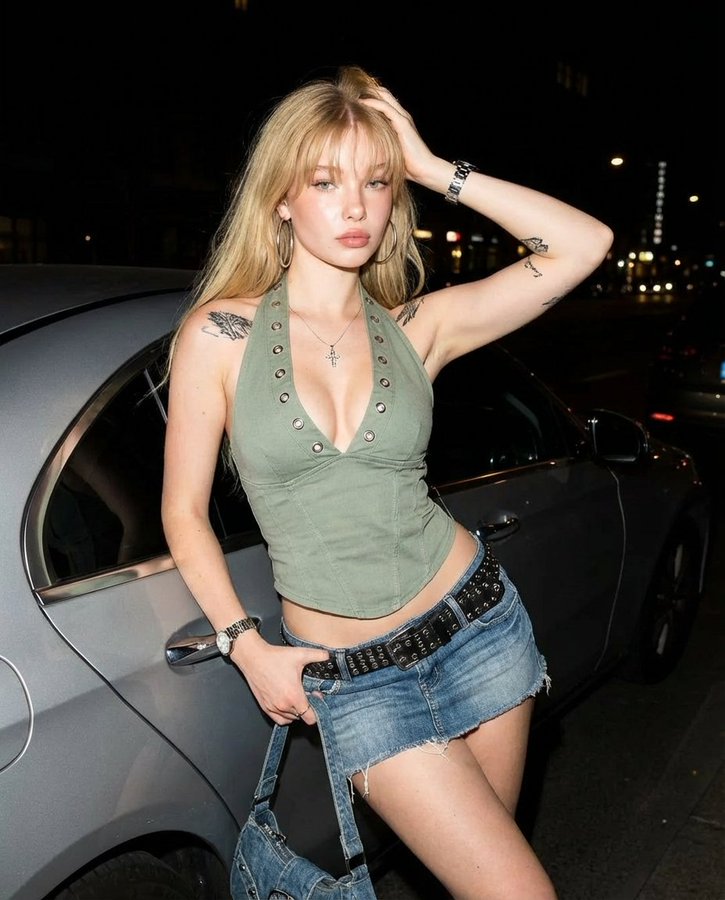
Nighttime Street Portrait of Blonde Woman against Silver Car
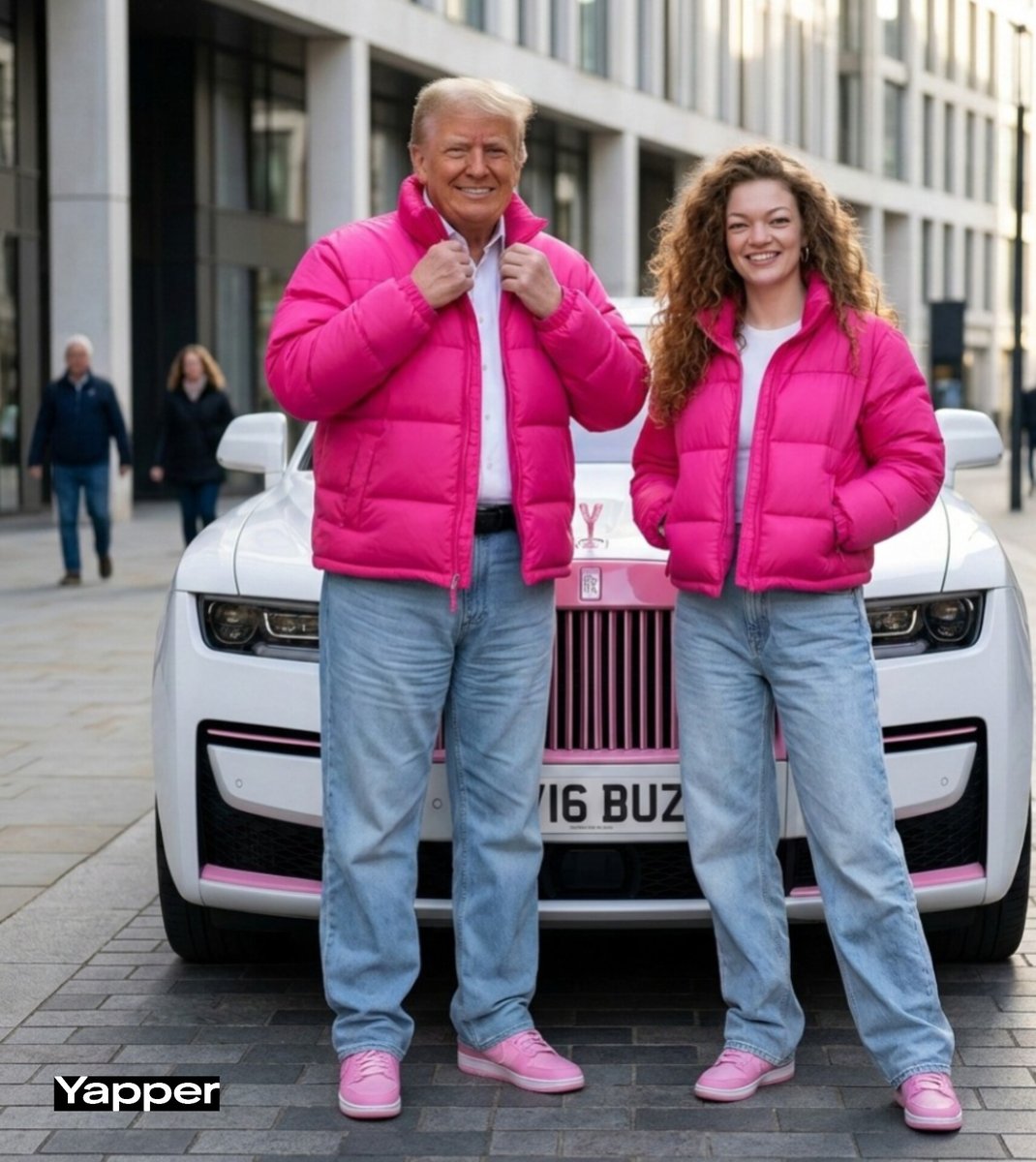
High-end Street Style Photoshoot
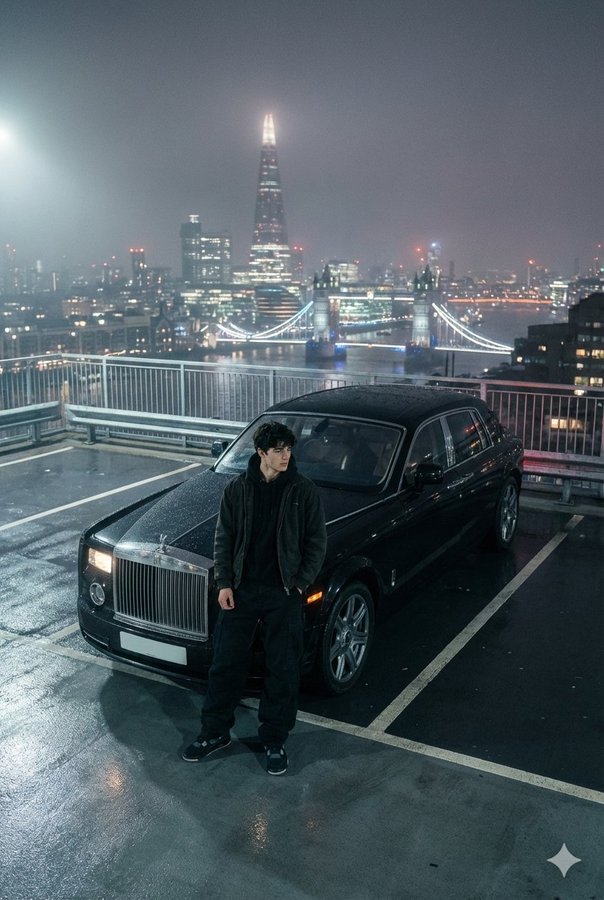
A Young Man In Baggy Black Pants And Jacket, Posed Before His Rolls-royce On A Rooftop Parking Lot With London Skyline At Night, Captured In A Moody, Foggy Aesthetic With Canon Eos R5
인기 도구
가장 인기 있는 크리에이티브 도구 살펴보기
Z-Image 편집
이미지를 업로드하고 한 문장으로 변화를 주세요.
지금 시도하기
크리에이티브 엔진
한 문장으로 AI가 무한한 프롬프트 창의성을 제공합니다.
지금 시도하기
이미지 파싱
이미지를 업로드하고 즉시 프롬프트를 받으세요.
지금 시도하기
Z-Image LoRA
여러 LoRA 모델을 결합하여 고유한 AI 예술 작품을 만듭니다
지금 시도하기
Z-Video
Generate creative videos from text or images with AI.
지금 시도하기
AI 이미지 생성기
텍스트를 즉시 멋진 이미지로 변환하세요.
지금 시도하기
스타일 라이브러리
창작물을 위해 엄선된 예술적 스타일을 탐색하세요.
지금 시도하기
배경 제거
AI를 사용하여 배경을 즉시 제거하고 정밀한 누끼 작업을 수행합니다.
지금 시도하기
화질 개선
이미지를 4K/8K로 업스케일링하여 선명한 디테일을 복원합니다.
지금 시도하기
리프레임
AI 아웃페인팅 기술을 사용하여 이미지를 모든 비율로 확장합니다.
지금 시도하기
Camera Angle
Create a new view with continuous 3D camera control.
지금 시도하기
Image Layers
Split an image into editable transparent layers.
지금 시도하기
Image Parallax
Turn one image into interactive parallax animation.
지금 시도하기
이미지 ASCII 변환
브라우저에서 이미지를 사용자 지정 ASCII 아트로 변환하세요.
지금 시도하기
GIF ASCII 변환
움직이는 GIF를 다운로드 가능한 ASCII 애니메이션으로 변환하세요.
지금 시도하기
비디오를 ASCII로
MP4, WebM 또는 MOV 영상을 다운로드 가능한 ASCII 비디오로 변환합니다.
지금 시도하기
비디오 깊이 맵 변환
브라우저에서 비공개 깊이 맵 비디오를 로컬로 만드세요.
지금 시도하기