
プロンプトライブラリ / Professional Jewelry Design Full Process Display

Professional Jewelry Design Full Process Display
作者:@yyyole
164212
テキストから画像へ
Nano banana pro
z-image-turbo
nano banana
nano banana pro
Professional {Jewelry Type} design full process display | {Main Material} commercial grade design process visualization, professional design system document style.【Main Material】:{Gold} (such as: tiger's eye, jade, South Red Agate)【Jewelry Type】:{Bangle} (such as: bracelet, pendant, ring, earring【Auxiliary Material Intelligent Configuration】:Automatically match according to the main material (metal accessories, beads, elastic lines, etc.) Professional jewelry design full process display | Complete design process from concept to product Project Information Block (upper left corner) Project Name: 「{Main Material} {Jewelry Type} Design Scheme」Designer's signature bar (muyang) Project number and date Brand Logo reservation position Gold decorative frame First Phase: Concept Design CONCEPT DESIGN Visual Presentation: Mood Board (Mood Board): {Main Material} raw stone photos, texture close-up, color extraction Hand-drawn sketches: 3-4 design schemes, pencil sketch style Cultural elements integration (such as tiger's eye → Eastern auspicious animal patterns) Proportion scale annotation, key size notes Annotation content: Design concept description (bilingual Chinese and English) Target customer positioning Budget range estimation Second Phase: Material Selection MATERIAL CURATION Main Material Display Area: {Main Material} raw ore to finished bead comparison 4-6 quality level display (AAAAA→A) Microscope texture close-up Color card comparison (Pantone color number annotation) Professional jewelry tray presentation Auxiliary Material Intelligent Matching Area: Metal accessories: according to the main material tonality choose warm color series main material (tiger's eye, South Red) → 18K rose gold/copper Cold color series main material (lapis lazuli, aquamarine) → 925 silver/platinum Neutral main material (obsidian, agate) → stainless steel/titanium steel Bead/Matching Bead: Size ratio coordination (1/3-1/2 of the diameter of the main bead) Material comparison (such as tiger's eye with mother of pearl/cocobolo) Quantity ratio suggestion Winding material: bracelet → elastic line (weight specification) Necklace → stainless steel wire/K gold chain Transparent display box divided into cells Placement Lighting: top soft light + side warm light, highlighting material luster Third Phase: Engineering Drawing TECHNICAL DRAWING CAD professional drafting: three views (front view/side view/top view), accurate to 0.1mm Sectional view showing internal structure (such as bead perforation position) Dimension annotation line (arrow + number) Bead arrangement sequence illustration Knotting process node detailed diagram Blueprint background + white line frame, architectural drawing style Parameter table: | Part | Size | Quantity | Material | | {Main Material} main bead | Ø{X}mm | {N} pieces | Natural {Main Material} | | Bead | Ø{Y}mm | {M} pieces | Auxiliary Material | | Accessory | - | 1 set | Metal Material | Fourth Phase: Prototyping PROTOTYPING Production Process: Bead matching: craftsmen use calipers to measure, color difference comparison Polishing: grinding wheel machine/hand polishing table穿孔检查:Professional lighting透视孔洞穿孔检查:Professional lighting透视孔洞 试戴调整:Wrist/neck model display, circumference adjustment Detail close-up: metal buckle installation process, macro photography Environment setting: Traditional workbench (wooden/marble surface) Professional jewelry tool layout (tweezers, magnifying glass, measuring tools) Warm color work light lighting Craftsmen's hand close-up (showing craftsmanship) Fifth Phase: Quality Control QUALITY CONTROL Inspection scene: Detection of {Main Material} authenticity under ultraviolet light Precise weighing (weight display) Caliper size check Tensile test of elastic line strength Inspection report form close-up (certificate number, detection data) Split-screen display: Left: Inspection equipment operation Right: Enlarged display of detection results Bottom: Qualified seal/quality inspection signature Color tone: Cold color tone science and technology, white laboratory environment Sixth Phase: Packaging Presentation PACKAGING Packaging system display: Inner packaging: custom velvet bag/box, brand hot stamping Logo Outer packaging: Art gift box, {Main Material} texture printing Accessories: Material certificate card Maintenance instructions (illustrated) Brand story card Wiping cloth/Seal bag Composition: Explosion map style unfold, layer by layer progress Seventh Phase: Final Showcase FINAL SHOWCASE Group A - Product Photography: Pure white background floating shooting, 360° full angle Close-up lens: {Main Material} cat's eye effect/crystal texture Metal accessories reflective details Size reference (coin/ruler) Professional studio four-point lighting Group B - Scene Application: Real person wrist/neck wearing Lifestyle scenes (coffee table, desk, outdoor) Different light environment (natural light/night scene lighting) Dynamic display (hand movement forming light trail) Group C - Detail Enlargement: 100x macro: {Main Material} internal structure Metal interface process close-up Knotting weaving texture Brand embossing detail Overall visual specification Layout architecture Horizontal time axis: 7 stages evenly distributed, 21:9 movie ratio Process arrow: three-dimensional metal texture, gradient luminous effect Information level: First-level title: Bold Chinese + fine English, gold Second-level title: Bold, 12-point Text annotation: Songti/Siyuan Heiti, 9-point Color system Background tone: #F8F6F0 Ivory white Main material color: According to the natural color of {Main Material} extraction (tiger's eye → amber gold brown) Metal color: K gold #D4AF37 Silver #C0C0C0 Rose gold #B76E79 Emphasized color: Dark brown #3E2723 (text/frame) Photography standard Resolution: Minimum 4K (3840×2160) Depth of field: F8-F11 to maintain clarity at each stage Color temperature: 5500K standard daylight Format: RAW original image post-processing, retain the maximum detail
説明
A comprehensive display of the full process of professional jewelry design, from concept to product, showing every detail of jewelry design.
タグ
# jewelry design
# full process display
# professional design
関連プロンプト
![Expert Architectural Illustrator's Presentation Board for [STYLE] Residence Featuring [KEY ARCHITECTURAL ELEMENTS]](https://cdn.z-image.me/prompts/opennana1766576327979-1857.webp)
Expert Architectural Illustrator's Presentation Board for [STYLE] Residence Featuring [KEY ARCHITECTURAL ELEMENTS]
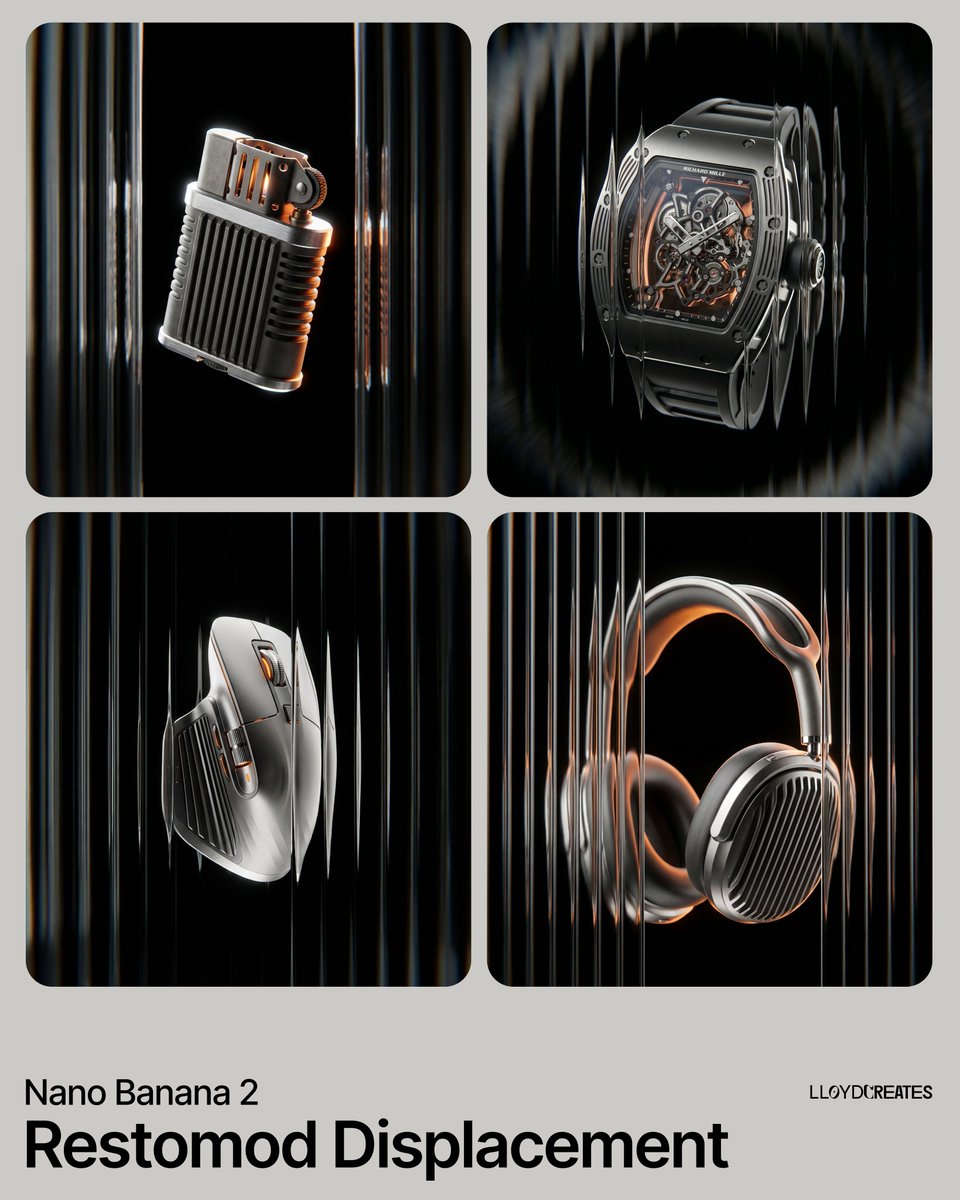
Product Levitation Display Design
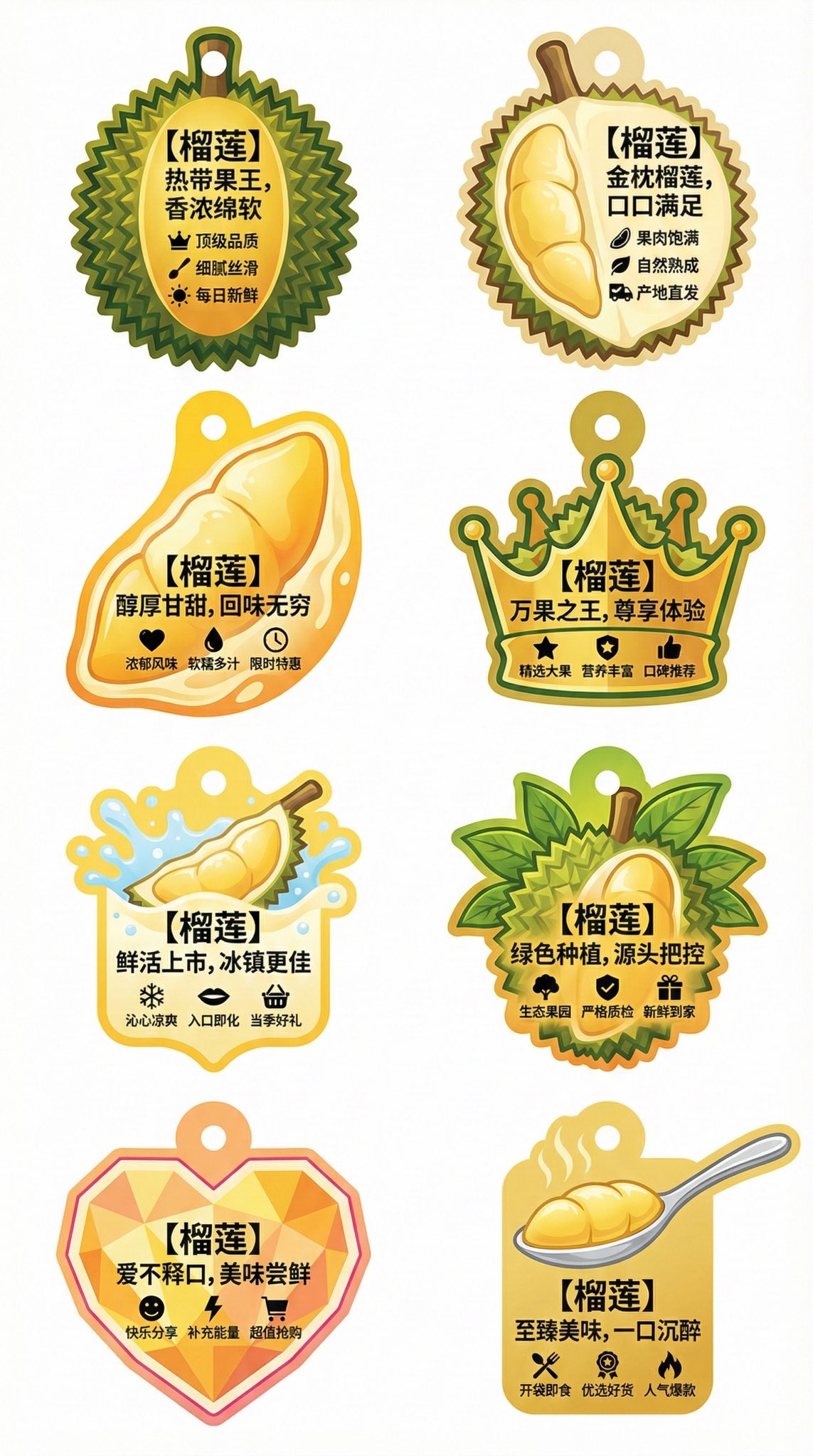
Creative Irregular-Shaped Advertising Tag Flat Design Collection for Durian

Minimalist Art Style Asparagus Encyclopedia Information Card
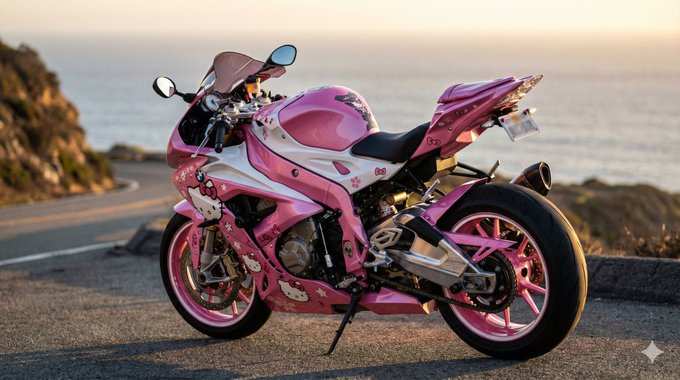
Ultra High-Definition Professional Motorcycle Helmet Paint Photography

Brand Packaging Design Display Image
人気ツール
最も人気のあるクリエイティブツールを探索
Z-Image 編集
画像をアップロードし、一文で変化させます。
今すぐ試す
クリエイティブエンジン
一言で、AIが無限のプロンプトの創造性を提供します。
今すぐ試す
画像解析
画像をアップロードして、すぐにプロンプトを取得。
今すぐ試す
Z-Image LoRA
複数のLoRAモデルを組み合わせて、独自のAIアートワークを作成します
今すぐ試す
Z-Video
Generate creative videos from text or images with AI.
今すぐ試す
AI画像生成
テキストを即座に素晴らしい画像に変換します。
今すぐ試す
スタイルライブラリ
あなたの作品のために厳選されたアーティスティックスタイルを探索しましょう。
今すぐ試す
背景削除
AIで背景を瞬時に削除し、高精度な切り抜きを実現。
今すぐ試す
画質向上
画像を4K/8Kにアップスケールし、細部を鮮明に復元。
今すぐ試す
リフレーム
AIアウトペインティングであらゆる比率に背景を拡張。
今すぐ試す
Camera Angle
Create a new view with continuous 3D camera control.
今すぐ試す
Image Layers
Split an image into editable transparent layers.
今すぐ試す
Image Parallax
Turn one image into interactive parallax animation.
今すぐ試す
画像をASCIIに変換
ブラウザー内で画像をカスタマイズ可能なASCIIアートに変換します。
今すぐ試す
GIFをASCIIに変換
アニメーションGIFをダウンロード可能なASCIIアニメに変換します。
今すぐ試す
動画を ASCII に
MP4、WebM、MOV 動画をダウンロード可能な ASCII 動画に変換します。
今すぐ試す
動画を深度マップに変換
ブラウザ内でプライベートな深度動画をローカル生成します。
今すぐ試す