
プロンプトライブラリ / Full-body portrait with simulated mobile browser interface overlay

Full-body portrait with simulated mobile browser interface overlay
作者:@Arminn_Ai
188430
テキストから画像へ
Nano banana pro
z-image-turbo
nano banana
nano banana pro
Subject Reference: A full-body portrait of [INSERT SUBJECT NAME].
Scene Description: A full-body, centered portrait of the subject [INSERT POSE DESCRIPTION]. The subject has [INSERT EXPRESSION], staring directly at the camera. The immediate background behind the subject is a [INSERT BACKGROUND TYPE, e.g., seamless, pure high-key white studio backdrop]. Crucially, the subject is lit with volumetric studio lighting that creates deep definitions, realistic shadows, and a strong 3D quality on her body and the folds of the outfit, distinguishing her sharply from the flat background without casting shadows on the floor.
CRITICAL DETAIL (UI Layer): The entire photographic image is digitally layered beneath a simulated mobile phone browser interface overlay. Four distinct, clean, white, rectangular browser window elements are stacked vertically and angled slightly, segmenting the subject. Each window bar contains the sharp text '[INSERT LINK OR TEXT HERE]'. The area outside the active white browser windows is a solid, uniform, dark charcoal gray/black matte UI frame, with absolutely no light bleed or color gradients.
Style: Hybrid Composition: A highly realistic, three-dimensional studio photograph with deep color depth, overlaid with flat, clean digital graphics. Lighting Quality: Specific volumetric studio lighting focused ONLY on the subject. Soft, directional light from slightly off-center to sculpt the body and the rich texture of the fabric, creating depth. The background must remain completely flat.
Color Palette: High contrast. [INSERT OUTFIT COLOR] outfit against [INSERT BACKGROUND COLOR] backdrop, framed by the dark matte gray UI.
Texture and Mood: Realistic skin and rich fabric texture contrasting with the smooth digital elements of the UI. Intentional inclusion of subtle digital noise/grain to mimic a screen capture. Full body, centered portrait. Ensure the head and feet are fully within the frame before segmentation. Angle: Straight eye-level view, perpendicular to the subject.
Framing Elements: Four overlapping, white browser windows/tabs. The pose is elegant and fluid. The bottom interface elements (e.g., 'Private', 'Done') must be clean and visible. Focal Length: Standard portrait lens (approx. 50mm equivalent) for realistic proportions.
Camera Type: Simulated high-quality smartphone screen capture of a professional photo. Depth of Field: Shallow enough to focus sharply on the subject, allowing the background to be soft. Post Processing: Clean digital segmentation. Contrast adjusted to enhance depth.
Avoid Keywords: Floor shadows, flat lighting, 2D look, inconsistent UI color, bleeding colors, HDR, oversharpened. Location: Simulated E-commerce studio ([INSERT BACKGROUND TYPE]).
説明
This is a carefully designed image by z-image, combining a full-body portrait with a simulated mobile browser interface to create a unique visual effect. The subject is illuminated by volumetric studio lighting, appearing three-dimensional and realistic, while the flat digital elements provide a modern feel. The overall presentation offers high contrast and depth.
タグ
# high contrast
# full-body portrait
# simulated interface
# digital composite
# e-commerce
関連プロンプト
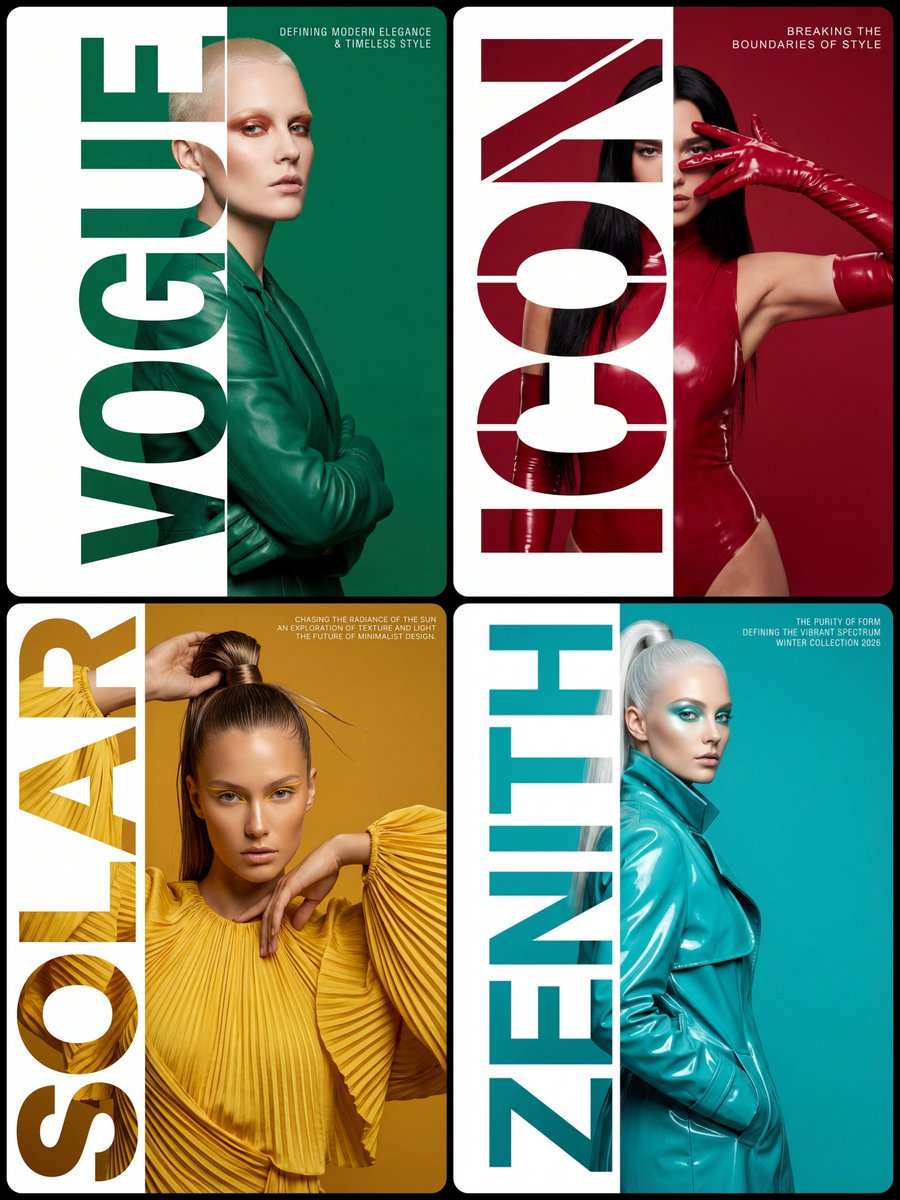
High-Fashion Editorial Typography Poster Design

Modern Digital Anime Style Transformation
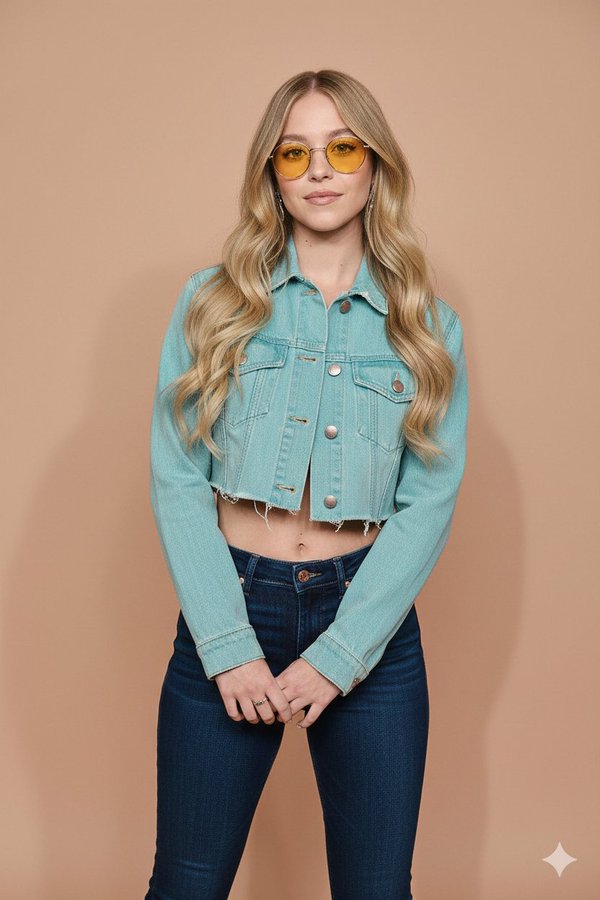
Ultra-Realistic Full-Body Fashion Studio Portrait

Holographic Rainbow Gradient Effect
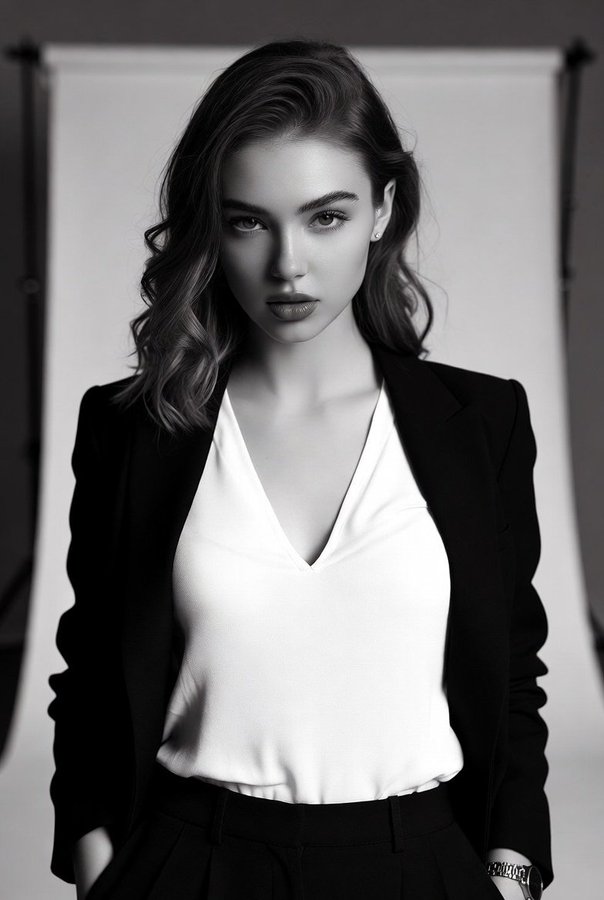
High-Contrast Black-and-White Fashion Portrait of a Stylish Young Woman

Character sheet sketch with multiple angles and expressive faces
人気ツール
最も人気のあるクリエイティブツールを探索
Z-Image 編集
画像をアップロードし、一文で変化させます。
今すぐ試す
クリエイティブエンジン
一言で、AIが無限のプロンプトの創造性を提供します。
今すぐ試す
画像解析
画像をアップロードして、すぐにプロンプトを取得。
今すぐ試す
Z-Image LoRA
複数のLoRAモデルを組み合わせて、独自のAIアートワークを作成します
今すぐ試す
Z-Video
Generate creative videos from text or images with AI.
今すぐ試す
AI画像生成
テキストを即座に素晴らしい画像に変換します。
今すぐ試す
スタイルライブラリ
あなたの作品のために厳選されたアーティスティックスタイルを探索しましょう。
今すぐ試す
背景削除
AIで背景を瞬時に削除し、高精度な切り抜きを実現。
今すぐ試す
画質向上
画像を4K/8Kにアップスケールし、細部を鮮明に復元。
今すぐ試す
リフレーム
AIアウトペインティングであらゆる比率に背景を拡張。
今すぐ試す
Camera Angle
Create a new view with continuous 3D camera control.
今すぐ試す
Image Layers
Split an image into editable transparent layers.
今すぐ試す
Image Parallax
Turn one image into interactive parallax animation.
今すぐ試す
画像をASCIIに変換
ブラウザー内で画像をカスタマイズ可能なASCIIアートに変換します。
今すぐ試す
GIFをASCIIに変換
アニメーションGIFをダウンロード可能なASCIIアニメに変換します。
今すぐ試す
動画を ASCII に
MP4、WebM、MOV 動画をダウンロード可能な ASCII 動画に変換します。
今すぐ試す
動画を深度マップに変換
ブラウザ内でプライベートな深度動画をローカル生成します。
今すぐ試す